To migrate from the WhatsApp Business app to the API, you either delete the WhatsApp account on your number and register it on the Cloud API (you lose chat history), or use Meta's coexistence option to keep the app running alongside the API on the same number. Either way you gain automation, templates and a shared team inbox, and you start paying Meta per template message.
I talk to merchants at this exact point a lot. They've outgrown one phone, the team is passing it around, and order messages are copied and pasted by hand. The move is worth it. But go in knowing what changes.
Why move from the WhatsApp Business app to the API?
The WhatsApp Business app is built for one person chatting by hand. The signs you've outgrown it:
More than one person needs to answer, and you're sharing a phone or a linked laptop
You're copying order numbers and tracking links into messages manually
You want COD confirmation, cart reminders or shipping updates to send themselves
You want campaigns to opted-in segments, not broadcast lists capped by contacts who saved your number
You need to know who replied to which customer, and when
New stores, or stores happy to announce a new number
Stores whose history doesn't matter much
Stores with years of customer chats on one number
Option 1: a fresh number
The simplest path. Get a new number that's never been on WhatsApp, connect it through Embedded Signup, and announce it: website, packaging, email signature, order confirmation emails. Keep the old app number running for a few weeks with an away message pointing to the new one.
Option 2: delete and re-register
Meta's phone number docs say a number already in use with WhatsApp can't be registered on the API until it's deleted. Deleting is not the same as uninstalling the app. You delete the account from inside the app on your primary phone.
What WhatsApp's help article on deleting your account says you lose: your message history, your group memberships and your backups. It can't be undone. Customers keep their copies of past chats, but you won't have yours.
Before you delete:
Export the chats you care about. Use the app's export chat option for key customers or wholesale contacts.
Save your quick replies, labels and catalog details somewhere. They won't come across.
Tell customers there may be a short gap.
Have the phone handy for the verification code during Embedded Signup.
Option 3: coexistence
Coexistence is Meta's option for keeping a WhatsApp Business app number in the app while also connecting it to the Cloud API through a partner. Meta's coexistence documentation describes what happens:
History. If you agree to share it, one-to-one chats from the most recent 6 months can sync. Media syncs only for messages from the 14 days before onboarding. Group chats don't sync.
Mirroring. One-to-one messages are mirrored between the app and the API, so messages you send from the app show up in your partner's inbox.
App features that change. Broadcast lists become read-only and you can't create new ones. Disappearing messages, view-once and live location are turned off for one-to-one chats.
Linked devices. Onboarding unlinks companion devices; you can re-link supported ones, but WhatsApp for Windows and WearOS aren't supported.
Requirements. WhatsApp Business app version 2.24.17 or later, and you should keep the app open while history syncs. If the main phone is inactive for around 14 days it can be disconnected.
Cost. Meta says messages sent from the Business app stay free and aren't subject to the customer service window. Messages sent through the Cloud API follow Cloud API pricing.
Throughput. Coexistence numbers have a fixed throughput of 20 messages per second, which is plenty for most stores but worth knowing for very large campaigns.
Coexistence depends on your provider supporting that onboarding flow, so ask before you connect. If keeping your existing number and its history matters to you, contact us and we'll tell you what's possible for your account.
What changes once you're on the API?
Templates and the 24-hour window
On the app, you can message anyone who has your number saved, whenever. On the API, there are rules: outside a 24-hour customer service window opened by the customer, you can only send Meta-approved templates. Inside it, you reply freely. This is the biggest mindset shift. The 24-hour window, explained.
Opt-in matters more
You need opt-in before business-initiated messages on any WhatsApp product, but on the API it's enforced through quality ratings and limits. Don't import your app contact list and broadcast to it. How to collect WhatsApp opt-ins on Shopify.
You start paying Meta
The Business app is free. On the API, as of November 2026, Meta charges per delivered template message by category and country, and service replies are free up to 1,000 per number per month before they're charged too. WhatsApp Business API pricing explained.
Messaging limits
A new business portfolio can message 250 unique customers outside service windows per 24 hours at first. Verifying your business is one way to lift that to 2,000, and it scales from there with good quality.
Team access
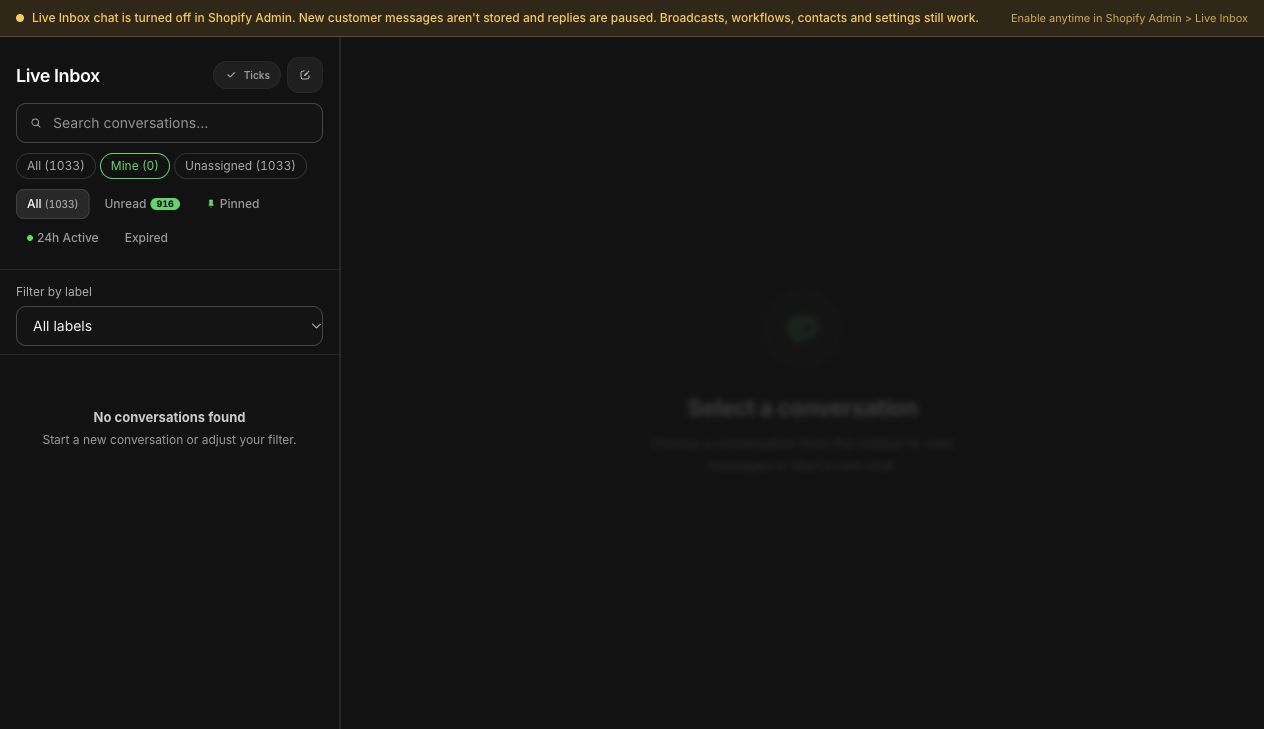
This is the big win. Instead of one phone, your whole team works from a shared inbox with assignment and filters, so every chat has an owner. In WhatFlow there are no seat fees, so adding your fifth or fiftieth agent doesn't change the bill. Shared WhatsApp inbox vs personal staff phones.
WhatFlow inbox assignment filters in a demo store.
What do you gain and what do you lose?
You gain:
Automated order, shipping and COD messages triggered by Shopify
Template campaigns to opted-in segments
A shared team inbox with assignment, filters and saved replies
Shopify Flow triggers and actions for custom workflows
A route to Official Business Account status (the blue checkmark)
Room to grow: messaging limits scale up to unlimited with good quality
You lose (or change):
Free messaging. Templates cost money per delivery.
The freedom to message anyone anytime. Templates and the 24-hour window apply.
Chat history, unless you use coexistence or start on a fresh number.
Some app features (broadcast lists, status updates, groups) if you leave the app entirely.
A migration checklist for Shopify stores
Decide your number route: fresh, delete-and-register, or coexistence.
Export chats you need to keep.
Set up or tidy your Meta business portfolio, and start business verification.
Install your Shopify WhatsApp app and connect through Embedded Signup. With WhatFlow, that's from Shopify admin.
Set your display name to your real brand name.
Recreate quick replies as saved replies in the new inbox.
Submit your first templates: order confirmation, shipping update, COD confirmation.
Add a chat button to your store pointing at the number.
Announce the change if the number changed.
Turn on one automation at a time and test with a real order.
If you're coming from WhatFlow Chat Automation (our linked-device app) rather than the WhatsApp Business app, the same logic applies. Here's how the two WhatFlow apps compare.
I'd evaluate WhatFlow Business API across a whole sales journey: run a Shopify WhatsApp campaign, work the replies in the shared inbox, then share the right product and link to checkout. Those jobs sit alongside recovery and order notifications. If you only test the first order message, you miss much of what the app replaces.
Free plan available
Run WhatsApp for your Shopify store with WhatFlow
Templates, COD confirmation, Shopify Flow automations and a shared team inbox with no seat fees. Every feature is included on every plan, including Free.
If you're a one-person shop doing a handful of chats a day, the Business app is fine and you can wait. The moment a second person needs to answer, or you're copying order details into messages by hand, the API pays for itself in time saved. WhatFlow WhatsApp Business API runs on Meta's official Cloud API, includes every feature on every plan including Free, and has no seat fees, so it fits the store you are now and the bigger team you're building.
Frequently asked questions
Can I move my WhatsApp Business app number to the API?
Yes. Either delete the WhatsApp account on that number and register it on the API, or use coexistence, which keeps the number in the Business app while also connecting it to the Cloud API through a partner that supports it.
Will I lose my WhatsApp chat history if I migrate to the API?
If you delete the app account to register the number on the API, yes: WhatsApp says deleting an account erases your message history. With coexistence, Meta can sync up to the last 6 months of one-to-one chats if you agree to share them.
Can I use the WhatsApp Business app and API on the same number?
Yes, through Meta's coexistence option. Some app features change: broadcast lists become read-only, and disappearing messages, view-once and live location are turned off for one-to-one chats.
Do I need a new number for the WhatsApp Business API?
No, but a fresh dedicated number is the cleanest option if you don't want to delete your existing account or rely on coexistence. Customers will need to learn the new number, so announce it.