
A WhatsApp inbox earns its place when two people can handle the same store without making the customer repeat themselves. In WhatFlow Team Inbox, an agent can find chats that need a reply, take ownership, check a matching Shopify order and leave a note for a teammate. The Inbox is part of WhatFlow Business API and doesn’t charge per agent seat.
Take a typical Monday morning. A shopper writes, “My parcel was supposed to arrive yesterday.” Two agents are online. One checks delivery questions and the other handles product advice. Here’s how I’d work that chat.
Claim the right conversation
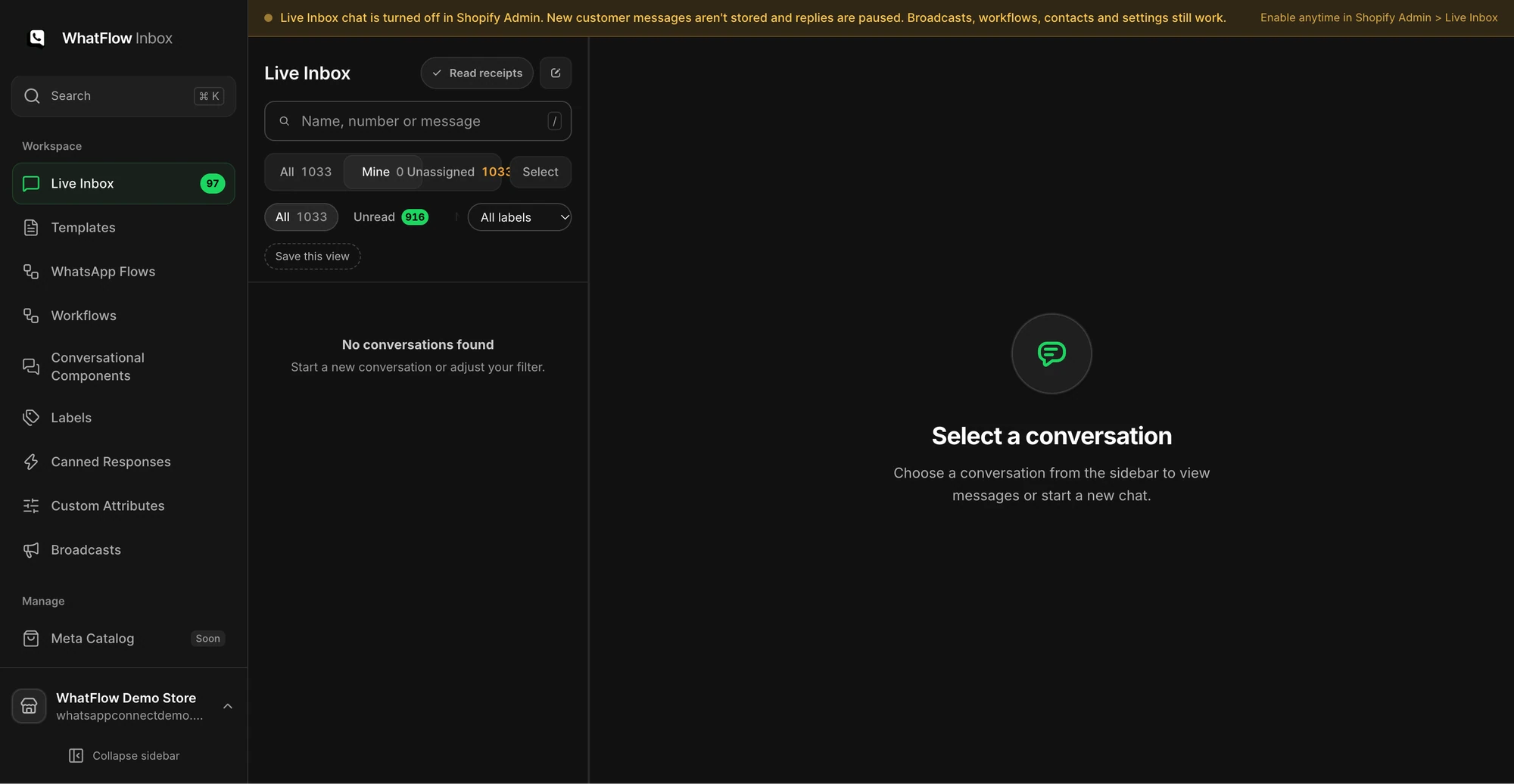
Start with Needs reply to see open chats where the customer wrote last. Use Closing soon when you need to answer while the customer service window is still open. Use Unassigned to find threads without an owner and Mine to check the conversations you’ve claimed. A teammate typing warning gives you another cue to pause before sending a duplicate reply.
Don’t confuse unread with unanswered. An agent may have opened the chat to look up an order and still owe the customer an answer. Make ownership explicit so the next shift knows who is following up.
Check the Shopify order before answering
Open the conversation profile and look at Shopify orders. When the contact’s WhatsApp phone matches the number on a Shopify customer record, the inbox can show order details such as the date, total, payment or fulfillment status, and tracking where Shopify has it.
A matching record saves a lookup. It doesn’t prove which parcel the shopper means. If the customer has more than one order, confirm the relevant order number. If tracking is missing, say what you know and give a follow-up time rather than inventing a delivery date.
Hi Sam, I’ve found order #1048. The carrier hasn’t posted a new scan yet. I’ll check with dispatch and update you here by 3 pm.
That’s a sample reply, not a real order. The key detail is the next action and who owns it.
Use saved replies without sounding scripted
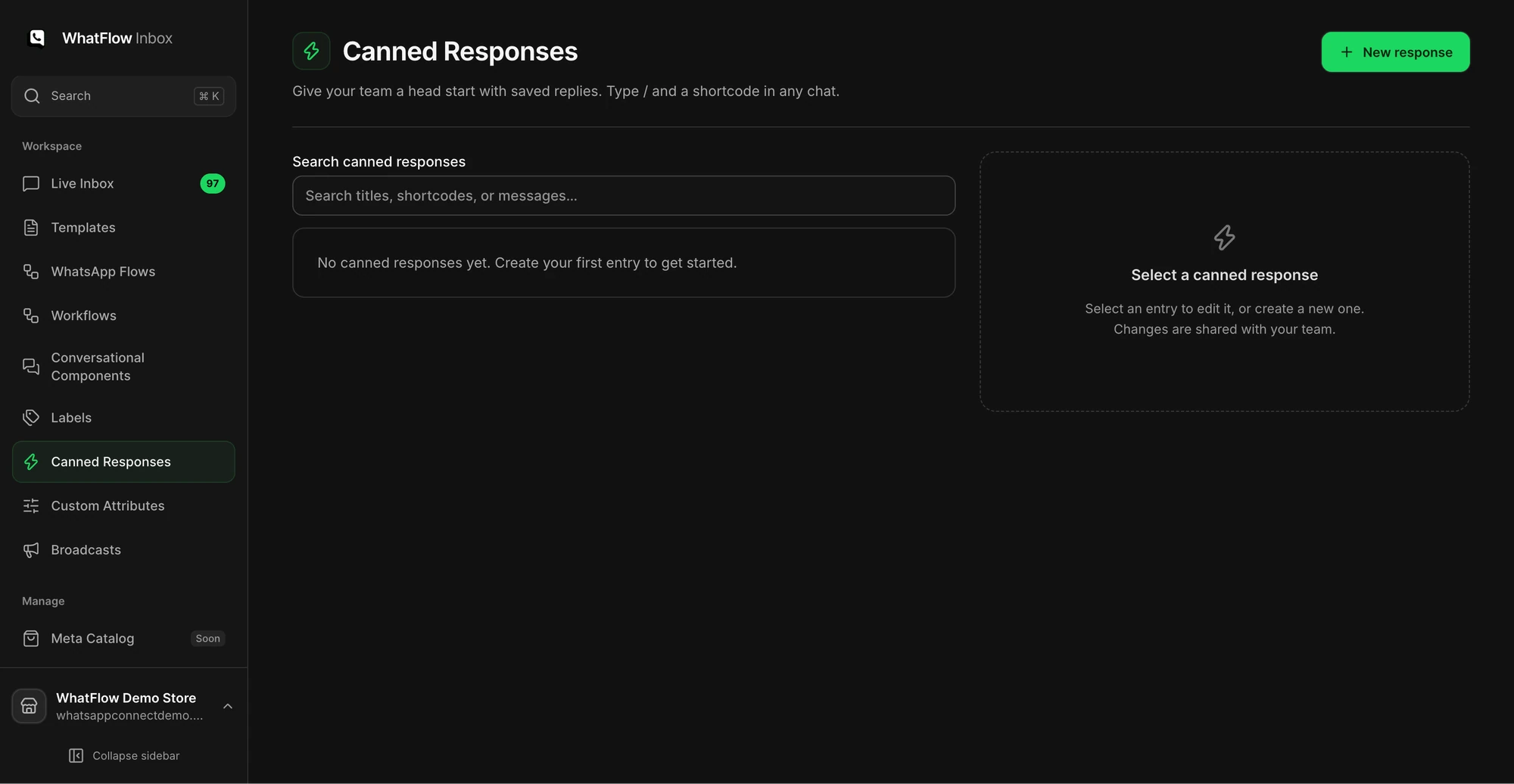
Add a short saved reply for common tracking questions, then edit the facts before sending. WhatFlow can insert customer or agent details into canned responses. It also saves drafts per conversation and can hold a text reply briefly for Undo Send. That hold is before delivery; it won’t recall a WhatsApp message the customer already received.