
If your team tracks customer issues in another system, a WhatFlow webhook can tell that system what happened in WhatsApp. Start with one event and one destination. An assignment event that updates an internal queue is easier to test than copying every message and status into another tool.
For example, when a WhatsApp conversation is assigned to the shipping team, you could record the handoff in an internal dashboard. Keep the event narrow: the dashboard may need the conversation reference, but it probably doesn’t need the customer’s entire message history.
Pick the event that answers your question
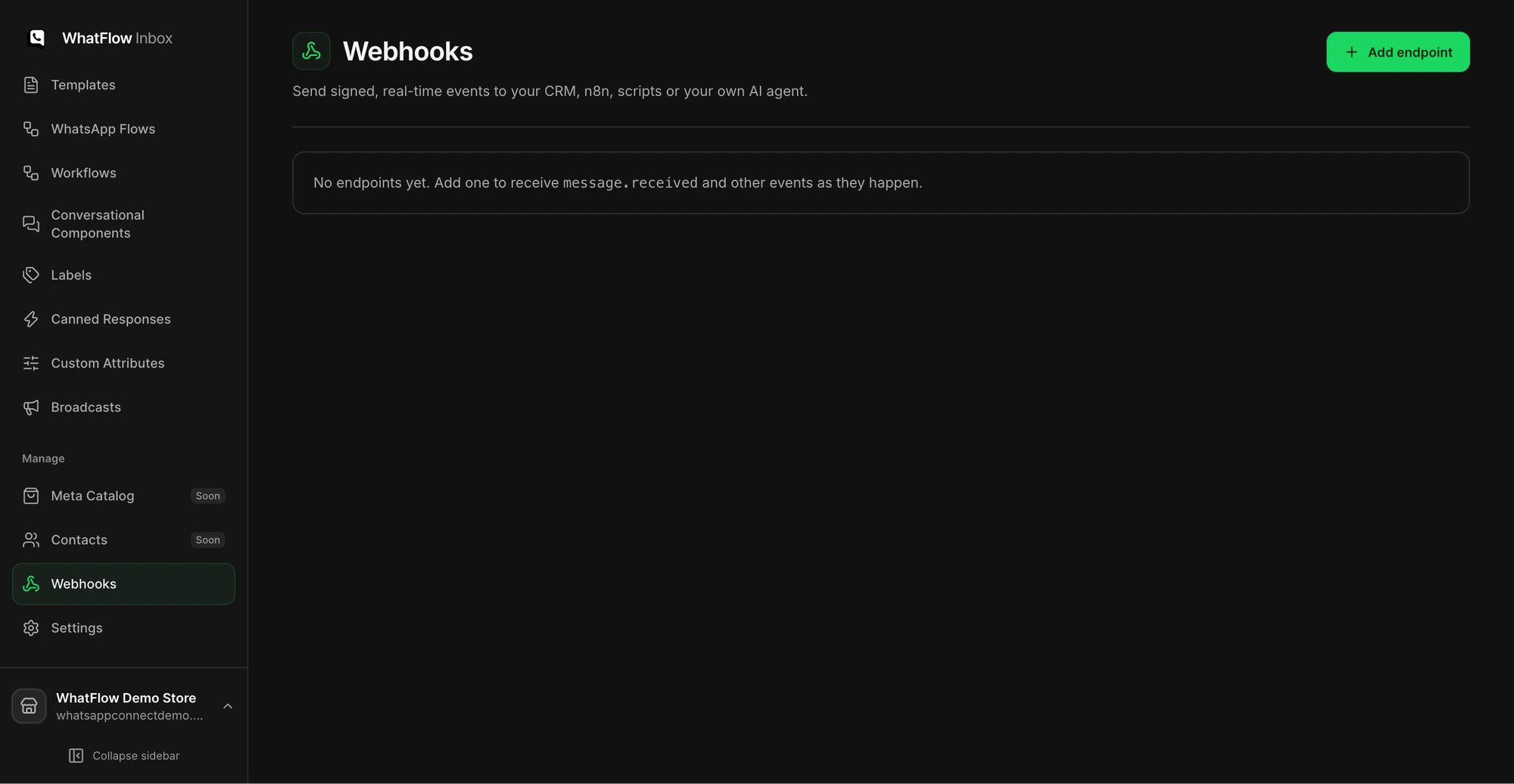
Open Webhooks in WhatFlow Team Inbox and add an endpoint you control. Choose the event types the receiver actually needs. WhatFlow’s event options include received and sent messages, status changes, interactive replies, conversation assignment and labels, and workflow outcomes.
Use the assignment event for ownership reporting. Use message status for delivery reporting. They tell you different things, and subscribing to every status event can create a lot of noise.
Verify the request before you act on it
Use the signing instructions and headers shown in the WhatFlow webhook setup. The signature is based on the timestamp and the raw request body. Verify it before parsing and acting on the payload; reserializing the JSON first can change the bytes. Keep the secret on the receiving server and reject invalid signatures. Apply an appropriate timestamp tolerance and design the receiver so a repeated delivery does not repeat the business action.
For the shipping example, create or update a single handoff record for the same event instead of adding another ticket every time a request arrives. Avoid storing more customer data than the dashboard needs.
Test delivery and practice one failure
Send a test from the webhook screen. Verify the receiver accepts the signature, returns a successful response, and records the expected result. Then check a controlled failure on your test endpoint and use the delivery log to distinguish an unreachable endpoint from a non-success response.
WhatFlow shows recent attempts and retry status. Fix the receiver before manually retrying an event, and check that replay doesn’t create a duplicate record. When it works, add one additional event only if it supports a real workflow. For the agent side of this example, see .