
A customer service SOP for a Shopify store is a short written playbook that tells anyone answering customers what to do for each common request, what they're allowed to decide on their own, and who takes over when they can't. Write it around your real top ten questions, attach a reply template to each, set refund limits, and name one owner per area.
You don't need a 60-page manual. You need something a new hire can read on day one and use on day two. Here's the structure I'd use, with sample procedures you can adapt.
Why write a support playbook at all?
Because right now the playbook is in your head. That works until you take a week off, hire someone, or get a Black Friday spike and three people start answering the same WhatsApp number in three different ways. The symptoms are familiar: one person offers a full refund, another says "store credit only", and the customer screenshots both.
A written customer service SOP fixes three things:
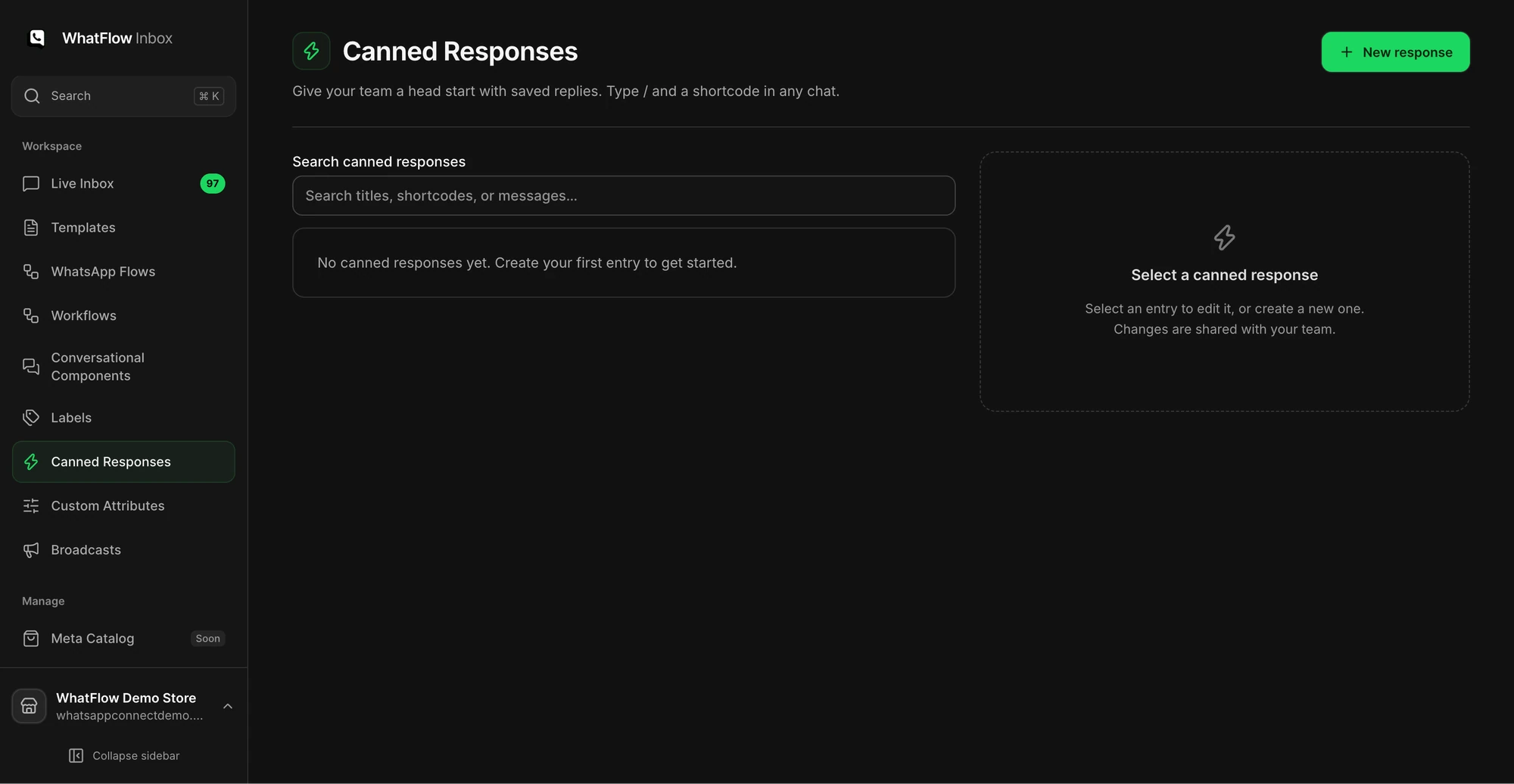
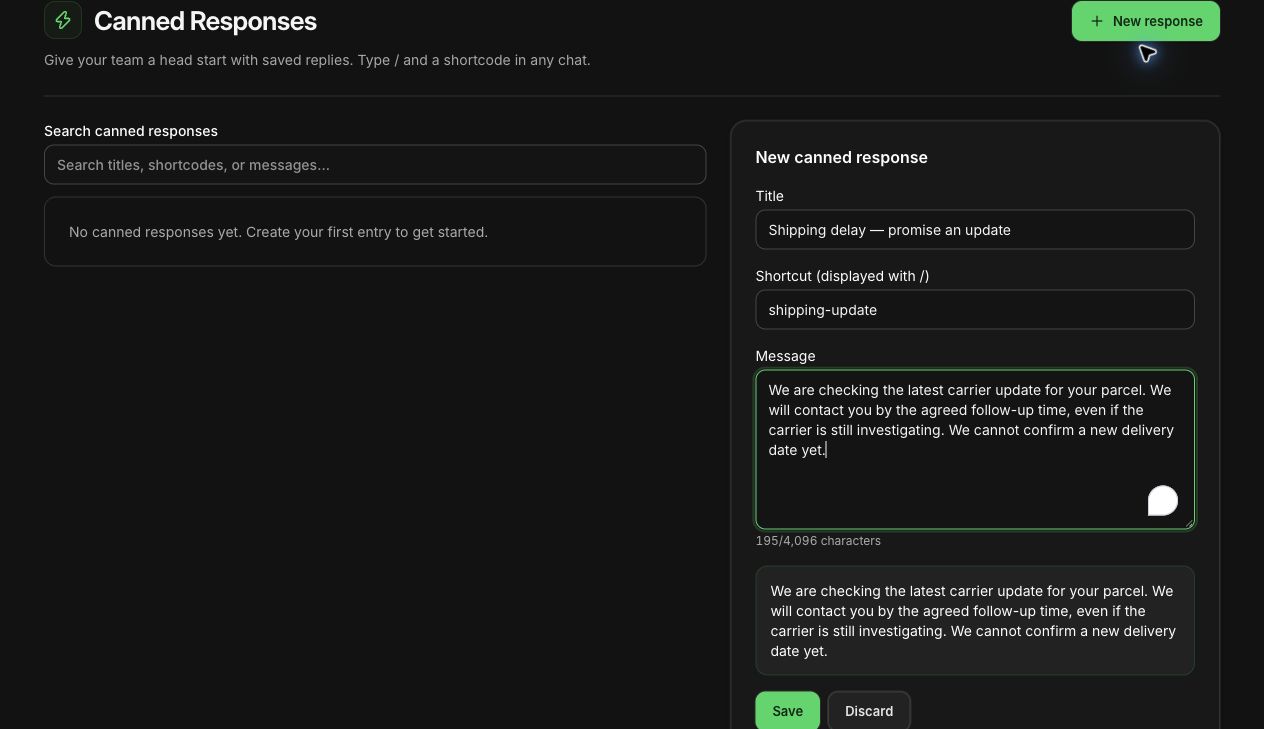
In WhatFlow Team Inbox, Needs reply shows open conversations where the customer wrote last. Closing soon helps staff prioritize the service window. Claim a thread before replying, check the Shopify order if the phone number matches, and leave an internal note when the next shift needs to pick it up. The agent walkthrough shows how that handoff works.
- Consistency. Same question, same answer, whoever replies.
- Speed. Nobody has to ask the founder "what do we do when…" for the fifth time.
- Delegation. You can finally hand over support without worrying.
The structure: 8 sections
Here's the outline. Each section should fit on a page or two.
- Scope and hours
- Response targets
- Tone and etiquette
- Procedures for common requests
- Reply templates
- Decision limits (refunds, credits, freebies)
- Escalation
- Ownership and review
Let's go through them.
1. Scope and hours
Which channels does support cover (WhatsApp, email, Instagram DMs)? Which hours? Who's on which shift? Write down the published hours customers see, and make sure they match your website, WhatsApp business profile and away message.
2. Response targets
Your targets for first reply and resolution, during open hours and outside them. Set them from your actual data, not a number you read somewhere. Our guide on explains how to pick targets you'll actually hit.