The right WhatsApp response time is the one you can hit every day during the hours you say you're open. For most small Shopify teams that means measuring your real first-reply time for two weeks, setting a target a bit better than your normal day, triaging order problems first, and sending a holding reply whenever the full answer will take longer.
I'm not going to give you an industry number like "customers expect a reply in X minutes". The figures floating around rarely say who was surveyed or what channel, and your customers aren't an average anyway. A furniture store and a same-day flower shop live in different worlds. Here's how to set your own.
Why WhatsApp response time matters more than email
WhatsApp is a conversation, not a mailbox. Customers often message while they're deciding: on the product page, in checkout, standing at the door waiting for a courier. A reply in 10 minutes can save a sale; the same reply tomorrow morning is a nice gesture to someone who bought elsewhere.
There's also a platform reason. On the WhatsApp Business API, the customer's message opens a 24-hour customer service window: a period in which you can reply freely. Once it closes, you can only reach them with a pre-approved template message. Slow replies can literally lock you out of the easy conversation. Our explainer on the 24-hour customer service window covers the mechanics.
In WhatFlow Team Inbox, Needs reply shows open conversations where the customer wrote last. Closing soon helps staff prioritize the service window. Claim a thread before replying, check the Shopify order if the phone number matches, and leave an internal note when the next shift needs to pick it up. The agent walkthrough shows how that handoff works.
Step 1: Measure your real baseline
Before you set a goal, find out where you are. For two normal weeks (not Black Friday), track:
First response time: how long from the customer's message to your first human reply.
Time to resolution: how long until the issue is actually done.
When messages arrive: by hour and day.
Unanswered at close: how many chats are still waiting when you log off.
You don't need fancy reporting for this. A spreadsheet and an honest look at your inbox each evening is enough. The "when messages arrive" part usually surprises people. Plenty of stores find a big evening spike after people get home, exactly when nobody's watching.
Now write targets for your team. Separate them by hours and by type:
During open hours
Outside open hours
First reply
Your target, e.g. within 30 minutes
Away message instantly, human reply within the first hour of opening
Order problems (late, wrong, damaged)
Faster target, e.g. within 15 minutes
First thing when you open
Pre-sale product questions
Your standard target
First thing when you open
Resolution
Same day where possible
Next working day
Those numbers are examples, not benchmarks. Use your baseline. If your average is currently three hours, promising 15 minutes tomorrow just sets you up to fail. Promise one hour, hit it for a month, then tighten.
Then publish what you can keep. Put your hours on your contact page, in your WhatsApp business profile and in your away message. A customer who knows you reply 10am to 7pm is far more patient than one who doesn't know anything.
Step 3: Triage, because not every message is equal
When five chats are waiting, which one first? I'd use this order:
Something is going wrong right now. Courier at the door, wrong address on an unshipped order, payment failed at checkout.
Order problems. Late, damaged, wrong item.
Ready-to-buy questions. "Does this come in 42?" "Do you deliver to Jeddah?"
You can do some of this sorting automatically. With WhatFlow's incoming-message trigger in Shopify Flow, you can check a message for words like "address", "wrong" or "damaged", tag the customer in Shopify, or send a quick acknowledgement that points them to the right next step. Our guide to routing incoming WhatsApp messages with Shopify Flow shows how to build it. Keep the rules simple; keyword matching is a nudge, not a mind reader.
Step 4: Give every chat one owner
The biggest cause of slow replies in small teams isn't speed. It's ambiguity. Three people can see the chat, each assumes someone else has it, and the customer waits two hours.
Fix it with assignment:
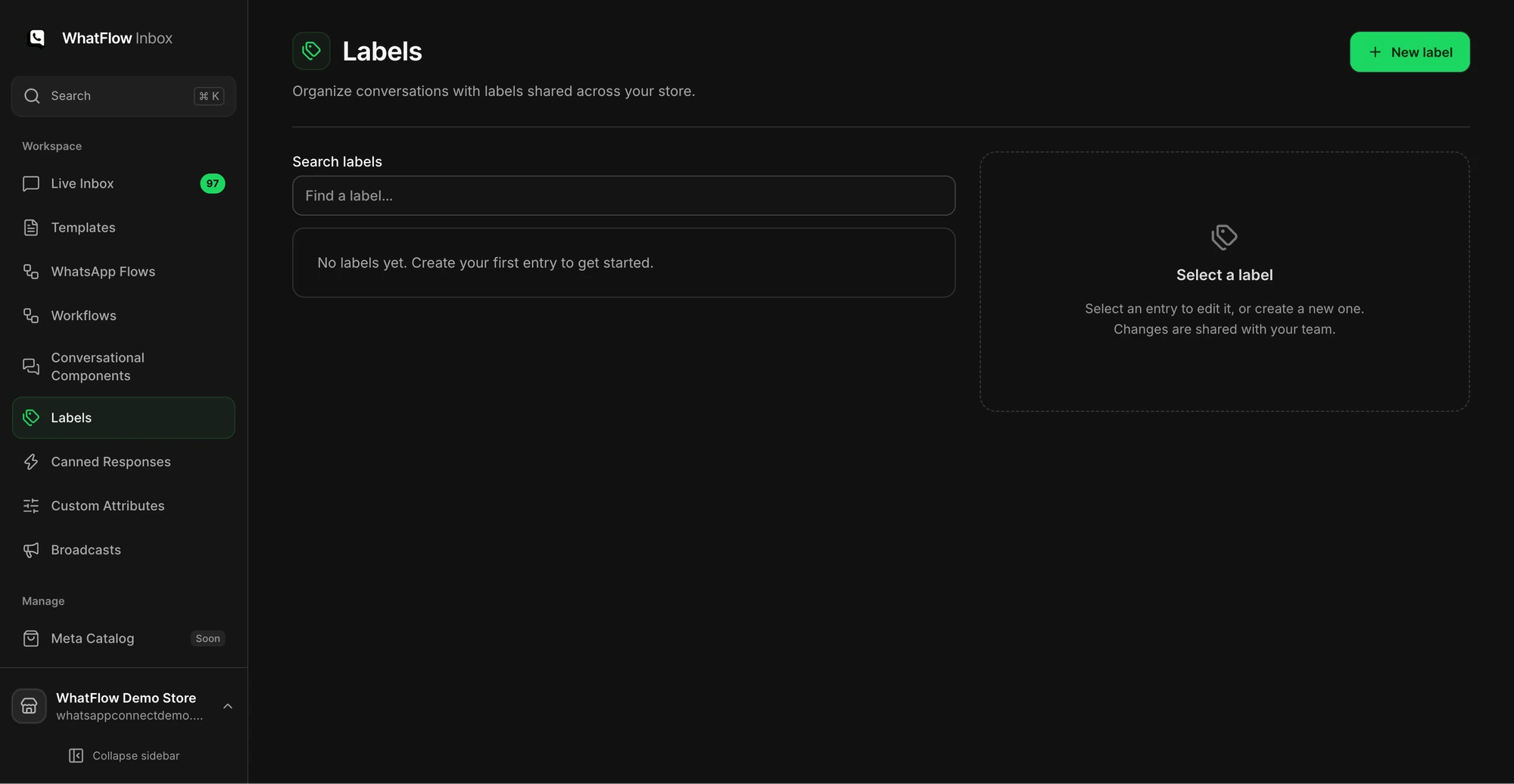
The Labels view shows where a team can organize threads with shared labels.
New chats go to whoever's on shift.
Once you reply, the chat is yours until it's resolved or you hand it over with a short summary of where it stands.
Anything unassigned for more than your target time is the shift lead's problem.
In WhatFlow's team inbox you can assign conversations and filter by who owns them, so "unassigned" and "mine" are one click each. The same assignment setup works whether two people share the inbox or twenty, and there are no seat fees as the team grows. More on that in our guide to setting up a shared team inbox without losing ownership.
Step 5: Use holding replies honestly
A holding reply buys you time without leaving the customer staring at blue ticks. It should say what you're doing and when you'll be back.
Thanks, Nadia. I'm checking with the warehouse about the gift wrap on #3302. I'll message you back by 3pm.
Good question about the fit. Let me measure the actual sample rather than guess. Back to you within the hour.
Got your photos, thank you. I'm passing this to our owner, who handles damage claims. You'll hear from her today before 6pm.
Then actually come back by the time you said. A missed "by 3pm" is worse than no promise at all. When the answer needs longer, send a second update before the deadline:
Quick update: still waiting on the courier. I'll chase again at 5 and update you then either way.
Step 6: Cover the hours you're closed
You can't be online 24/7, and you shouldn't pretend to. Set up an away message that tells customers when you'll reply and what they can do meanwhile (track an order, check the returns page).
In the WhatsApp Business app, away messages are built in and can run only outside the business hours set on your profile. On the WhatsApp Business API, you configure the equivalent as an automatic reply, for example a Shopify Flow workflow on WhatFlow's incoming-message trigger that sends a WhatFlow text message with your hours. The time-of-day check takes a little setup in Flow. Our post on WhatsApp away messages and business hours has examples you can copy.
Step 7: Reply faster with saved replies
Look at a week of chats. You'll find the same ten or so questions: delivery time, COD availability, sizing, returns window, order status. Write a solid answer for each and save them. That takes response time from "typing a careful paragraph" to "insert, personalise, send".
How many chats missed your first-reply target, and why (spike, nobody assigned, waiting on a supplier).
The longest-open conversation and what blocked it.
Any new question that came up three or more times. That's a new saved reply or a product page fix.
If misses keep clustering at the same hour, you have a staffing problem rather than a speed problem. That's when it's time to think about hiring your first support person.
Free plan available
Run WhatsApp for your Shopify store with WhatFlow
Templates, COD confirmation, Shopify Flow automations and a shared team inbox with no seat fees. Every feature is included on every plan, including Free.
Measure first. Promise what you can keep. Triage order problems ahead of everything else. Give every chat one owner. Send honest holding replies and keep the deadline you name. Do that consistently and your response time stops being a worry, whatever the number turns out to be.
Frequently asked questions
What is a good WhatsApp response time for a small business?
A good target is one your team can hit on almost every message during the hours you say you're open. Measure your current first-reply times for two weeks, then set a target slightly better than your typical day and publish your hours honestly.
Does a holding reply count as a response?
Yes for the customer's peace of mind, but track it separately from time to resolution. A fast holding reply followed by a slow answer still leaves the problem open.
Should I reply to WhatsApp messages outside business hours?
Only if you've promised to. Otherwise send an automatic away message that says when you'll be back, and reply first thing when you open.
How do I reply faster without hiring?
Triage urgent order issues first, assign each conversation to one owner, and build saved replies for your ten most common questions. Most delay in small teams comes from nobody owning a chat, not from slow typing.