Plan the reply queue before your WhatsApp product launch goes out. A shopper who asks about sizing is already engaged. Sending them another campaign message while their question sits unassigned wastes the opportunity.
Imagine you’re dropping a jacket in two colors. One agent knows stock and sizing. Another handles address changes and delivery. You can run the broadcast in WhatFlow and use the same Team Inbox for the questions that follow.
Set up the three answers you know you’ll need
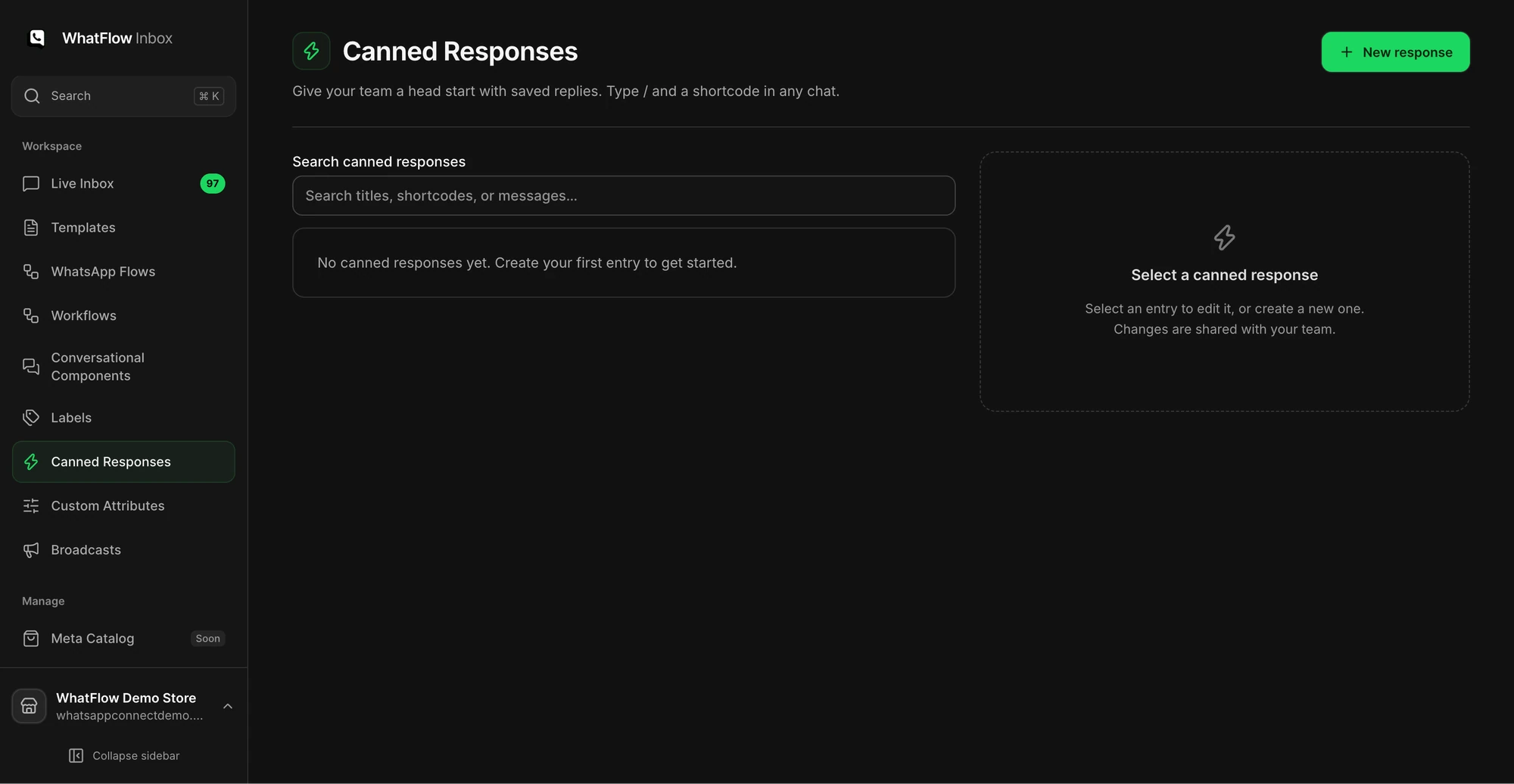
Write short canned responses for sizing, availability, and shipping. Leave the facts that can change as details the agent checks before sending. For example:
Hi {{customer}}, I can help with the fit. What size do you normally wear, and do you prefer room for a layer underneath?
That’s a starter, not a product recommendation. Check the fit chart and actual stock before sharing the item. Store the internal “what to check” instructions in your team playbook or a private note, not inside the customer’s canned response.
Decide who owns each reply
When the send begins, one agent monitors Unassigned and Needs reply. Claim a chat or assign it before working on it. If a conversation needs a different owner, leave a note with the customer’s exact question and what you’ve already checked. Use Closing soon to prioritize chats near the end of the service window. Don’t assume an unread badge is the same as an unanswered question.
Keep a narrow set of labels such as “sizing,” “stock,” and “order issue” if your team needs to hand work across shifts. Adding twenty labels during the launch is slower than deciding who will answer.
Share the product and confirm where checkout happens
If the shopper asks for the olive jacket in medium, share that catalog item from the conversation. If they send a WhatsApp cart and you’ve configured catalog cart follow-up, WhatFlow can respond with a Shopify checkout link. Check Shopify for the order and payment status before promising dispatch. A cart in chat is not a paid order.
After the launch, review the questions you couldn’t answer quickly. Update the product page and your canned replies from what you actually heard. Then export the campaign report and separate delivery failures from support issues. The covers the send, and the covers the checkout handoff.