Your first Shopify automation should be boring. Pick a task someone on your team does every day, that starts from reliable order data and ends in a small action you can see, like adding a tag. For most COD stores, that's confirming orders on WhatsApp and tagging the customer's reply. Get one of those running cleanly before you build anything clever.
The mistake I see most often is starting with the dream workflow: abandoned checkout, then a discount, then a review request, then a loyalty nudge, all branching on six conditions. It looks great in the builder. Three weeks later nobody knows why a customer got two discount codes.
The four-question test for a first automation
Run every candidate through these. If any answer is "not sure", pick something else.
Does it happen at least daily? Automating a monthly task saves almost nothing and you'll forget how it works.
Is the trigger reliable? "Order created" is reliable. "Customer seems unhappy" isn't.
Is the action small and reversible? A tag can be removed. A cancelled order or a sent refund can't be undone easily.
Can you name who handles the exceptions? Every automation has cases it can't handle. Someone has to own them.
Notice what's not on the list: auto-cancelling orders, auto-refunding, anything that spends money. Those can come later, once you trust the inputs.
I'd evaluate WhatFlow Business API across a whole sales journey: run a Shopify WhatsApp campaign, work the replies in the shared inbox, then share the right product and link to checkout. Those jobs sit alongside recovery and order notifications. If you only test the first order message, you miss much of what the app replaces.
Why COD confirmation is my favourite first automation
Say you get 40 COD orders a day and someone currently calls or messages each customer to confirm. That's a daily, repetitive, rule-based task, which is exactly what automation is for.
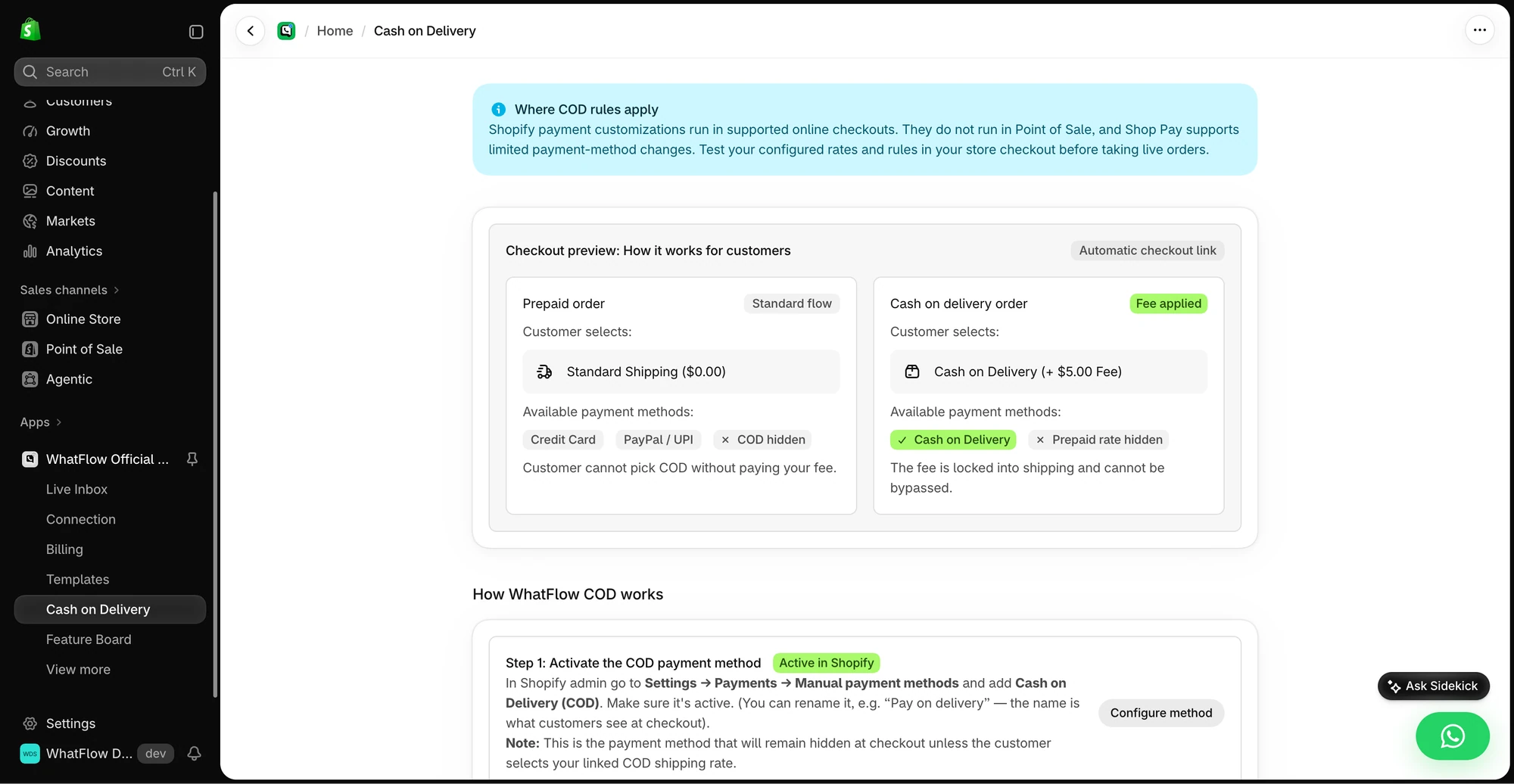
The demo COD rules screen previews how the selected shipping rate affects the COD payment option at checkout.
The workflow:
Trigger: order created, payment method is cash on delivery.
Action: send an approved WhatsApp utility template with three buttons.
Trigger: the customer taps a button (WhatFlow's WhatsApp Order Reply trigger, which knows which order the message was about).
Exception: anything else, including typed replies, goes to a person in the inbox.
The message itself:
Hi Bilal, thanks for your order #2231 (PKR 6,200, cash on delivery). Please confirm and we'll ship it tomorrow.
[Confirm order] [Change address] [Cancel order]
I'd deliberately start with tagging cancel requests rather than cancelling automatically. Once you've watched a few weeks of replies and seen that they map to the right orders, switching the action to an actual cancellation is a one-step change. Our guide to turning WhatsApp order replies into Shopify actions covers both versions, and sending WhatsApp templates from Shopify Flow covers the first half.
Check the trigger gives you the data you need
A trigger decides what the workflow knows. An incoming WhatsApp message tells you the phone number and the text. It doesn't automatically tell you which order the customer means, especially if she has two open orders.
That's why WhatFlow has a separate WhatsApp Order Reply trigger. If the next step changes an order, use a trigger that carries the order. Don't try to match on phone number and pick the latest order. That's the kind of guess that works in testing and fails on your best repeat customer.
Design the exception path first
Before you switch anything on, write down what happens when:
The customer types instead of tapping.
She taps twice.
She replies after the order already shipped.
A required field (like phone number) is missing on the order.
Each of these should either stop quietly or land with a person. For most small teams that means the shared team inbox, with one named person checking unmatched replies twice a day.
Test it without fooling yourself
Keep the workflow off while you review it. Then place test orders as yourself, tap every button, type a random reply, tap twice, and check the orders list. A workflow that looks right in the builder isn't proof that anything happened. Look for the tag on the actual order.
Shopify Sidekick can draft workflows from a plain-English description, which is handy for getting started. Review what it builds the same way you'd review your own. More on that in our Sidekick and WhatsApp workflows guide.
Leave a note for whoever comes next
Name the workflow after what it does ("COD: tag confirmed and cancel-requested orders"), not "Workflow 3". Add a short description: trigger, action, who owns exceptions, and the date you turned it on. When you hire your first support person, they'll thank you.
Free plan available
Run WhatsApp for your Shopify store with WhatFlow
Templates, COD confirmation, Shopify Flow automations and a shared team inbox with no seat fees. Every feature is included on every plan, including Free.
All of this runs on WhatFlow's Free plan, because every feature is on every plan, including the Shopify Flow triggers and actions. There are no seat fees, so the whole team can see the inbox where exceptions land. And because it runs on Meta's official WhatsApp Cloud API with native Flow triggers and actions, the same workflow carries on as your order volume grows; you add messaging allowance, not new tools. Meta's message charges are separate. Once your first automation has run for a month without surprises, our WhatFlow and Shopify Flow automation guide shows what to build next.
Frequently asked questions
What should my first Shopify automation be?
A task your team repeats every day that starts from reliable order data and ends with a small, visible action, such as tagging an order. For COD stores, confirming orders on WhatsApp and tagging the reply is a strong first choice.
Is Shopify Flow hard to use without a developer?
No. Shopify Flow is a visual builder: you pick a trigger, add conditions and choose actions from Shopify and your installed apps. The hard part is deciding the rules, not building them.
How do I test a Shopify Flow workflow safely?
Keep it off while you review it, then test with your own orders and a test customer. Include a reply that matches nothing, a duplicate event and a customer with more than one open order.
Can WhatsApp replies trigger Shopify Flow?
Yes. WhatFlow adds Shopify Flow triggers for incoming WhatsApp messages and for order replies, so a customer's button tap can tag or cancel the specific order it refers to.