
Publisher disclosure: this comparison is written by WhatFlow. Competitor capabilities are based on the linked public documentation; the WhatFlow screenshots come from our demo store. Examples are illustrative, and results depend on your store and configuration.
WhatsApp with WhatFlow and MMS at a glance
| Consideration | WhatsApp with WhatFlow | MMS |
|---|---|---|
| Best-fit experience | Product images and video with reply buttons, catalog products and a two-way thread, from your named business profile. | A picture message over the carrier network. Can reach customers without WhatsApp where MMS is supported; availability and media handling vary by market and device. |
| Costs to include | WhatFlow plan (Free, then from $4.99/month) plus Meta's per-message charge by category and country. An image doesn't add a separate media fee from Meta. | MMS rates and carrier fees from your provider, which are typically separate from SMS rates. Get a media-specific quote. |
| Shopify workflow | Templates with images mapped to Shopify data, Shopify Flow triggers and actions, and a shared inbox for replies. | Depends on the SMS/MMS app; replies are usually plain text. |
| Starting point | Free plan with every feature and a free-forever theme-matched WhatsApp button. | Keep MMS for opted-in customers who aren't on WhatsApp, in countries where it's supported. |
| What happens after the image | Customer taps a button, asks about sizes, or opens a catalog product, all in the same thread. | Customer can text back; there are no interactive buttons or catalog. |
If your Shopify customers use WhatsApp, send product images there, not by MMS. A WhatsApp message carries the photo plus reply buttons, a link to the product in your catalog and a two-way thread under your business name. An MMS carries the photo. Run WhatsApp through WhatFlow on Shopify and keep MMS for the customers who aren't on WhatsApp, in markets where it's supported.
WhatsApp vs MMS at a glance
WhatsApp (via WhatFlow) | MMS | |
|---|---|---|
Media | Images, video, documents | Images, short video (limits vary by carrier) |
Buttons | Quick-reply and call-to-action buttons | None |
Catalog | Share live products from your Meta catalog | No |
Sender | Business name and logo | A number or short code |
Replies | Two-way thread, team inbox | Plain text back |
Pricing | Per delivered message by category and country | Per MMS, by provider and carrier |
Reach | Customers with WhatsApp and data | Phones and carriers that support MMS |
Why is WhatsApp better for product messages?
A product photo is the start of a sale, not the end. The customer wants to ask something. Say you run a shoe store and send a back-in-stock template to customers who asked for it:
[image: Trail Runner 2 in olive] Good news, Hamza: the Trail Runner 2 in olive is back in your size (UK 9). [Shop now] [Ask about fit]
He taps Ask about fit: "Do these run small?" Your team answers in the same thread and shares the half-size up from your live catalog. That's the mechanic MMS can't match: buttons, catalog and a conversation your whole team can see. See WhatsApp catalog sharing for Shopify support for the setup.
Other reasons WhatsApp should lead:
- Business identity. Your name and logo, with a verified badge if you qualify, instead of an unknown number.
- One thread per customer. Earlier orders, photos and answers stay together.
- Better media handling. Images and video arrive the way you sent them, without carrier compression surprises.
- Shopify-connected. With WhatFlow, an image template can pull product and order data from Shopify, and a reply can trigger Shopify Flow.
Where does MMS still fit?
MMS rides on the carrier network, so it can reach customers who don't use WhatsApp, where MMS is supported. If a slice of your list is like that, MMS (or plain SMS) is a fair fallback for the same offer. Just don't run both for the same customer. Our email, SMS and WhatsApp coordination guide shows how to split them.
How do the costs compare?
Get an MMS quote from your provider for your countries; MMS is usually priced separately from SMS and carrier fees vary.
On WhatsApp, Meta charges per delivered message by template category and country (Meta's pricing docs). A template with an image header is one message. WhatFlow's app fee sits on top, and every plan has every feature. As of November 2026: Free ($0, 100 messages a month), Starter ($4.99, 2,000), Plus ($9.99, 5,000), Growth ($29, 20,000), Scale ($49.99, 40,000), Ultimate ($99, 75,000).
Say you send a monthly new-arrivals broadcast with an image to 4,000 opted-in customers, plus 1,000 order updates. That's 5,000 messages: WhatFlow Plus at $9.99, with the whole team answering replies at no extra cost. Current amounts are on the pricing page. Our pricing explainer covers Meta's side.
Which product messages should go on WhatsApp first?
- Back-in-stock alerts for customers who asked to be notified (setup and examples).
- Abandoned checkout reminders with the product image.
- New-arrival broadcasts to opted-in, segmented customers.
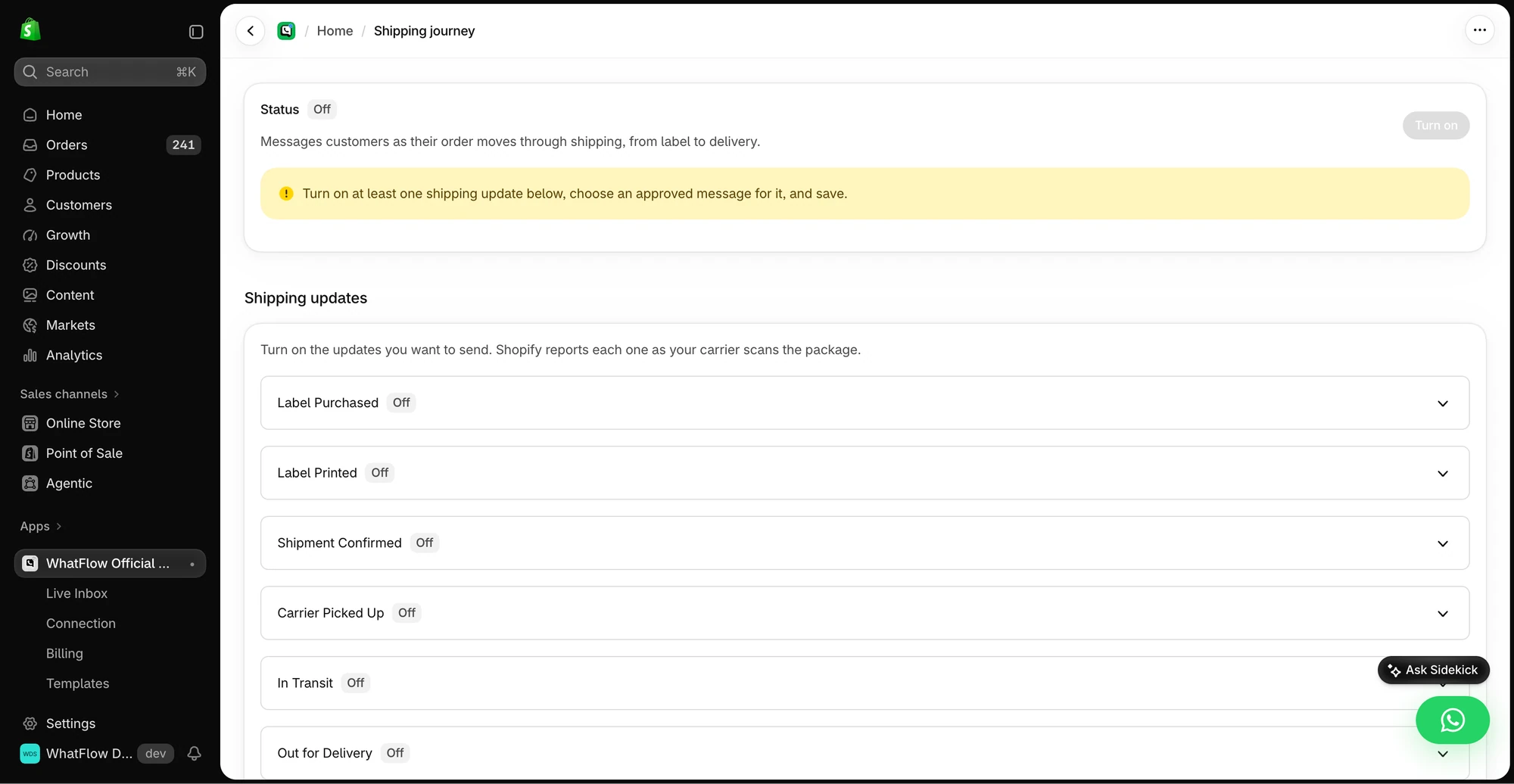
- Shipping updates with a photo of what's in the box, for multi-item orders.
Marketing broadcasts need opt-in, and every business-initiated message outside the 24-hour customer service window needs an approved template (WhatsApp Business policy). Before a broadcast, run the campaign preflight checklist.
The bottom line
MMS sends a picture. WhatsApp sends a picture customers can act on and reply to. For Shopify stores selling where customers use WhatsApp, make WhatsApp on WhatFlow your product-messaging channel (Free plan, every feature, no seat fees, rated 5.0/5 from 55 ratings on the Shopify App Store as of November 5, 2026) and keep MMS for the customers who aren't there.
Questions worth asking
Is WhatsApp better than MMS for Shopify product messages?
For customers who use WhatsApp, yes. WhatsApp sends product images with reply buttons, catalog products and a two-way thread, and WhatFlow connects it to Shopify orders. MMS is useful mainly for customers who don't use WhatsApp, in markets where MMS is supported.
How do I test WhatsApp against MMS?
Send the same product image and offer to opted-in customers on each channel. Compare replies, button or link taps, the real billed cost per message and how easily your team could answer follow-up questions.
Does the free WhatFlow plan restrict features?
No. WhatFlow includes every feature on every plan, including Free. Plans differ only by message allowance and rates, and the team inbox has no seat fees.
Does WhatsApp charge extra for images?
Meta charges per delivered message by template category and country, so a template with an image header is billed as one message. WhatFlow's app fee is separate from Meta's charges.
Sources and methodology
We checked these primary sources on November 5, 2026. Vendor pages describe advertised capabilities, rather than independent performance tests. Confirm current pricing, plan limits and availability with each provider.
- WhatFlow WhatsApp Business API on the Shopify App Store
WhatFlow's listing, plans and Shopify integrations; rated 5.0/5 from 55 ratings as of November 5, 2026.
- WhatsApp Business Platform pricing
Meta's per-message WhatsApp charges by category and recipient country.
- SMS length and segmentation
Background on SMS segment limits, relevant when an MMS falls back to text or a text is sent alongside it.
- WhatsApp Business Platform pricing (developer docs)
Meta bills per delivered message by category and market.
- WhatsApp Business Messaging Policy
Opt-in and template rules for business-initiated WhatsApp messages.