
Publisher disclosure: this comparison is written by WhatFlow. Competitor capabilities are based on the linked public documentation; the WhatFlow screenshots come from our demo store. Examples are illustrative, and results depend on your store and configuration.
WhatFlow and SMS COD confirmation at a glance
| Consideration | WhatFlow | SMS COD confirmation |
|---|---|---|
| Customer reply | One tap on Confirm or Cancel, with order number, total and address shown in the message. | Customer types a keyword such as YES or 1; typos and free text need a human. |
| Cost | WhatFlow from $0 (Free) or $4.99/month plus Meta's per-template charge (utility templates are charged even inside the 24-hour window since October 1, 2026). | Per-segment SMS charges; non-Latin scripts cut a segment to 70 characters, so a detailed confirmation can cost several segments. |
| Updating Shopify | WhatFlow's order-reply trigger in Shopify Flow tags the order the moment the customer taps. | Needs an SMS app that maps keyword replies back to the order, or manual updates. |
| Follow-up conversation | Replies like 'can you deliver after 6pm?' land in WhatFlow's team inbox, no seat fees. | Often handled in the SMS tool, separate from your WhatsApp support. |
| When it's the better choice | Default for any customer base that uses WhatsApp. | Fallback for customers not reachable on WhatsApp. |
Confirm COD orders on WhatsApp, not SMS, wherever your customers use WhatsApp. A WhatsApp template can carry Confirm and Cancel buttons, and with WhatFlow the tap tags the Shopify order through Shopify Flow. SMS asks the customer to type "YES", then leaves you matching replies to orders. Keep SMS as a fallback for the few customers you can't reach on WhatsApp.
At a glance
WhatsApp with WhatFlow | SMS | |
|---|---|---|
Reply | One-tap buttons | Typed keyword |
Shopify update | Automatic tag via Flow | Keyword matching or manual |
Message length | Room for order number, total, address | 160 Latin / 70 non-Latin characters per segment |
Follow-up questions | Team inbox, no seat fees | Separate SMS tool |
Cost | Plan from $0 + Meta template fee | Per segment |
Why do buttons matter so much for COD?
Because the whole point of COD confirmation is a clean yes or no. With SMS you send "Reply YES to confirm" and get back "yes", "Yes!", "ok", "haan", "confirm pls" and "who is this?". Someone has to read each one and decide.
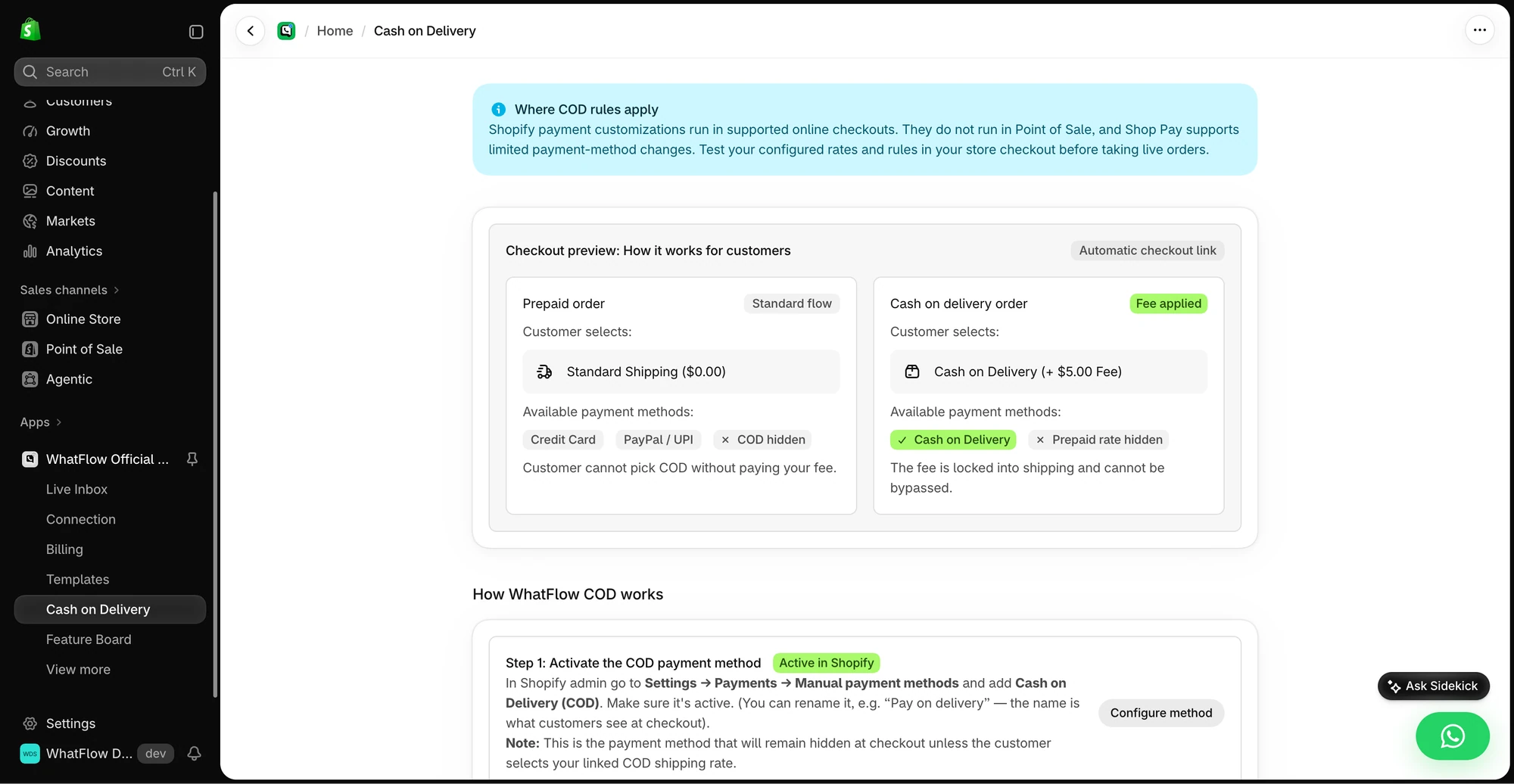
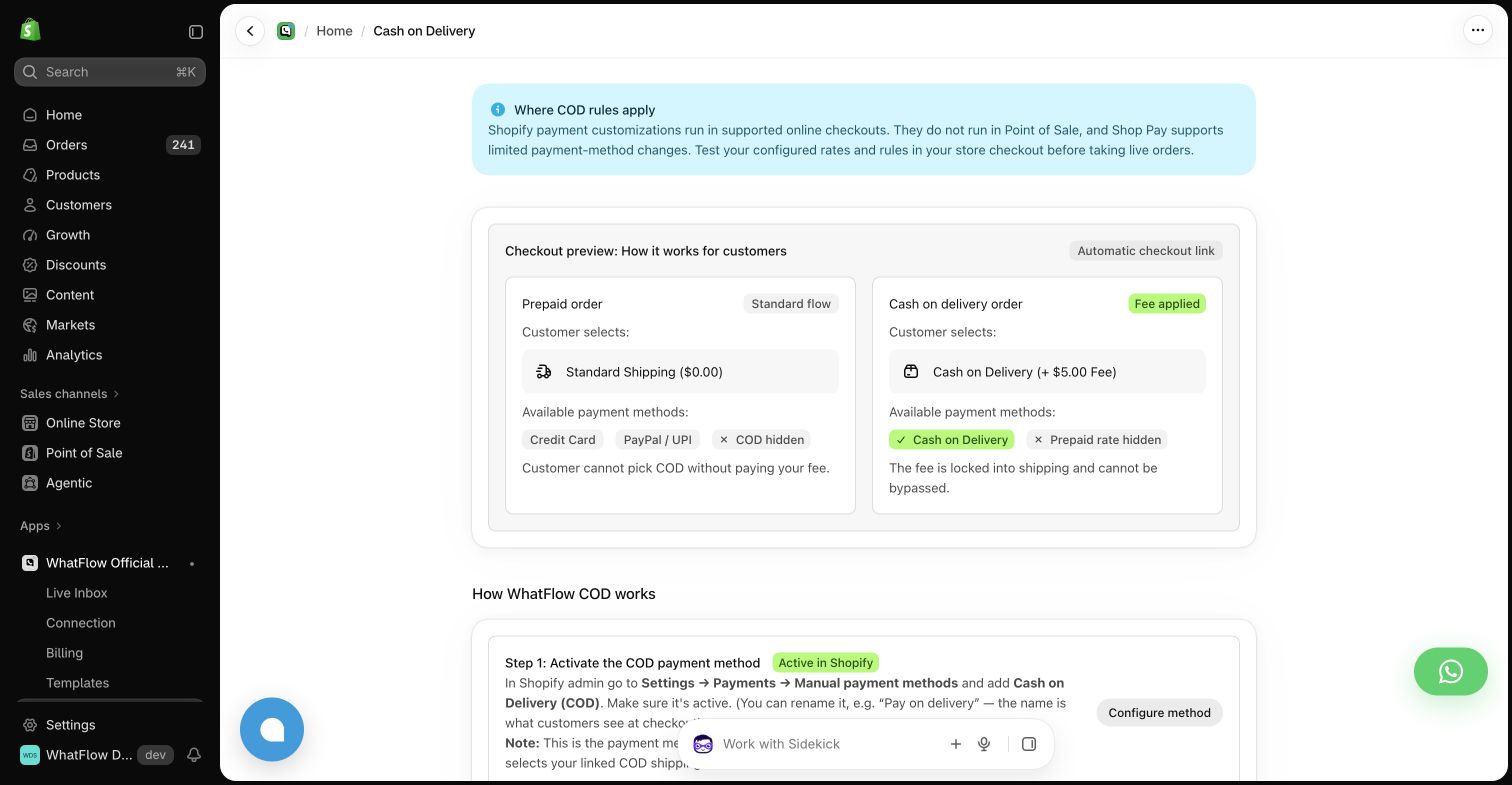
With WhatsApp, the customer taps Confirm or Cancel. WhatFlow's order-reply trigger fires in Shopify Flow and you choose what happens:
- Confirm → add tag
cod-confirmed. - Cancel → add tag
cod-cancel-request, or cancel the order if that's your policy. - No reply after a few hours → send a reminder, then flag for a call.
The setup is in turning WhatsApp order replies into Shopify actions, and button copy tips are in designing WhatsApp quick replies.
How do the costs compare?
SMS is billed per segment. A plain-Latin SMS fits 160 characters; once it's split, each segment holds 153. Write in Arabic, Urdu, Hindi or with an emoji and the encoding switches, so a single segment holds only 70 characters (67 when split). A COD message with a name, order number, total and full address in Urdu can easily run to three or four segments, each billed.
A worked example with hypothetical volume: 900 COD orders a month, one confirmation plus a reminder for half of them, about 1,350 WhatsApp templates. That fits WhatFlow's Starter plan, $4.99/month with 2,000 messages included (as of November 2026), plus Meta's per-message template charge. Customers replying costs you nothing, and as of November 2026 Meta doesn't charge for the first 1,000 free-form service replies per business number each month. Utility templates are billed even inside an open 24-hour window since October 1, 2026, so count every confirmation and reminder. See WhatsApp Business API pricing explained and our pricing page.
For the SMS side, take your provider's per-segment rate for your country, multiply by the real segment count of your final localized message, then by 1,350. Do that with the actual text, not a short English draft.
What does a good WhatsApp COD confirmation look like?
Hi Layla, thanks for ordering from Amber & Oak. Order #3920, AED 245, cash on delivery to Al Barsha, Dubai. Tap Confirm and we'll ship today. [Confirm] [Cancel]
Everything the customer needs to spot a mistake is right there. If the address is wrong, they reply in plain words and it lands in WhatFlow's team inbox, where anyone can pick it up because there are no seat fees. That's also how you avoid confirming the wrong order when two customers share a name.
Is WhatsApp COD confirmation reliable at scale?
WhatFlow WhatsApp Business API uses the official Meta WhatsApp Cloud API with Meta-approved templates, not an unofficial connection, so it suits high-volume COD stores. Add a team inbox with assignment and filters, no seat fees at any team size, Shopify Flow automation, live catalog sharing and Shopify admin extensions, and it covers a large operation as easily as a small one on the Free plan.
When does SMS still make sense?
Use SMS only for customers you can't reach on WhatsApp, for example a number that isn't on WhatsApp. Make it a fallback with one clear rule: if the WhatsApp template fails or the number isn't on WhatsApp, send the SMS. Never send both to the same customer, or you'll get two confirmations and a confused buyer. Coordinating email, SMS and WhatsApp covers the overlap.
The bottom line
COD confirmation is a yes-or-no question, and WhatsApp buttons answer it cleanly. WhatFlow turns that tap into a Shopify order tag through Flow, with every feature on the Free plan and no seat fees. WhatFlow WhatsApp Business API is rated 5.0/5 from 55 ratings on the Shopify App Store (as of November 5, 2026). If you're still calling customers, read WhatsApp COD confirmation vs phone calls.
Questions worth asking
Is WhatsApp or SMS better for COD order confirmation?
WhatsApp, wherever your customers use it. WhatsApp templates support reply buttons, and with WhatFlow the tap tags the Shopify order automatically. SMS replies are free text that has to be matched to the order.
How do I test COD confirmation messages?
Use test orders with similar names and different totals, and make sure each message shows the order number, total and address. Then tap each reply option and check the right Shopify order got the right tag.
Does WhatFlow charge extra for COD confirmation?
No. COD confirmation is included on every WhatFlow plan, including Free. Plans differ only by message allowance.
Are Meta's WhatsApp fees included in WhatFlow plans?
No. Meta bills each delivered template message separately, by category and recipient country. SMS has its own carrier and provider charges.
Sources and methodology
We checked these primary sources on November 5, 2026. Vendor pages describe advertised capabilities, rather than independent performance tests. Confirm current pricing, plan limits and availability with each provider.
- WhatFlow plans and Shopify integrations
WhatFlow listing: COD order confirmation and plans from Free to Ultimate, checked November 5, 2026.
- WhatsApp Business Platform pricing
Meta's overview of WhatsApp Business Platform pricing by category and country.
- SMS length and segmentation
Twilio: GSM-7 allows 160 characters per single SMS (153 per segment when split); UCS-2 allows 70 (67 when split).
- WhatsApp Business Platform pricing (Meta developer docs)
Meta charges per delivered template message by category and recipient country. Since October 1, 2026, service replies are free only for the first 1,000 per business number each month, and utility templates inside the customer service window are charged.