
Publisher disclosure: this comparison is written by WhatFlow. Competitor capabilities are based on the linked public documentation; the WhatFlow screenshots come from our demo store. Examples are illustrative, and results depend on your store and configuration.
WhatFlow and Per-seat inbox at a glance
| Consideration | WhatFlow | Per-seat inbox |
|---|---|---|
| Pricing basis | Message volume. The team inbox has no seat fees on any plan. | Per user (seat) per month, sometimes with a bundled number of users in each tier. |
| Cost of adding one person | $0. | One more seat fee every month, or a jump to a bigger user bundle. |
| Who gets access | Everyone who touches orders: support, warehouse, owner, seasonal help. | Usually rationed to keep the bill down, so others ask the 'inbox person' to check. |
| Starting point | Free plan with every feature. Paid plans from $4.99/month (as of November 2026). | Varies by vendor; check which user count each tier includes. |
| Inbox tools | Assignment, filters, saved replies and live catalog sharing. | Often similar inbox tools; some tiers add more helpdesk features. |
A no-seat-fee WhatsApp inbox is the better choice for almost every Shopify team. With per-seat pricing, every new hire, temp or warehouse lead raises the bill, so stores ration logins and customers wait. WhatFlow prices by message volume instead: the team inbox has no seat fees on any plan, and every feature is included from the Free plan up.
At a glance
- WhatFlow: pay for messages. Add 2 or 20 teammates, the app bill doesn't move.
- Per-seat tools: pay per user, per month. The bill grows with headcount, not with customer conversations.
- Both: Meta's per-message charges for templates sit on top and don't change with the inbox model.
How much does per-seat pricing really cost?
Here's a worked example. The per-seat price is hypothetical; swap in the one from the tool you're looking at.
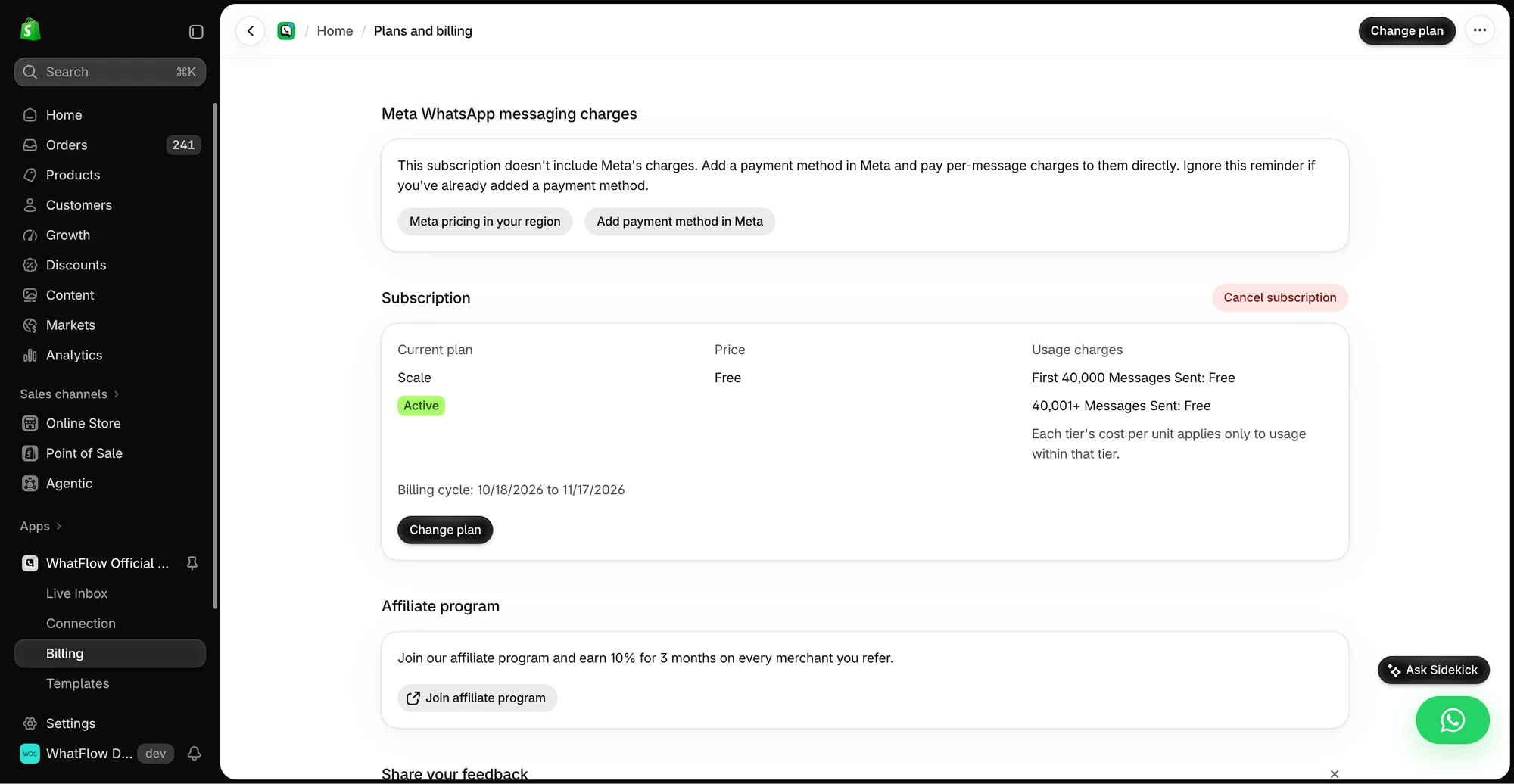
Assume a store sends about 10,000 template messages a month. On WhatFlow that's the Growth plan: $29/month with 20,000 messages included (as of November 2026).
Now compare a hypothetical per-seat inbox at $20 per user per month, with the platform fee left out:
Team size | WhatFlow app cost | Per-seat inbox (hypothetical $20/seat) |
|---|---|---|
2 people | $29 | $40 |
5 people | $29 | $100 |
10 people (sale season) | $29 | $200 |
The WhatFlow number stays flat because it's tied to message volume. The per-seat number tracks headcount, which is exactly what you want to grow in November. For a full audit of costs like this, see auditing Shopify app costs beyond the headline price. Current WhatFlow plans are on the pricing page.
Why does seat pricing change how your team works?
Seat fees don't just cost money. They change behaviour.
When each login costs $20 a month, you give access to the two people "on support" and everyone else asks them. The warehouse lead who knows exactly where parcel #3381 is can't answer the customer directly. The owner who wants to check a VIP conversation borrows someone's login. Chats get stuck with whoever is on shift.
With no seat fees, you just add people. A practical setup for a five-person store:
- Support (2 people): all new chats, assigned by filter.
- Warehouse lead: assigned shipping and "where is my order" chats.
- Owner: VIP and wholesale conversations.
- Seasonal temp: added for November, removed in January, at no cost either way.
Our guide to setting up a shared team inbox covers ownership rules, and moving off personal staff phones covers the switch.
What do you get in the inbox?
WhatFlow's inbox includes assignment and filters, saved replies, and live catalog sharing from your Meta product catalog. A saved reply your warehouse lead might use:
One practical check: How do you prioritize chats before their service window closes? In WhatFlow, use Needs reply and Closing soon, claim a conversation, then check Shopify order context and leave a private note. The team inbox walkthrough gives you a repeatable test for two agents, with no per-seat fee.
Hi Daniel, I've just checked: your order #3381 was packed this morning and goes out with today's courier pickup. You'll get tracking here on WhatsApp as soon as it's scanned.
Every one of those tools is available on every plan, including Free.
What about Shopify automation?
Seat-free access matters more when automation is doing the routine work. WhatFlow plugs into Shopify Flow with triggers for incoming messages and order replies, and actions to send templates, text and media. Flow handles the "your order shipped" messages; the team handles the replies.
Does a no-seat-fee inbox work for a big team?
Yes, that's where it saves the most. WhatFlow WhatsApp Business API runs on the official Meta WhatsApp Cloud API and is enterprise-ready: assignment and filters to split work across many agents, no seat fees at any team size, Shopify Flow automation at scale, COD confirmation, live catalog sharing and Shopify admin extensions. A 30-person support floor pays the same app price as a 3-person one at the same message volume.
When might per-seat pricing still make sense?
Pick a per-seat tool only if you specifically need a full multichannel helpdesk (email ticketing, phone, SLA reporting across channels) and your support team is small and stable. If WhatsApp is your main channel, you're paying for headcount instead of conversations. See growing a WhatsApp team without seat upgrades for the longer view.
The bottom line
Your WhatsApp bill should grow with customers, not with colleagues. WhatFlow's no-seat-fee inbox lets everyone who handles orders answer customers directly, from the Free plan up. WhatFlow WhatsApp Business API is rated 5.0/5 from 55 ratings on the Shopify App Store (as of November 5, 2026).
Questions worth asking
Does WhatFlow charge per agent for the WhatsApp inbox?
No. WhatFlow's team inbox has no seat fees on any plan, including Free. You pick a plan for message volume and add as many teammates as you need.
How do I compare per-seat and no-seat-fee WhatsApp tools?
Price the same message volume at your team size today, then at the size you expect after your next busy season. Count everyone who needs to read or answer chats, including warehouse and part-time staff.
Is WhatFlow's free plan a cut-down version?
No. Every feature is on every WhatFlow plan, including Free. Plans differ only by message allowance and overage rate.
Do WhatsApp inbox prices include Meta's message charges?
No. Meta charges per delivered template message by category and country on top of any app. Since October 1, 2026, service replies are free only for the first 1,000 per business number each month.
Sources and methodology
We checked these primary sources on November 5, 2026. Vendor pages describe advertised capabilities, rather than independent performance tests. Confirm current pricing, plan limits and availability with each provider.
- WhatFlow plans and Shopify integrations
WhatFlow listing: plans from Free to Ultimate priced by message allowance, checked November 5, 2026. No-seat-fee inbox confirmed by WhatFlow.
- WhatsApp Business Platform pricing
Meta's overview of WhatsApp Business Platform pricing, which applies regardless of inbox pricing model.
- WhatFlow pricing
Current WhatFlow plan amounts, allowances and rates.
- WhatsApp Business Platform pricing (Meta developer docs)
Meta charges per delivered template message by category and recipient country. Since October 1, 2026, service replies are free only for the first 1,000 per business number each month, and utility templates inside the customer service window are charged.