
Publisher disclosure: this comparison is written by WhatFlow. Competitor capabilities are based on the linked public documentation; the WhatFlow screenshots come from our demo store. Examples are illustrative, and results depend on your store and configuration.
WhatFlow and Kommo at a glance
| Consideration | WhatFlow | Kommo |
|---|---|---|
| What the product is built around | Built for Shopify: admin extensions, native Shopify Flow triggers and actions, COD confirmation and order updates. | A sales CRM with messaging and automation around leads and pipelines, useful for assisted selling before an order exists. |
| Pricing and billing units | Free plan; paid plans from $4.99/month based on sends. Meta fees separate. | Base $25, Advanced $35, Pro $45 per user per month, with a six-month minimum subscription, as of November 2026. |
| Feature access | Every feature on every plan, including broadcasts on Free. | Base lists pipelines and a unified inbox; Advanced adds pipeline automation, broadcasting and no-code bots; Pro adds wider AI and unlimited channels. |
| Team access | No seat fees. Add your whole team to the inbox. | Per-user pricing; Base includes 1 WhatsApp number and Advanced 3, with channel limits changing by plan. |
| Storefront entry point | Theme-matched WhatsApp buttons, free forever. | Check Kommo's current website widget options directly. |
| Minimum commitment | None. Start free, pay monthly from $4.99 when you need more sends. | Six-month minimum; Base is billed $150 per user for six months. |
For a Shopify store, WhatFlow is the better WhatsApp app than Kommo. WhatFlow works from the Shopify order: native Shopify Flow, COD confirmation, order updates and a team inbox with no seat fees, with every feature (broadcasts included) on the Free plan. Kommo is a capable sales CRM, but it's priced per user, starts at $25 a month each and needs a six-month minimum as of November 2026.
WhatFlow vs Kommo at a glance
- Built for: WhatFlow is built for Shopify orders. Kommo is built for sales pipelines and leads.
- Pricing unit: WhatFlow charges by messages sent. Kommo charges per user.
- Starting price: WhatFlow $0, paid plans from $4.99 a month. Kommo Base $25 per user a month, billed $150 per user for six months.
- Broadcasts: on every WhatFlow plan, including Free. On Kommo, broadcasting starts at Advanced ($35 per user).
- Commitment: none with WhatFlow. Kommo lists a six-month minimum and no monthly payment option.
- Rating: WhatFlow WhatsApp Business API is rated 5.0/5 from 55 ratings on the Shopify App Store (checked November 5, 2026).
- Enterprise-ready, not just for small shops: WhatFlow WhatsApp Business API runs on the official Meta Cloud API, with inbox assignment and filters, Shopify Flow automation at scale and no seat fees at any team size, so a 50-person team pays the same in seats as a two-person shop.
How much does Kommo cost compared with WhatFlow?
Here's a worked example using Kommo's published prices and WhatFlow's Shopify App Store prices, both as of November 2026. Meta's WhatsApp delivery fees apply on top of both and aren't included.
Say you're a five-person store sending about 10,000 WhatsApp messages a month, including a weekly broadcast to opted-in customers.
WhatFlow | Kommo | |
|---|---|---|
Plan you'd need | Growth (20,000 sends) | Advanced (broadcasting) |
Monthly cost | $29 | 5 × $35 = $175 |
Up-front commitment | Pay monthly, cancel any time | Six-month minimum: $1,050 |
Add a sixth teammate | $0 | +$35 a month |
Lowest cost without broadcasts | Free | Base: 5 × $25 = $125 a month |
That's $174 for six months of WhatFlow Growth against $1,050 for the same period on Kommo Advanced. If your volume is lower, WhatFlow's Starter is $4.99 for 2,000 sends and Plus is $9.99 for 5,000; nothing else changes between plans. Full details live on our pricing page, and our WhatsApp Business API pricing guide explains Meta's per-message side.
Which one fits your Shopify workflow better?
Kommo thinks in leads and pipeline stages. WhatFlow thinks in Shopify orders. After checkout, the order is what matters, and that's where WhatFlow is stronger.
WhatFlow ships native Shopify Flow triggers (incoming message, order reply) and actions (send template, text, media or video). Say you sell furniture in Brazil and need to book delivery slots. Once an order is marked ready to ship, Flow sends:
Oi Mariana! Your 3-seater sofa (order #7042) is ready. Which delivery day suits you? [Tuesday] [Thursday] [Saturday]
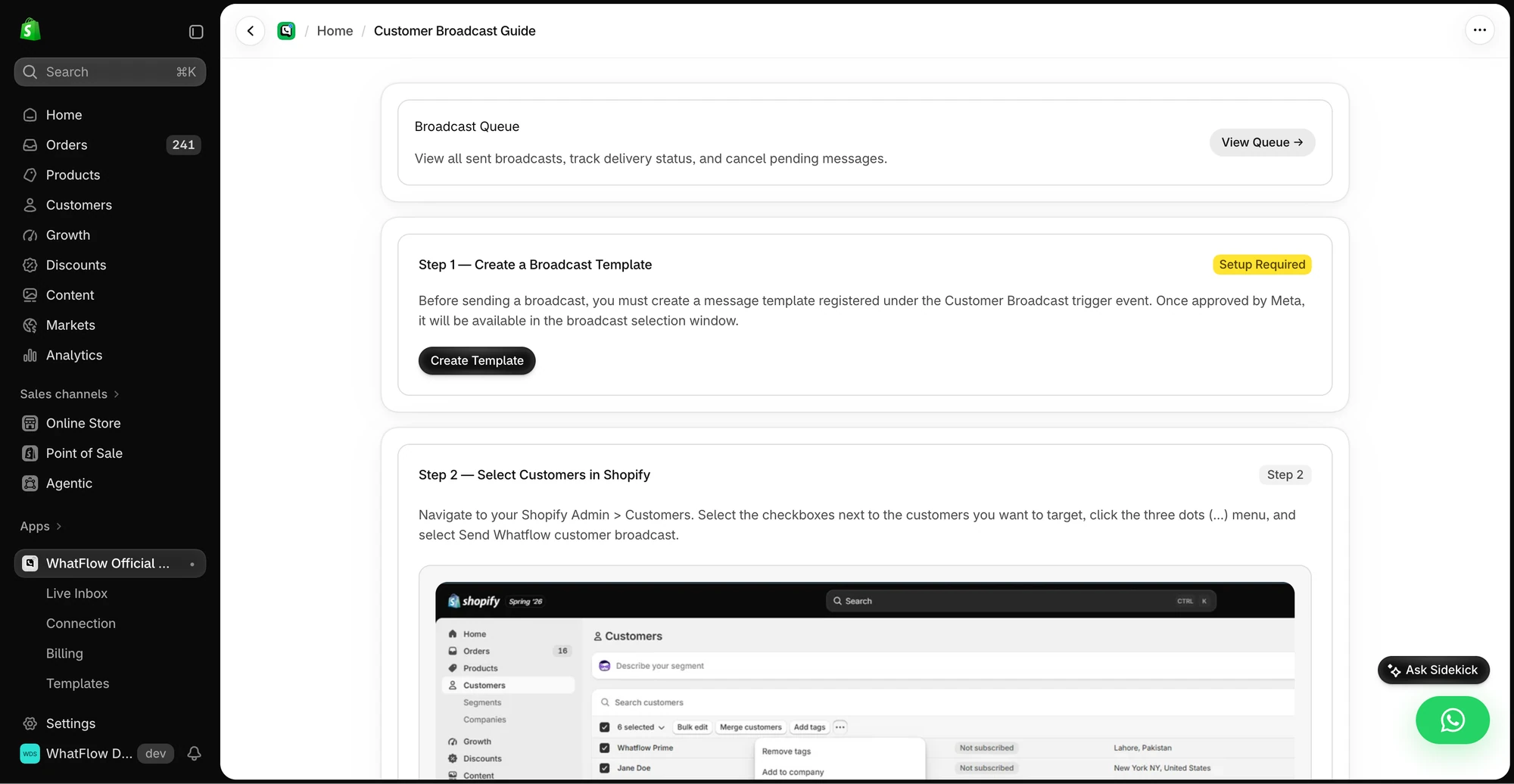
Mariana taps Thursday, and a Flow workflow tags the order "delivery-thursday" so your logistics team can plan the route. The same pattern powers COD confirmation: a Confirm reply tags the order, a Cancel reply can cancel it. Our guide to turning WhatsApp order replies into Shopify actions shows the full setup, and you can ask Shopify Sidekick to draft the workflow.
The rest of the post-checkout journey works the same way on the Free plan: abandoned checkout reminders, shipping updates, review requests that link to your review app's form, and a template editor that pulls Shopify fields like order number, product and total into each message. None of it needs a CRM record to exist first.
Kommo can automate a pipeline beautifully, but a sales stage isn't an order. If you push Shopify customers into a CRM just to answer "where's my sofa?", you've added a second system your team must keep in sync. I've written more on that in Shopify-native WhatsApp vs an external dashboard.
Team inbox: per-user CRM vs no seat fees
WhatFlow's shared team inbox includes assignment, filters, saved replies and live catalog sharing, so whoever picks up a chat can send the exact product the customer asked about. Adding the warehouse manager or a festive-season temp costs nothing. That's the practical value of no seat fees: you give access to whoever needs it, not whoever you can afford.
When testing WhatFlow and Kommo, ask: Can an agent open a matching Shopify order while they reply? In WhatFlow, use Needs reply and Closing soon, claim a conversation, then check Shopify order context and leave a private note. The team inbox walkthrough gives you a repeatable test for two agents, with no per-seat fee.
Kommo charges every user, and its channel limits scale with plan and user count (Base includes one WhatsApp number, Advanced three). That's sensible for a sales team where each rep owns deals. It's less sensible for a store where five people dip in and out of order questions. Our no-seat-fee vs per-seat inbox comparison runs the numbers at different team sizes.
Fair is fair: Kommo lists AI agents and AI credits on its plans, and WhatFlow has no built-in AI bot. You can still bring your own AI: WhatFlow's MCP connector lets Claude, ChatGPT or Cursor draft replies from Live Inbox chats for a person to approve, without AI credits. Native Shopify segment sync is coming soon to WhatFlow.
When Kommo might still make sense
Pick Kommo only if a real share of your revenue comes from assisted sales that need a pipeline before any order exists: quotes, follow-ups, a salesperson owning each deal. Think high-ticket products sold over WhatsApp or B2B accounts. Even then, many stores keep the post-checkout side in WhatFlow.
The bottom line
For Shopify stores, WhatFlow is the simpler and far cheaper way to run WhatsApp. You get broadcasts, templates, COD confirmation, Shopify Flow and a team inbox on the Free plan, no seat fees, no six-month lock-in, and paid plans from $4.99 a month. Install it, connect your number through Meta Embedded Signup and send your first order message today.
Questions worth asking
Is WhatFlow a good Kommo alternative for Shopify?
Yes, for anything that starts from a Shopify order. WhatFlow has native Shopify Flow, COD confirmation, broadcasts and a no-seat-fee team inbox on every plan, including Free. Kommo is a better fit if you need a sales pipeline for leads and quotes before anyone checks out.
How much does Kommo cost compared with WhatFlow?
As of November 2026, Kommo charges $25, $35 or $45 per user a month with a six-month minimum, so five Base users cost $750 up front for six months. WhatFlow starts free and paid plans start at $4.99 a month with no seat fees. Meta's WhatsApp charges are separate for both.
Does WhatFlow charge per inbox seat?
No. WhatFlow's team inbox has no seat fees, so adding colleagues never changes your bill. You choose a plan by message volume only.
Are WhatFlow features restricted on the free plan?
No. Every WhatFlow feature is on the Free plan, including broadcasts, templates, Shopify Flow and the team inbox. Paid plans only add message allowance, and theme-matched WhatsApp buttons are free forever.
Does Kommo offer monthly billing?
Kommo's pricing page said monthly payment wasn't available and the minimum subscription was six months, as of November 2026. WhatFlow bills monthly with no minimum term, and its Free plan has no time limit.
Sources and methodology
We checked these primary sources on November 5, 2026. Vendor pages describe advertised capabilities, rather than independent performance tests. Confirm current pricing, plan limits and availability with each provider.
- Kommo pricing
Per-user prices, six-month minimum subscription, included WhatsApp numbers and plan features. Checked November 5, 2026.
- Kommo pricing update
Kommo's own announcement of its current pricing structure.
- WhatFlow WhatsApp Business API on the Shopify App Store
WhatFlow plan prices, included sends, 5.0/5 rating from 55 ratings and Shopify features. Checked November 5, 2026.
- WhatsApp Business Platform pricing
Meta's per-message charges, which apply separately from any app subscription.