
Publisher disclosure: this comparison is written by WhatFlow. Competitor capabilities are based on the linked public documentation; the WhatFlow screenshots come from our demo store. Examples are illustrative, and results depend on your store and configuration.
WhatsApp with WhatFlow and Web push at a glance
| Consideration | WhatsApp with WhatFlow | Web push |
|---|---|---|
| Best-fit experience | A message on the customer's phone they can reply to, with images, buttons, catalog products and their order history in one thread. | A short browser alert to people who allowed notifications on that browser and device. One click back to a page. |
| Costs to include | WhatFlow plan (Free, then from $4.99/month) plus Meta's per-message charge by category and country. No seat fees. | A web push app subscription, usually priced by subscribers or impressions. Cheap per send. |
| Shopify workflow | Shopify Flow triggers and actions, cart recovery and COD confirmation templates, and a shared inbox for replies. | Automated alerts (cart, price drop, back in stock). The customer can click, but not ask a question. |
| Starting point | Free plan with every feature, plus a free-forever theme-matched WhatsApp button. | Keep web push for cheap, short nudges to subscribers who aren't on your WhatsApp list. |
| Tied to | The customer's phone number, across devices. | One browser on one device; a new phone or cleared browser means a new opt-in. |
For Shopify stores selling where customers use WhatsApp, WhatsApp should lead your retention and recovery messages, and web push should be the cheap extra nudge. Web push brings a browser back to a page. WhatsApp lands on the customer's phone, in a thread they can reply to, with images, buttons and your catalog. Run WhatsApp through WhatFlow and let push handle the quick alerts.
WhatsApp vs web push at a glance
WhatsApp (via WhatFlow) | Web push | |
|---|---|---|
Lands on | The customer's phone, in WhatsApp | One browser on one device |
Can the customer reply? | Yes, in the same thread | No, only click |
Format | Images, video, buttons, catalog products | Short title, text, image, link |
Tied to | Phone number | Browser subscription |
Shopify link | Flow triggers and actions, COD tagging, shared inbox | Automated alerts from the push app |
Cost | WhatFlow plan + Meta per-message charge | Push app subscription |
Why should WhatsApp lead?
Most carts aren't abandoned because the shopper forgot. They're abandoned because of a question: will it fit, when will it arrive, can I pay cash, is this the real thing? A push notification can remind them. It can't answer them.
Say someone leaves a 3-seater sofa in their cart. Web push says "Your sofa is waiting!" and links back. WhatsApp says:
Hi Ali, the Oslo 3-seater in sand is still in your cart: {{checkout_link}}. Not sure about the size or delivery date? Reply here and we'll help.
Ali replies: "Will it fit through a 75cm door?" Your team answers with the packed dimensions and a photo. That's a sale push could never have saved. Our abandoned checkout conversation guide has more templates.
The mechanics:
- Two-way replies in one thread per customer.
- Phone-number based, so it follows the customer across devices. A web push subscription belongs to one browser.
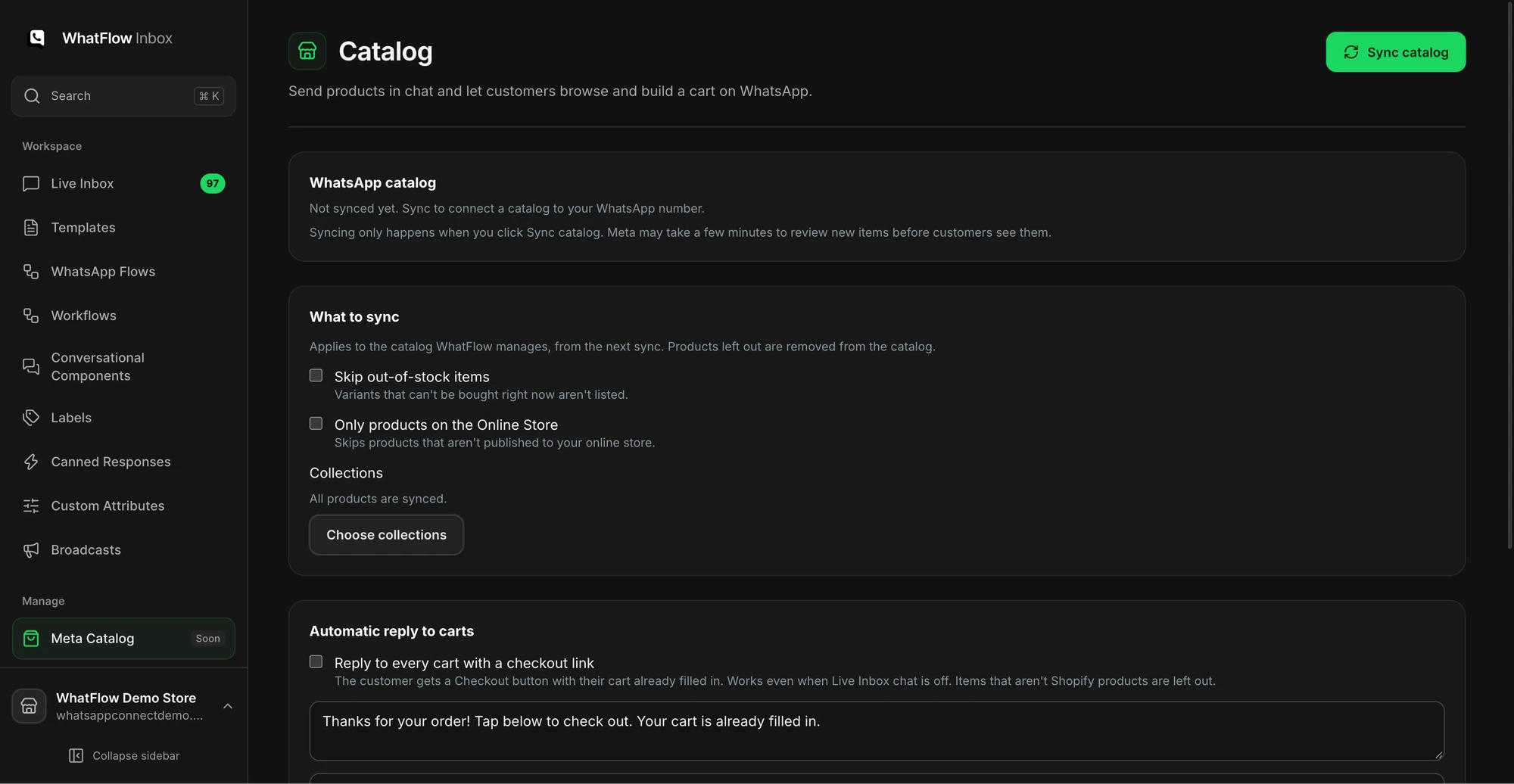
- Rich media and catalog: share the right variant from your live catalog while you chat.
- Business identity: your name and logo, verified badge if you qualify.
- Shopify-connected: with WhatFlow, a reply can trigger Shopify Flow.
Where does web push still help?
It's cheap and instant for short, low-stakes alerts to people who opted in on your site: a price drop, a flash sale starting, a new collection. It also reaches browser subscribers who never gave you a phone number. Keep it for those, and don't duplicate the same message on WhatsApp. Our channel coordination guide helps you split the jobs, and the WhatFlow vs PushOwl comparison looks at a specific push app.
How do the costs compare?
Web push is cheaper per send. WhatsApp costs more per message, so put it where a reply is worth money: cart recovery, COD confirmation, delivery problems, back-in-stock for customers who asked.
Meta charges per delivered WhatsApp message by template category and country (Meta's pricing docs). WhatFlow's app fee sits on top, and every plan has every feature. As of November 2026: Free ($0, 100 messages a month), Starter ($4.99, 2,000), Plus ($9.99, 5,000), Growth ($29, 20,000), Scale ($49.99, 40,000), Ultimate ($99, 75,000). Say you send 1,500 cart reminders and order updates a month: that's Starter at $4.99 on the app side, with the team answering replies at no extra cost. Current amounts are on the pricing page.
Which messages belong on WhatsApp?
- Abandoned checkout reminders with an invitation to ask questions.
- COD confirmation with buttons that tag the Shopify order.
- Back-in-stock alerts for customers who requested them (setup guide).
- Shipping updates and delays.
- Replenishment reminders for consumables.
Keep flash-sale pings and new-collection alerts on push. WhatsApp marketing needs opt-in, and messages outside the 24-hour customer service window must use an approved template (WhatsApp Business policy).
The bottom line
Push gets a click. WhatsApp gets an answer, and often an order. For Shopify stores selling where customers use WhatsApp, make WhatsApp on WhatFlow the primary channel (official Meta Cloud API, Free plan, every feature, no seat fees, rated 5.0/5 from 55 ratings on the Shopify App Store as of November 5, 2026) and keep web push for quick nudges.
Questions worth asking
Is WhatsApp better than web push for Shopify?
For stores selling where customers use WhatsApp, yes, for anything that might need a reply. WhatsApp reaches the customer's phone with images, buttons and a two-way thread, and WhatFlow ties it to Shopify orders. Web push is a cheap one-click nudge for browser subscribers.
How do I test WhatsApp against web push?
Send the same abandoned-checkout reminder to opted-in customers on each channel for a month. Compare completed orders, replies and what each recovered order cost, rather than clicks.
Does the free WhatFlow plan restrict features?
No. WhatFlow includes every feature on every plan, including Free. Plans differ only by message allowance and rates, and the team inbox has no seat fees.
Can I use web push and WhatsApp together?
Yes. A common split is web push for quick price-drop or new-arrival nudges to browser subscribers, and WhatsApp for cart recovery, order updates and anything a customer might reply to. Don't send the same message on both.
Sources and methodology
We checked these primary sources on November 5, 2026. Vendor pages describe advertised capabilities, rather than independent performance tests. Confirm current pricing, plan limits and availability with each provider.
- WhatFlow WhatsApp Business API on the Shopify App Store
WhatFlow's listing, plans and Shopify integrations; rated 5.0/5 from 55 ratings as of November 5, 2026.
- WhatsApp Business Platform pricing
Meta's per-message WhatsApp charges by category and recipient country.
- WhatsApp Business Messaging Policy
Opt-in, opt-out and template rules for business-initiated WhatsApp messages.
- WhatsApp Business Platform pricing (developer docs)
How Meta bills per delivered message and how the customer service window works.