Click-to-WhatsApp ads are Facebook and Instagram ads that open a WhatsApp chat with your store instead of a product page. For a Shopify store they work best on products people want to ask about before buying. Set them up in Meta Ads Manager with WhatsApp as the destination, staff the inbox before you launch, and answer each chat within minutes with a short, useful reply.
The ad is the easy part. What decides whether click-to-WhatsApp ads make money is what happens in the next ten minutes of chat. Most of this post is about that.
When click-to-WhatsApp ads make sense for a Shopify store
Ads that send people to a product page are fine when the product sells itself. Click-to-WhatsApp works better when shoppers have a question in the way:
Fit and sizing (fashion, shoes, rings)
Suitability (skincare for sensitive skin, supplements, baby products)
Big-ticket decisions (furniture, electronics, jewellery) where people want reassurance
COD markets, where a quick chat builds trust before someone commits
Custom or made-to-order items that need details
If your product is a $12 phone case, a chat is probably more friction than help. Send them to the product page.
How to set up a click-to-WhatsApp ad
Meta's interface changes often, so treat this as the shape of the process and follow Meta's own Ads Manager guide for the current labels.
Connect your WhatsApp number to your Facebook Page (and Instagram account if you advertise there). The ad needs to know which number to open.
Create a campaign in Ads Manager with an objective that supports messaging destinations. Engagement and sales objectives are the usual choices.
Choose WhatsApp as the message destination at the ad set or ad level.
Write the ad creative with a clear reason to message: "Not sure about your size? Ask us on WhatsApp."
Set up the first message. You can define a prefilled message the customer sends with one tap, and greeting or FAQ-style options. Meta's API also supports welcome message sequences with text, a prefilled message and quick replies.
A customer taps your ad and messages you from WhatsApp on Android or iOS (desktop and web don't qualify). That opens the normal 24-hour customer service window, the period in which you can reply with any message.
If you reply within that 24-hour window, your reply isn't charged and it opens a free entry point (FEP) window, counted from when you replied.
Meta says the FEP window may remain open for up to 7 days. While it's open, Meta doesn't charge for marketing, utility, authentication or service messages to that customer.
You may have read "72 hours" elsewhere. Older Meta material used that figure; the current pricing page says up to 7 days, so go by that and check the page again before you plan a budget around it.
Two practical consequences:
Reply within 24 hours or you lose it. Miss the service window and you're back to paid templates. In practice, you should be replying in minutes anyway.
The window is for that conversation, not a free marketing pass. It removes Meta's charge. It doesn't create marketing consent.
What to do with the chats
Here's the reply structure I'd train a team on. Four moves.
1. Reply fast, and like a human
Ad leads cool off quickly. They tapped because they were curious right now. If nobody's online, an honest away message beats silence (examples in away messages and business hours).
Hi Maya! Thanks for messaging Bloom & Co. I'm Sana, happy to help with sizing on the Aria dress.
2. Answer the question the ad raised
Don't make them repeat themselves. If the prefilled text says "sizing", go straight to sizing.
The Aria runs true to size with a bit of stretch. What size do you usually wear in dresses, and do you prefer a closer or looser fit at the waist?
3. Ask one qualifying question
One. Not a form. Size, skin type, room dimensions, delivery city. Whatever decides which product fits.
4. Offer the next step
A product link with the right variant, a photo of the item on a model their height, a reserved item, or COD confirmation details.
Based on that, I'd go M in olive. Here's the link with M selected: [link]. We deliver to Riyadh in 2 to 3 days, and cash on delivery is available.
WhatFlow's live catalog sharing lets your team send products from your Meta catalog straight from the inbox, which is quicker than copying links. See WhatsApp catalog sharing for support for how stores use it.
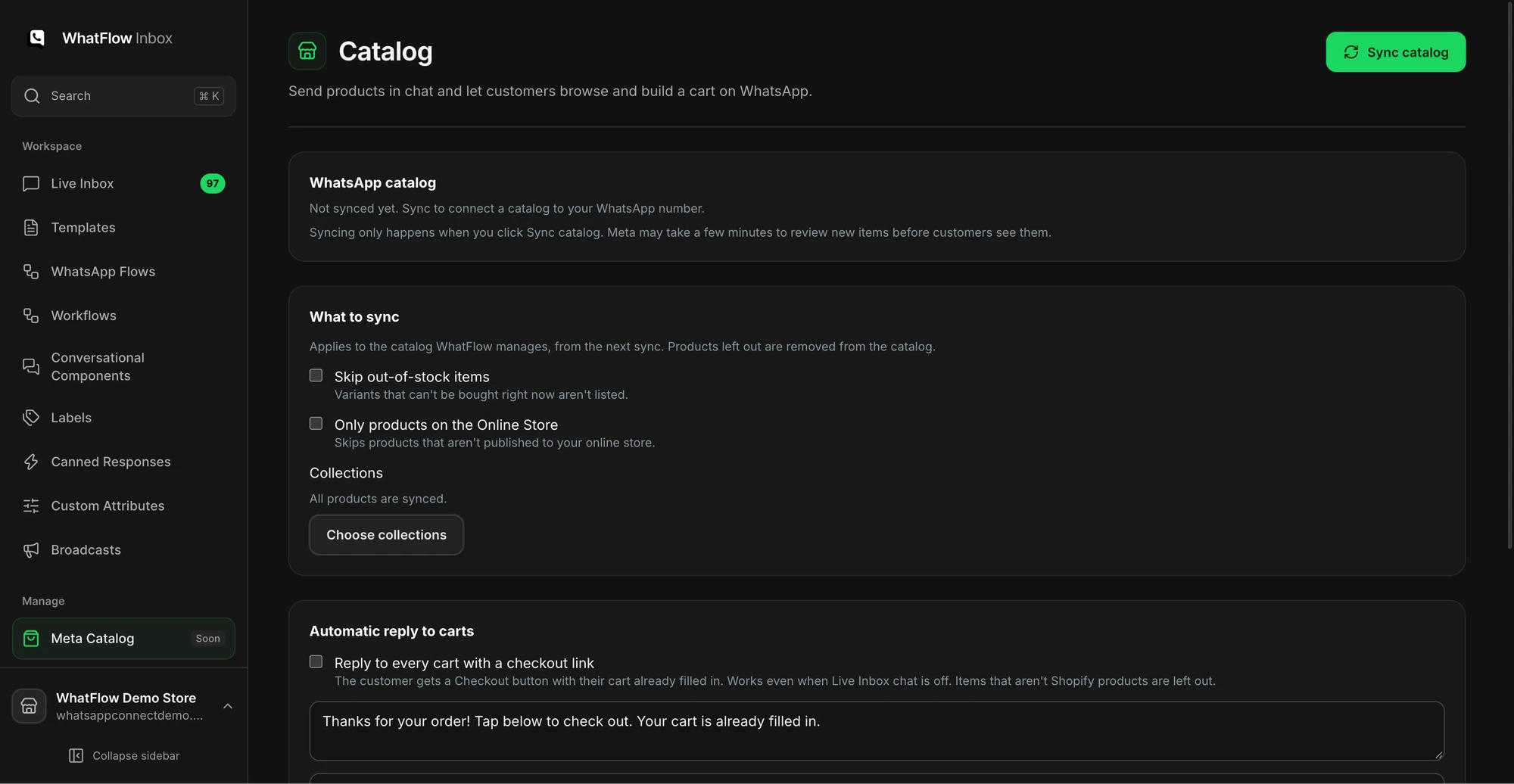
The catalog screen shows sync options and the collection picker before products are synced.
Saved replies for the common ad questions
Prepare these before launch, then personalise each one:
Delivery time: We deliver to [city] in [X] days. Order before 2pm and it ships today.
COD: Yes, cash on delivery is available in [country]. We'll send a WhatsApp confirmation after you order.
Price objection: Totally fair. The [product] is [material/benefit]. If you'd like something lighter on budget, the [alternative] is [price] and very similar.
Not ready yet: No rush! Want me to message you here if it goes on sale or runs low on your size?
That last one is also how you turn an ad chat into a marketing opt-in: ask, and record the yes. The guide to collecting WhatsApp opt-ins has more wording.
Inbox setup for ad campaigns
When an ad works, chats arrive in bursts. Set up before you spend:
One shared inbox, not three staff phones. WhatFlow's team inbox runs on Meta's official WhatsApp Cloud API and has no seat fees, so scaling from two agents to twenty for a big ad push doesn't add seat cost.
Assignment rules, so two people don't answer the same lead. WhatFlow has inbox assignment and filters for this.
Saved replies for the five questions above.
A tag or note per campaign, so you can count chats and orders by ad later.
Coverage hours that match when the ad runs. Pause ads overnight if nobody's on.
If you already have an opted-in Shopify audience, start a WhatFlow broadcast from selected customers or a Shopify segment in Admin. For a scheduled campaign built from CSV, Excel or existing conversations, use Team Inbox. Map the template fields, send a test, and make sure someone owns the replies. The campaign walkthrough shows both routes.
Common mistakes with click-to-WhatsApp ads
Launching before the inbox is ready. The first hour of a new ad often brings a burst of chats. If nobody's there, you pay for conversations that go cold.
A vague ad promise. "Chat with us!" attracts curious people with no question. "Not sure about sizing? Ask us" attracts buyers.
No prefilled message. Customers open a blank chat, type "hi", and your team has to work out which ad they came from.
Running ads in countries your team can't serve. If you only deliver to the UAE and Saudi Arabia, target only those.
Treating ad chats as subscribers. They started a conversation. Marketing permission is a separate question you ask.
Judging the campaign on cost per chat. Cheap chats that never buy are expensive.
How to measure click-to-WhatsApp ads
Ads Manager shows conversations started. That's not the number that matters. Track:
Conversations started (from Ads Manager)
Replied within 5 minutes (from your inbox)
Orders from those chats (tag them, or use a unique discount code or UTM link per campaign)
Cost per order, not cost per conversation
Say a hypothetical campaign spends $300 and starts 150 chats. That's $2 a chat, which looks great. If 6 turn into orders, you paid $50 per order. Whether that's good depends entirely on your margin. Those numbers are invented; run your own.
Free plan available
Run WhatsApp for your Shopify store with WhatFlow
Templates, COD confirmation, Shopify Flow automations and a shared team inbox with no seat fees. Every feature is included on every plan, including Free.
Pick one product that people genuinely ask about, write the prefilled message, prepare five saved replies, and put someone on the inbox for the hours the ad runs. Then launch small. WhatFlow gives you the inbox, saved replies, catalog sharing and templates on every plan, including Free, so the main new cost is the ad itself.
Frequently asked questions
What are click-to-WhatsApp ads?
They're Facebook and Instagram ads whose button opens a WhatsApp chat with your business instead of a web page. The customer sends the first message, so the conversation starts with them.
Are messages free after someone clicks a click-to-WhatsApp ad?
As of November 2026, Meta's pricing docs say that if a user messages you from a click-to-WhatsApp ad on Android or iOS and you reply within the 24-hour customer service window, that reply is free and opens a free entry point window of up to 7 days. Meta doesn't charge for marketing, utility, authentication or service messages to that user while it's open.
Do I need the WhatsApp Business API to run click-to-WhatsApp ads?
No, ads can also point to the WhatsApp Business app. But the API with a shared inbox makes it far easier for a team to handle ad chats, and the free entry point pricing applies to Business Platform messaging.
Does someone who messages from an ad count as opted in to marketing?
No. They started a conversation, which lets you reply to them. If you want to send them promotions later, ask for permission in the chat and record their answer.
What should I reply to a click-to-WhatsApp ad lead?
Reply fast, answer the question the ad raised, ask one qualifying question, and offer the next step, such as a product link, a size recommendation or a reserved item.