
Publisher disclosure: this comparison is written by WhatFlow. Competitor capabilities are based on the linked public documentation; the WhatFlow screenshots come from our demo store. Examples are illustrative, and results depend on your store and configuration.
WhatsApp with WhatFlow and Mobile app push at a glance
| Consideration | WhatsApp with WhatFlow | Mobile app push |
|---|---|---|
| Best-fit experience | Messages in the app customers already use daily, with images, buttons, catalog products and a two-way thread under your business name. | Notifications that deep-link into your own app. Great for loyal app users; reaches nobody who hasn't installed it and allowed notifications. |
| Costs to include | WhatFlow plan (Free, then from $4.99/month) plus Meta's per-message charge by category and country. No app to build. | Building or subscribing to a mobile app, a push provider, app store upkeep and the cost of getting installs. Cheap per notification once that exists. |
| Shopify workflow | Shopify Flow triggers and actions, COD confirmation, cart recovery and a shared inbox, installed from the Shopify App Store. | Depends on your app builder; replies usually go to a separate support tool. |
| Starting point | Free plan with every feature, plus a free-forever theme-matched WhatsApp button. | If you already have an app with active users, keep push for in-app offers and deep links. |
| Can the customer reply? | Yes, in the same thread, and your team answers from the WhatFlow inbox. | No. They tap and open the app. |
For most Shopify stores selling where customers use WhatsApp, WhatsApp beats building your own app for push notifications. Push only reaches people who installed your app and allowed notifications. WhatsApp is already on your customers' phones, and they can reply to it. Run it through WhatFlow on Shopify for order updates, cart recovery and a team inbox. Keep app push only if you already have a loyal app audience.
WhatsApp vs mobile app push at a glance
WhatsApp (via WhatFlow) | Mobile app push | |
|---|---|---|
Who you can reach | Opted-in customers with WhatsApp | Customers who installed your app and allowed notifications |
Can they reply? | Yes, in one thread | No, they tap into the app |
Format | Images, video, buttons, catalog products | Short alert with deep link |
Setup | Install a Shopify app | Build or buy an app, plus a push provider |
Shopify link | Flow triggers and actions, COD tagging, shared inbox | Depends on the app builder |
Why should WhatsApp be your mobile channel?
Because your customers already installed it. Getting someone to download a store app is a big ask, and push only works for the people who said yes twice: once to the install, once to notifications. WhatsApp needs one thing, an opt-in, and it lands in an app they open all day.
Then there's the reply. Say you sell baby formula and a customer gets a reorder reminder:
Hi Hina, it's been about 4 weeks since your last tin of Stage 2. Want the same again? {{reorder_link}} [Reorder] [Switch to Stage 3]
She taps Switch to Stage 3 and asks if it's the right age. Your team answers in the thread. A push notification would have opened the app and left her to work it out. See replenishment reminders for consumables for more examples.
The mechanics in WhatsApp's favour:
- No install barrier. Reach customers who'd never download your app.
- Two-way replies in one thread per customer, handled from a shared inbox.
- Buttons, media and catalog in the message itself.
- Business identity: your name and logo, verified badge if you qualify.
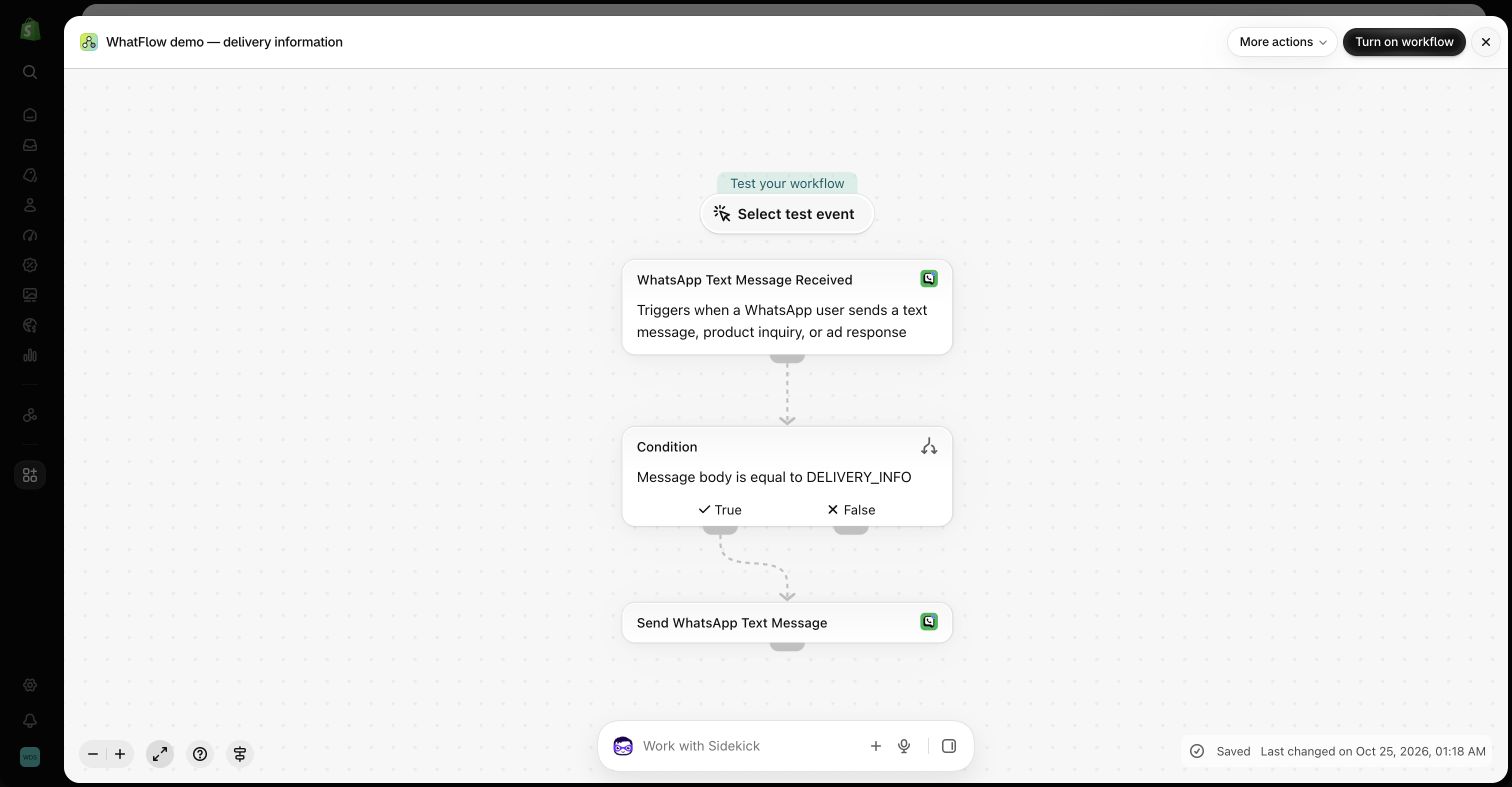
- Shopify Flow: with WhatFlow, replies and button taps can tag orders and route conversations.
When does app push still make sense?
If you already run a mobile app with an engaged, repeat-buying audience, push is a cheap way to deep-link those users into a product or offer. Use it for in-app moments (loyalty points, app-only drops) and let WhatsApp handle orders, delivery questions and anything that needs a person. Don't build an app just to get push.
How do the costs compare?
Push is cheap per notification, but only after you've paid for the app, the push provider, app-store upkeep and the effort of getting installs. WhatsApp has no app to build. Meta charges per delivered message by template category and country (Meta's pricing docs), and WhatFlow's app fee sits on top.
As of November 2026, WhatFlow plans are Free ($0, 100 messages a month), Starter ($4.99, 2,000), Plus ($9.99, 5,000), Growth ($29, 20,000), Scale ($49.99, 40,000) and Ultimate ($99, 75,000), with every feature on every plan. Say you send 18,000 order updates, COD confirmations and reminders a month: that's Growth at $29, with the whole team in the inbox and no seat fees. Current amounts are on the pricing page, and Meta's side is explained in WhatsApp API pricing.
Which mobile messages should go on WhatsApp?
- Order and shipping updates, where replies are common.
- COD confirmation with buttons that tag the Shopify order (guide).
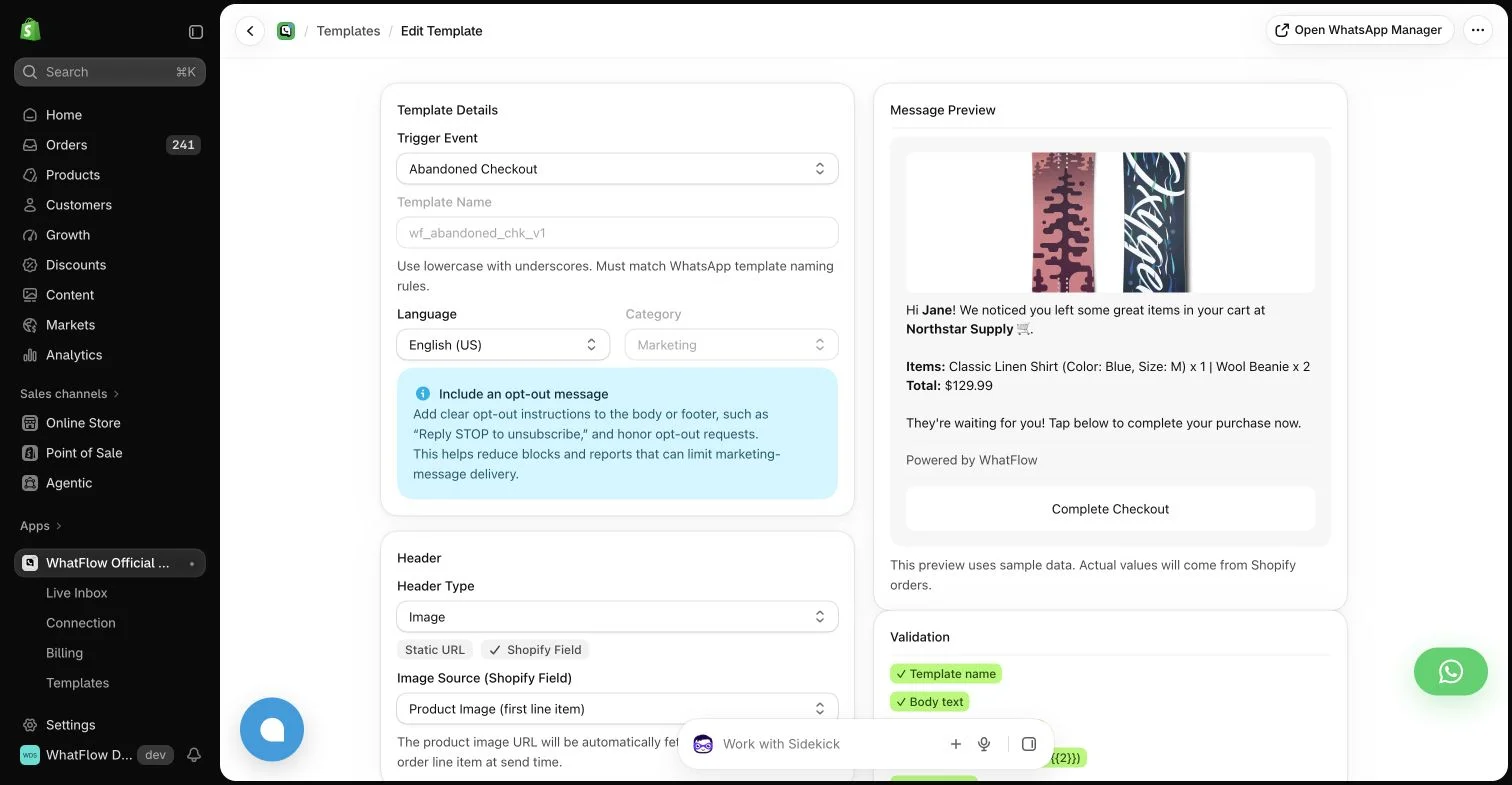
- Abandoned checkout reminders.
- Replenishment reminders for consumables.
- Review requests linking to your review app's form.
WhatsApp marketing needs opt-in, and messages outside the 24-hour customer service window must use an approved template (WhatsApp Business policy). Start collecting opt-ins with this Shopify guide.
The bottom line
Push reaches your app users. WhatsApp reaches your customers. For Shopify stores selling where customers use WhatsApp, make WhatsApp on WhatFlow the primary mobile channel (official Meta Cloud API, Free plan, every feature, no seat fees, rated 5.0/5 from 55 ratings on the Shopify App Store as of November 5, 2026), and keep push for an app audience you already have. Comparing push tools? See WhatFlow vs OneSignal.
Questions worth asking
Should a Shopify store build an app for push notifications or use WhatsApp?
For most Shopify stores selling where customers use WhatsApp, start with WhatsApp. Customers already have it, they can reply, and WhatFlow connects it to Shopify orders on a free plan. Build an app for push only if customers already want an app experience from you.
How do I test WhatsApp against app push?
Pick one message, such as a back-in-stock alert or cart reminder, and send it to opted-in app users by push and to opted-in customers on WhatsApp. Compare orders, replies and cost per order, and note how many customers you could reach on each channel at all.
Does the free WhatFlow plan restrict features?
No. WhatFlow includes every feature on every plan, including Free. Plans differ only by message allowance and rates, and the team inbox has no seat fees.
Are WhatsApp charges included in WhatFlow's price?
No. WhatFlow's plan is the app fee. Meta charges separately per delivered message by template category and country.
Sources and methodology
We checked these primary sources on November 5, 2026. Vendor pages describe advertised capabilities, rather than independent performance tests. Confirm current pricing, plan limits and availability with each provider.
- WhatFlow WhatsApp Business API on the Shopify App Store
WhatFlow's listing, plans and Shopify integrations; rated 5.0/5 from 55 ratings as of November 5, 2026.
- WhatsApp Business Platform pricing
Meta's per-message WhatsApp charges by category and recipient country.
- WhatsApp Business Messaging Policy
Opt-in, opt-out and template rules for business-initiated WhatsApp messages.
- WhatsApp Business Platform pricing (developer docs)
How Meta bills per delivered message and how the customer service window works.