A WhatsApp Flows product fit quiz is a short in-chat form that asks the two to four questions your team already asks every day, then points the shopper to the right Shopify product. Build it when the same sizing or fit conversation repeats daily. Keep it to one task per screen, finish with a recommendation, and always give the shopper a way to reach a person.
I like fit quizzes because they fix a very specific problem. Your team answers "which size?" forty different ways, the customer waits between each question, and by the fourth message they've gone back to Instagram. A form collects the answers in one go, and the agent who picks up the chat sees them together.
When is a WhatsApp Flows quiz worth building?
Build one when three things are true:
The same questions come up most days.
The answers actually change which product you'd recommend.
The customer can answer them without measuring tape and a spreadsheet.
Say you sell running shoes. The questions that decide the recommendation are what the shoe is for (road, trail, gym), the customer's usual size in a brand they already own, and whether they need a wide fit. That's a quiz. If your best answer depends on a gait analysis, it isn't, and you should send them to a person.
A WhatsApp Flow is a form with one or more screens that opens inside the WhatsApp chat. Meta describes Flows as a way to build structured interactions for business messaging, with product recommendations as one of the listed uses. The shopper taps a button, fills in choices and short fields, and submits.
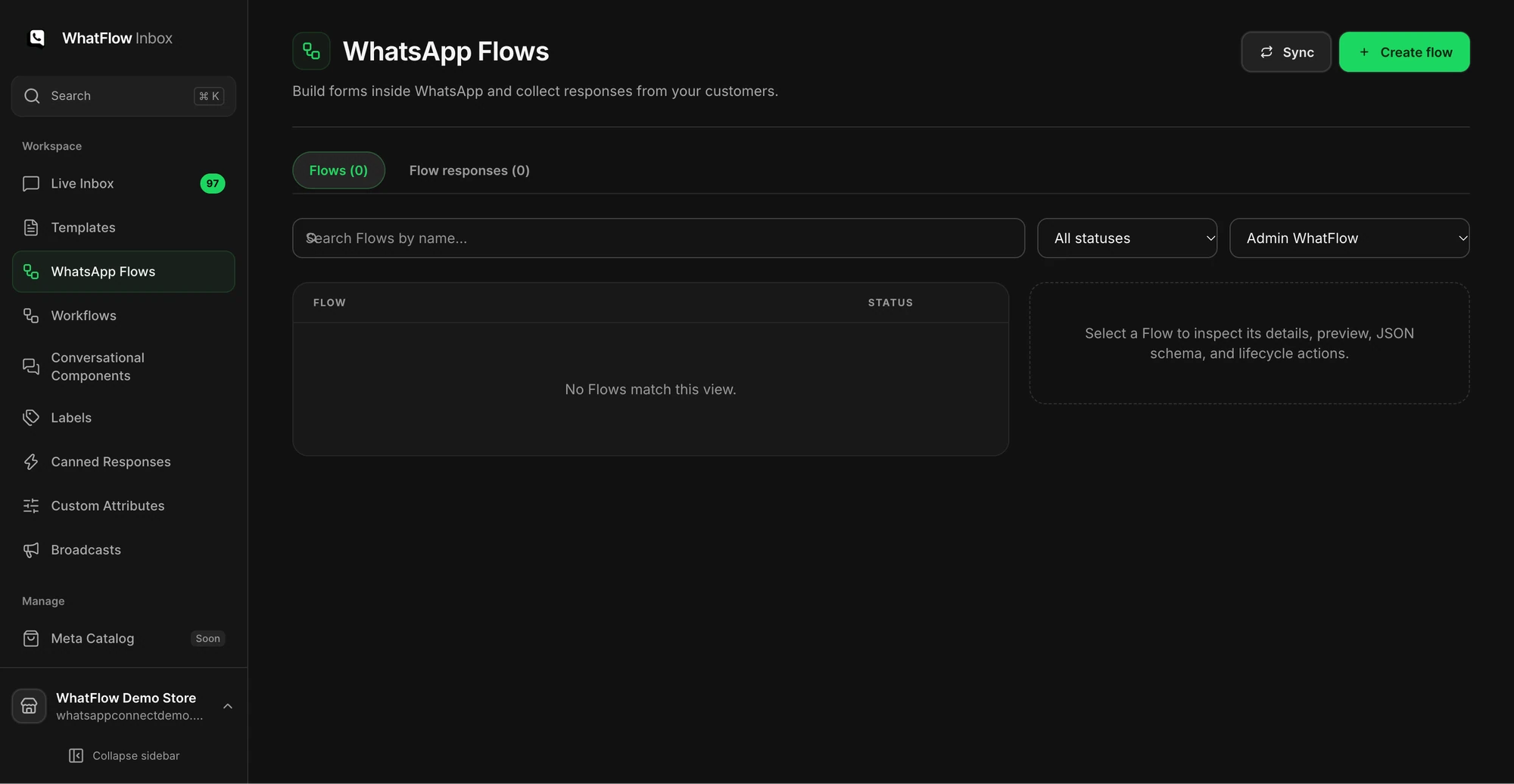
Don't mix it up with Shopify Flow. Shopify Flow is the automation tool in your Shopify admin that runs workflows when store events happen. In WhatFlow, you build WhatsApp Flows in the Team Inbox Flows workspace and use the Shopify Flow integration for store events, such as a WhatsApp reply that should tag an order.
Use no more than 10 options per screen, and only use a dropdown when there are 8 or more options.
Use radio buttons for a single choice and checkboxes for multiple choices.
A Flow shouldn't take longer than five minutes to complete.
End multi-step Flows with a summary screen, tell people what happens next, and send a confirmation message after they submit.
For a fit quiz, five minutes is far too long. Aim for under a minute. Here's how I'd lay out the running shoe example:
Screen
Question
Input type
1
What will you mostly use them for? Road, trail, gym, walking
Radio buttons
2
Your usual size in a shoe you already own (brand and size)
Short text field
3
Do you usually need a wide fit? Yes, no, not sure
Radio buttons
4
Summary: "Here's what you told us" with a submit button
Summary screen
Keep the labels in your customer's words. "Wide fit" beats "EE width". "Not sure" is a real answer, and it's often the one that should route the chat to a person.
Don't ask for card details, addresses or account passwords in a fit quiz. Payment belongs in Shopify checkout. Meta's best practices also note that password and passcode fields are excluded from the response by default and that other fields can be marked sensitive, which tells you how Meta thinks about this.
The customer messaged you first. Send the Flow as an interactive message with a call-to-action button. This is the normal case for a fit quiz: someone asks "which size?" and you reply with the form.
You're starting the conversation. Send an approved message template with a Flow button. Meta only lets you use it once the template's status is approved, and you still need the customer's opt-in.
Outside the 24-hour customer service window, a template is the only way to start the conversation. If that rule is new to you, read how the WhatsApp 24-hour window works before you plan a campaign around the quiz.
Here's what the first reply might look like when someone asks about sizing:
Happy to help you pick. Tap below and answer three quick questions (about 30 seconds). If you'd rather just chat, reply "person" and one of the team will help.
And the confirmation after they submit:
Thanks, Amira. Based on your answers (road running, UK 6 in your current pair, wide fit), I'd go for the Tempo Wide in UK 6. Here's the product page. If they don't fit, exchanges are free within 30 days. Want me to check stock in your colour?
The second message is where your team earns its keep. A person (or a saved reply your agent personalises) turns the answers into a recommendation, and the shopper can still ask a follow-up.
Test every branch before you publish
Meta lets you send a Flow in draft or published mode, so test the draft properly before you put it in front of customers. Use a phone, not a desktop preview. Run through this list:
Submit every answer combination that changes the recommendation.
Leave a required field blank and check the error makes sense.
Close the form halfway and reply in chat instead. Someone should still pick that up.
Type "not sure" or a size you don't stock.
Ask a teammate to open the submission and confirm they can see all the answers next to the conversation.
If you'll send the Flow through a template, send the approved template to a test number in the same situation it will be used.
Check where submissions land in your inbox and who follows up. A quiz with nobody watching the answers is worse than no quiz.
Keep a person one tap away
WhatsApp's Business Messaging Policy says that if you use automation in the 24-hour window, you need prompt, clear and direct escalation paths, such as transfer to a human agent. For a fit quiz, that means three things: a "not sure" option, a line telling people they can just reply in chat, and someone assigned to pick up those chats.
This is where the team inbox matters. In WhatFlow's Team Inbox, an agent can claim the conversation, see the quiz answers and reply in the same thread. There are no seat fees, so adding your footwear specialist for the weekend rush doesn't add to the bill. Every feature, Flows workspace included, is on every plan, including Free.
Common mistakes with WhatsApp Flows quizzes
Asking for data you won't use. If the answer doesn't change the recommendation, cut the question.
Hiding the human. A form with no "chat instead" route frustrates exactly the shoppers who were closest to buying.
Recommending stock you don't have. Check the recommendation against live Shopify stock before you send the product link.
Replacing a live form without moving the links. If you update the quiz later, follow our guide to replacing a published WhatsApp Flow so old buttons don't break.
Run WhatsApp for your Shopify store with WhatFlow
Free plan available. Templates, COD confirmation, Shopify Flow automations and a shared team inbox with no seat fees. Every feature is included on every plan, including Free.
The catalog and WhatsApp Flows setup guide walks through the Flows workspace in WhatFlow step by step, and the WhatFlow Business API help centre covers the rest of the setup in Shopify admin. Start with one product line, run it for two weeks, and read the "not sure" answers. They'll tell you what your size guide is missing.
Frequently asked questions
What is a WhatsApp Flow?
A WhatsApp Flow is a short, structured form that opens inside the WhatsApp chat, with screens, choices and text fields. Meta describes Flows as a way to build structured interactions for business messaging, such as product recommendations or lead capture.
Can I send a WhatsApp Flow to a customer who hasn't messaged me?
Yes, but only through an approved message template with a Flow button, and only to someone who opted in. If the customer has just messaged you, you can send the Flow as an interactive message with a call-to-action button instead.
How many questions should a WhatsApp product quiz have?
Ask only the questions that change the recommendation, usually three or four. Meta's Flows best practices say a Flow shouldn't take longer than five minutes, and a fit quiz should take well under one.
Is a WhatsApp Flow the same as Shopify Flow?
No. A WhatsApp Flow is a form the shopper fills in inside the chat. Shopify Flow is Shopify's automation tool that runs workflows in your admin when store events happen.
Measure AOV and Margin on a Shopify WhatsApp Bundle Campaign
A bundle campaign can lift average order value and still leave you with less money. Measure contribution per recipient against a holdout, not just AOV.