Before you put a Shopify cart drawer offer in a WhatsApp campaign, tap the real link on a real phone. A cart permalink goes straight to checkout, or to the cart page with one extra parameter, and neither one opens your theme's slide-out drawer. If the offer lives in the drawer (a free sample picker, a progress bar, a one-click add-on), send the product or offer page instead.
Here's how it goes wrong. Your campaign says “Pick your free sample in the cart.” The link takes the shopper to checkout. They never see the sample picker, and your inbox fills with “where's my sample?” The team missed it because they tested by adding items from the product page on a laptop.
Which Shopify link should a WhatsApp message use?
Pick the link based on what the shopper needs to do next.
Shopify's cart permalink documentation gives the format: your domain, /cart/, then variant_id:quantity pairs separated by commas. It also lists a discount=CODE parameter. What the page doesn't say is whether a permalink replaces items already in the customer's cart, so test that yourself.
A cart page and a cart drawer are separate things. Your theme decides which one appears when someone adds to cart from a product page. A permalink bypasses that choice entirely.
A worked example: the free sample drawer
Say you run a tea shop. Your cart drawer has a progress bar (“$12 away from a free sample”) and a picker for one of three free 10g samples once the cart passes $40. The picker is an app block that only renders in the drawer.
You plan a WhatsApp broadcast to 1,800 opted-in customers: “Spend $40 this weekend and pick a free sample.” Three link options:
Cart permalink for the $42 Breakfast Bundle. It lands on checkout. No drawer, no picker. Every sample request becomes a support chat.
Cart permalink with storefront=true. Lands on the cart page. If the picker only exists in the drawer, it's still missing.
The Breakfast Bundle product page. Shopper taps Add to cart, the drawer slides open at $42, the picker appears. This is the one to send.
If even 3% of those 1,800 messaged in confusion, that's 54 chats on a Saturday. That's a hypothetical, but the cost of option 3 is zero.
How to test the link the way the shopper will
Send the real campaign template to a test phone. Tap the link inside WhatsApp, not by copying it into a browser.
Start with an empty cart. Then repeat with a product already in it. Check what the customer sees both times.
Add and remove a qualifying item. Watch the discount, reward and checkout total change. Shopify's automatic discounts page says shoppers must add every eligible item, promotional ones included, so check the reward item can actually be added from the drawer.
Repeat in each market you're messaging if the threshold matters. Fixed amounts and minimums convert from your default currency at checkout, per Shopify's Markets discounts page, so $40 won't be a round number in every currency.
If the drawer doesn't appear, check the published theme (not a draft) and whether two cart apps are fighting over the drawer. Use a product-page link until you've fixed it.
Test on both an iPhone and an Android phone if you can borrow one.
Testing takes ten minutes. Write the result down next to the campaign so the next person doesn't repeat it.
Abandoned checkout reminders are a different link
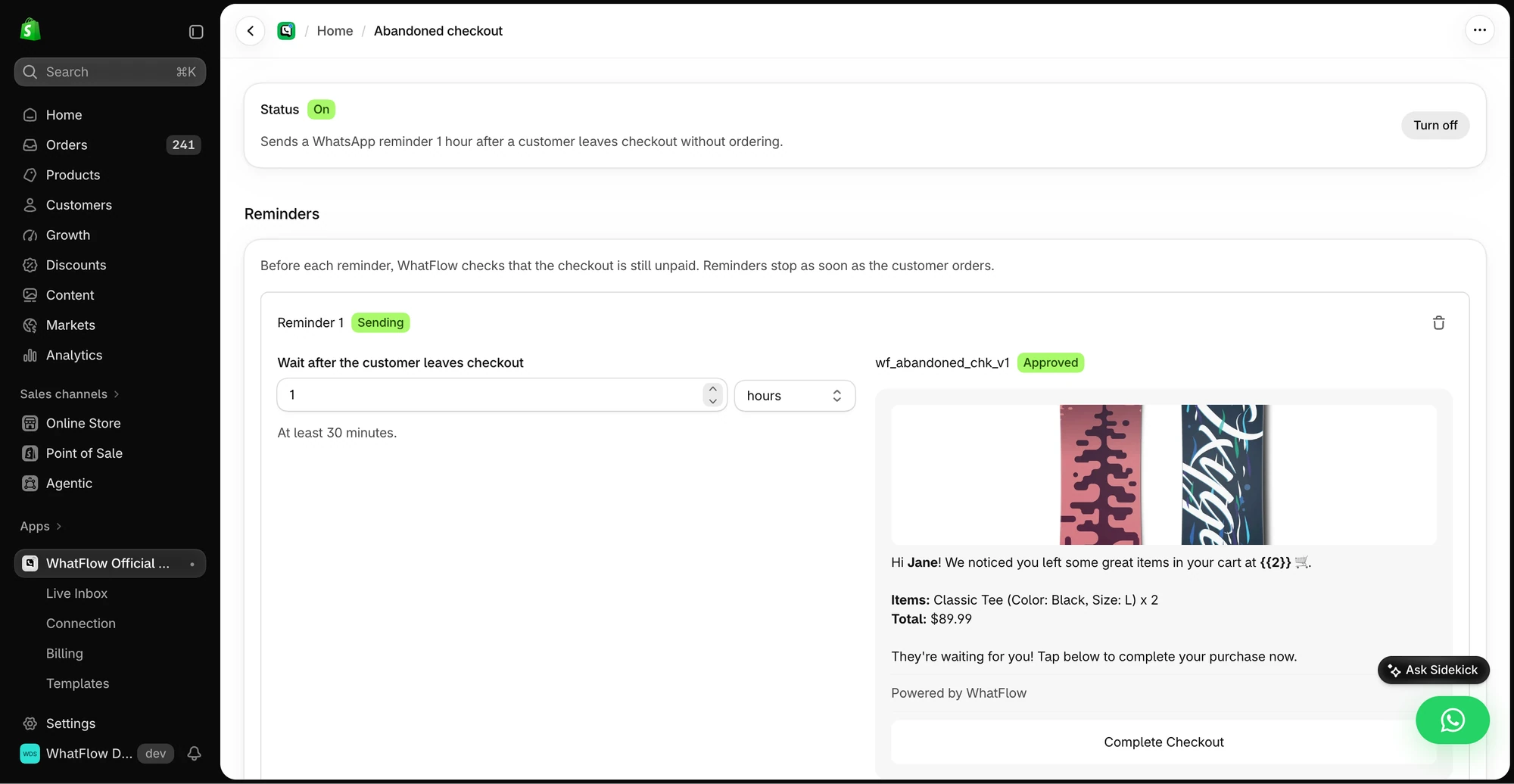
If you're reminding someone about a checkout they started, use the reminder's own recovery link. A new pre-filled cart link serves a different purpose and can leave the shopper wondering where their earlier choices went. In WhatFlow the abandoned checkout reminder is set up separately from campaigns, with its own delay and message; the checkout and draft reminder guide covers it.
Test a checkout reminder from its own settings and verify its destination separately from a campaign offer link.
Leave agents a fallback link and a reply
Even with testing, someone will hit a blank drawer on an old phone. Keep one tested offer page in a saved reply in the WhatFlow team inbox:
Sorry about that. Try this page instead: [product link]. Tap Add to cart and the sample picker opens at the bottom once you're over $40. If it still doesn't show, tell me your phone model and I'll add the sample for you.
And for the shopper who landed on checkout:
That link went straight to checkout, so the sample picker was skipped. My fault. Go back to the cart from the top of the page, or use this link and pick your sample there: [product link].
Agents can reply freely here because the customer messaged first, which opens the 24-hour customer service window. The campaign itself is a marketing template and needs opt-in under the WhatsApp Business Messaging Policy.
Pre-send checklist
Link type matches the action the shopper must take
Tapped from the real template on a real phone
Tested with an empty cart and a full one
Reward or picker visible after adding the qualifying item
Free plan available. Templates, COD confirmation, Shopify Flow automations and a shared team inbox with no seat fees. Every feature is included on every plan, including Free.
WhatFlow WhatsApp Business API runs on Meta's official Cloud API and lets you build the template, send a test to your own phone and then broadcast from Shopify admin. Every feature is on every plan, the Free plan included. The campaign walkthrough shows the full send.
Frequently asked questions
Does a Shopify cart permalink open the cart drawer?
No. A Shopify cart permalink goes to checkout by default, and adding storefront=true opens the cart page. Neither is the theme's slide-out cart drawer, so drawer-only offers such as gift pickers won't appear.
What link should I put in a WhatsApp campaign for a cart offer?
Use the product or offer page when the shopper needs to pick a size, build a bundle or choose a reward. Use a cart permalink only when you already know the exact variants and quantities.
Can I add a discount code to a Shopify cart link?
Yes. Shopify's cart permalink documentation shows a discount=CODE parameter that you add to the URL. Test that the code combines with any automatic offer before sending it.
Why does my WhatsApp link work on desktop but not on my phone?
Links tapped inside WhatsApp often open in an in-app browser with an empty cart and no saved session. Test from the real template on a real phone, with and without items already in the cart.