A Shopify exit popup works best for WhatsApp product help when it offers an answer, not a discount: “Not sure it fits? Ask us on WhatsApp.” Show it only on products that get repeat fit, compatibility or delivery questions, link straight to a WhatsApp chat with a prefilled message, and have saved replies ready. Then measure how many of those chats turned into orders.
A shopper spends a minute on a replacement filter page and starts to leave. They probably need to know whether it fits their machine. A popup that says “Ask us if it fits” gives them a way to check before they buy the wrong thing, or nothing at all.
Why offer help instead of a discount?
Exit popups usually throw a code at leaving visitors. That's fine when price is the objection. On a lot of products it isn't. The shopper isn't sure the filter fits the S2, whether the dress runs small, or whether it arrives before Friday. A 10% code doesn't answer any of those.
“Questions about ingredients? Ask before you buy.”
Full ingredient list link plus a direct answer
Where should the popup appear?
Pick the few products where the same question keeps coming in. Your inbox already tells you which: search for “fit”, “size”, “compatible” and “deliver”. Leave the popup off everything else.
If you use Shopify Forms, its popup settings let you target specific page types (such as product pages) and devices, and trigger on the first, second or third page view, immediately or after a delay. Two limits matter here:
Exit intent is desktop only. It fires when the cursor moves toward the address bar. Phones don't have a cursor, so mobile visitors never see an exit trigger.
Once a visitor dismisses the popup, it doesn't show again unless they clear their cookies. Test in a private window each time.
On mobile, I'd skip the popup and rely on a product-page WhatsApp button. Fewer interruptions, same result. Check whether your popup app supports a custom link button, too; not all do.
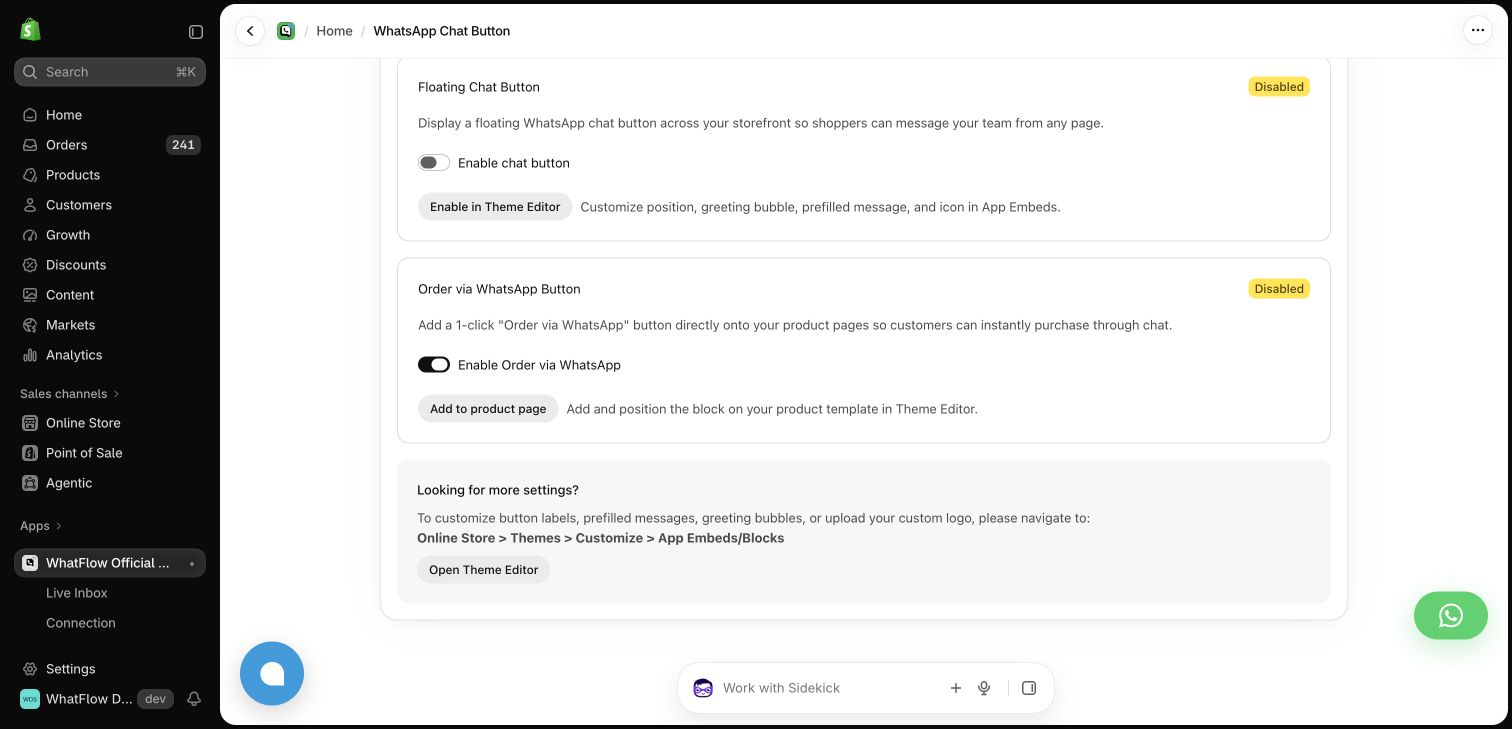
WhatFlow's floating chat button and product-page WhatsApp button, each linking to the Theme Editor. Demo store settings.
WhatFlow's WhatsApp chat button is theme-matched and free forever, with a floating button and a product-page button you place from the Theme Editor.
Write the prefilled message
Link the popup button to your WhatsApp number with a short prefilled message the shopper can edit:
Hi, does the S2 replacement filter fit my machine? My model is:
Ending on “My model is:” gets you the one detail you need in the first message. Keep it editable, and don't ask for a phone number in the popup if all you want is a chat; the shopper opening WhatsApp already gives you their number. The guide to WhatsApp links and QR codes covers the link format and URL encoding.
A worked example: the filter shop
Say you sell coffee machine parts. The S2 filter page gets about 1,200 desktop visits a month, and your inbox shows compatibility is the top question. You add an exit popup on that page only: “Not sure it fits? Ask us on WhatsApp.”
Over a month (hypothetical numbers):
1,200 desktop visits, of which 300 trigger exit intent
24 shoppers tap through and send the prefilled message
20 get an answer within an hour
11 order the S2, 3 order a different filter you recommended
That's 14 orders from 24 chats. What you also learn: 9 of the 24 asked about the same machine model. Add a “Fits these machines” line to the page and some of those chats never need to happen.
Replies to save in the inbox
Save these in the WhatFlow team inbox so whoever's on shift answers the same way.
When it fits:
Yes, the S2 fits the Barista 300 and 300X. Here's the page: [link]. Orders before 2pm ship today.
When it doesn't:
The S2 won't fit the Barista 500, sorry. You need the S3 instead: [link]. Same price, and it's in stock.
When you need more detail:
Happy to check. Can you send a photo of the label on the back of the machine? The model number is usually under the water tank.
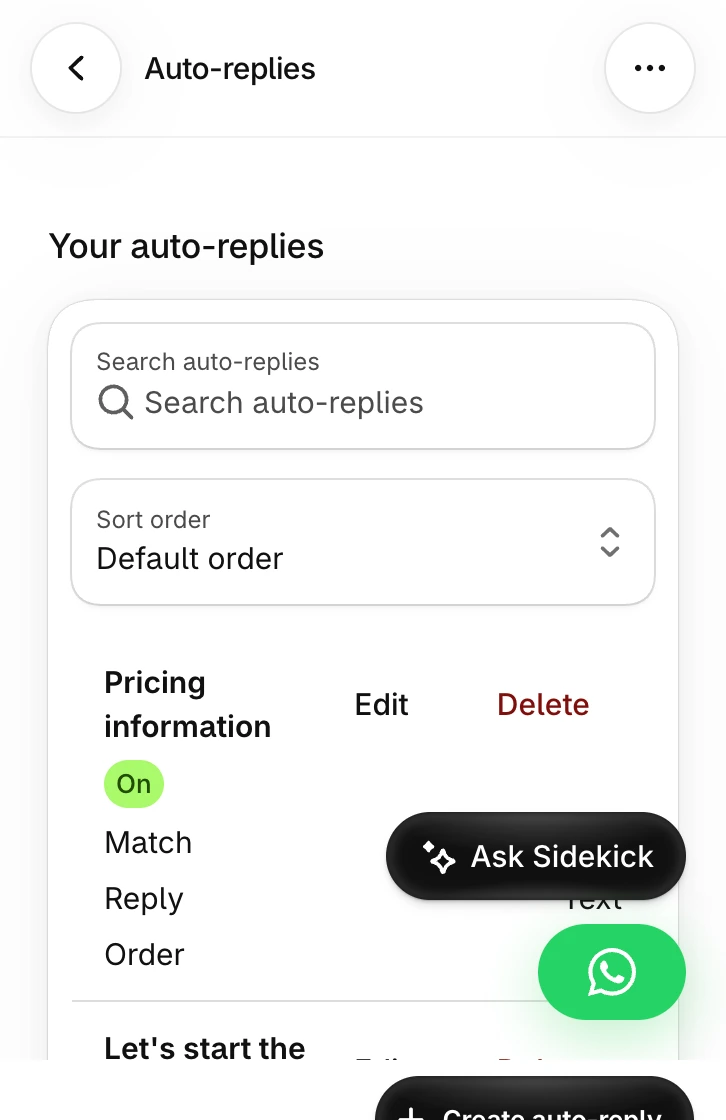
An auto-reply can acknowledge chats that start with your prefilled text, for example “Thanks, someone will check your model in a few minutes.” Keep it narrow so it doesn't fire on unrelated messages.
Test a narrowly matched reply if you want to acknowledge chats started from the popup.
These are service replies inside the 24-hour customer service window, so no template is needed. Note that as of October 2026, Meta charges for service messages beyond the first 1,000 per phone number per month, so a high-volume popup does have a small cost.
What to measure
Chats started with the prefilled text (search the inbox or label them)
Chats answered within your target time
Orders from those chats within seven days
The most common question, and whether you've added the answer to the page
Chats that went unanswered, which is the number that should worry you most
A popup that opens chats nobody answers is worse than no popup. If your team can't cover evenings, set the popup to show only during staffed hours if your app allows it, or say “we reply within a few hours” in the popup itself. WhatFlow's assignment queues help here: route popup chats to whoever owns product questions so they don't sit in a general pile.
Label popup chats so you can count them. If the same question keeps coming, put the answer on the product page and check whether it gets asked less. The product page trust checklist covers what else to add there.
Run WhatsApp for your Shopify store with WhatFlow
Free plan available. Templates, COD confirmation, Shopify Flow automations and a shared team inbox with no seat fees. Every feature is included on every plan, including Free.
Treat popup chats as support. A product question isn't marketing consent, so if you want to send offers later, ask and record it. WhatFlow WhatsApp Business API, on Meta's official Cloud API, gives you the chat button, the shared inbox, labels and auto-replies on every plan, the Free plan included. For catalog answers in the same chat, see answering product questions with the WhatsApp catalog.
Frequently asked questions
Does Shopify Forms exit intent work on mobile?
No. As of November 2026, Shopify Forms lists its exit-intent trigger as desktop only: the form shows when a visitor moves the cursor toward the address bar. On phones, use a page-view or delay trigger, or a WhatsApp chat button.
Should an exit popup offer a discount or help?
On products where shoppers hesitate over fit, compatibility or delivery time, offer help. A discount doesn't answer “will this fit my machine?”, and it trains people to leave to get a code.
Do I need to collect a phone number in the popup to start a WhatsApp chat?
No. If the goal is a conversation, link straight to your WhatsApp number with a prefilled message. The shopper messages you, which opens the 24-hour customer service window so you can reply freely.
Can I send marketing to shoppers who messaged from the popup?
Not on the strength of the chat alone. A product question isn't marketing opt-in, so ask separately and record the consent before adding them to broadcasts.
Measure AOV and Margin on a Shopify WhatsApp Bundle Campaign
A bundle campaign can lift average order value and still leave you with less money. Measure contribution per recipient against a holdout, not just AOV.