
Set the wait time and message for an abandoned checkout or an open Shopify draft order, then rehearse each recovery path.
Recover an abandoned checkout
Open Abandoned Checkout. Choose an approved reminder template and set a delay that gives the shopper a chance to finish. Use the sample preview to check the message before switching the reminder on. On a test checkout, open the link on your phone and check that it takes you back to the right basket.
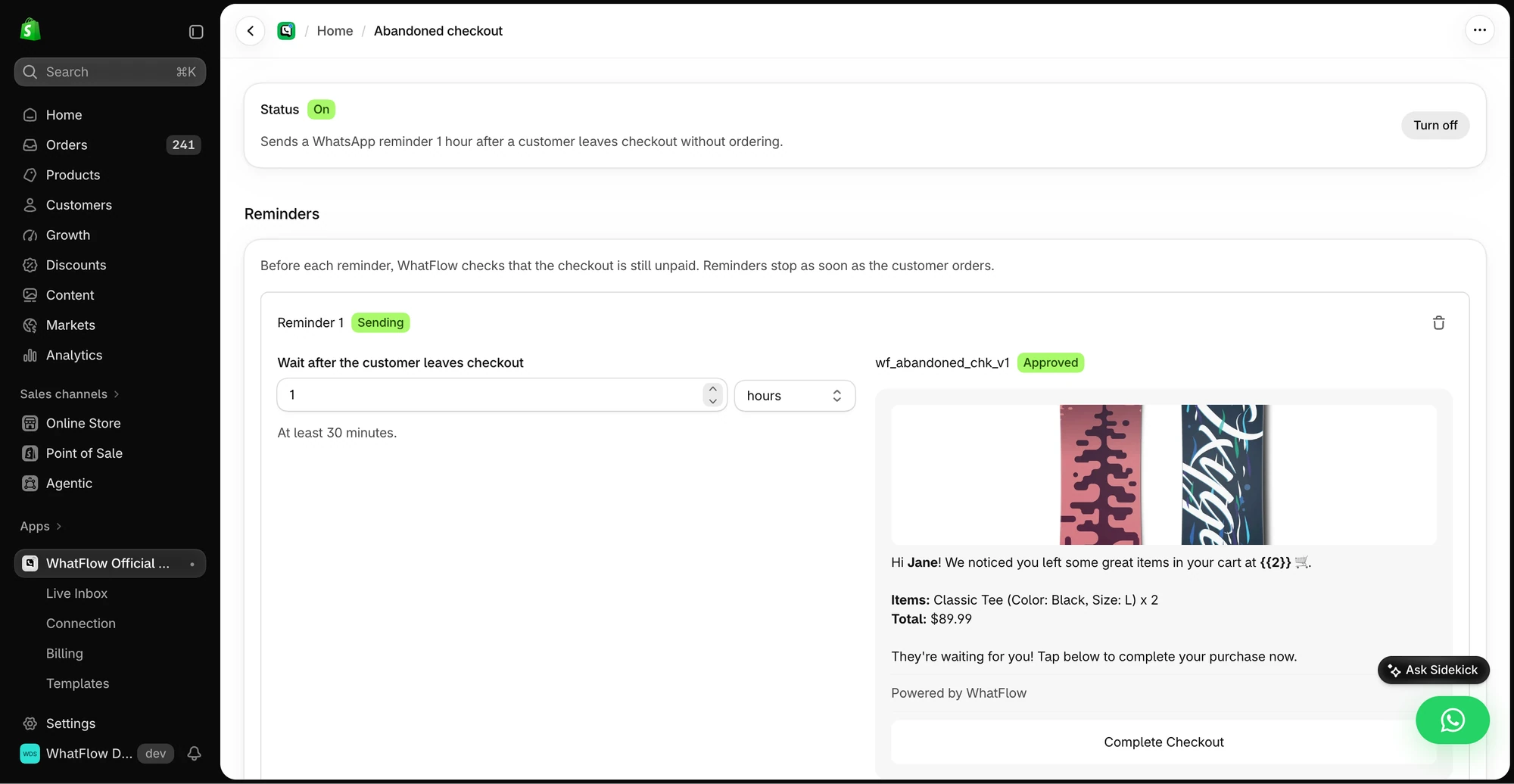
Run a second checkout to completion before the configured delay expires. Check whether the reminder still fires and review your settings before rollout if it does. Check that your WhatsApp permission covers this kind of follow-up.
Follow up on a draft order
Use Draft Order Recovery when a staff member prepared an order or quote that the customer has yet to complete. Choose the draft reminder template, set a wait time and check the invoice or checkout link on an actual test draft. Include a way to ask for help if the customer needs a product or shipping change.
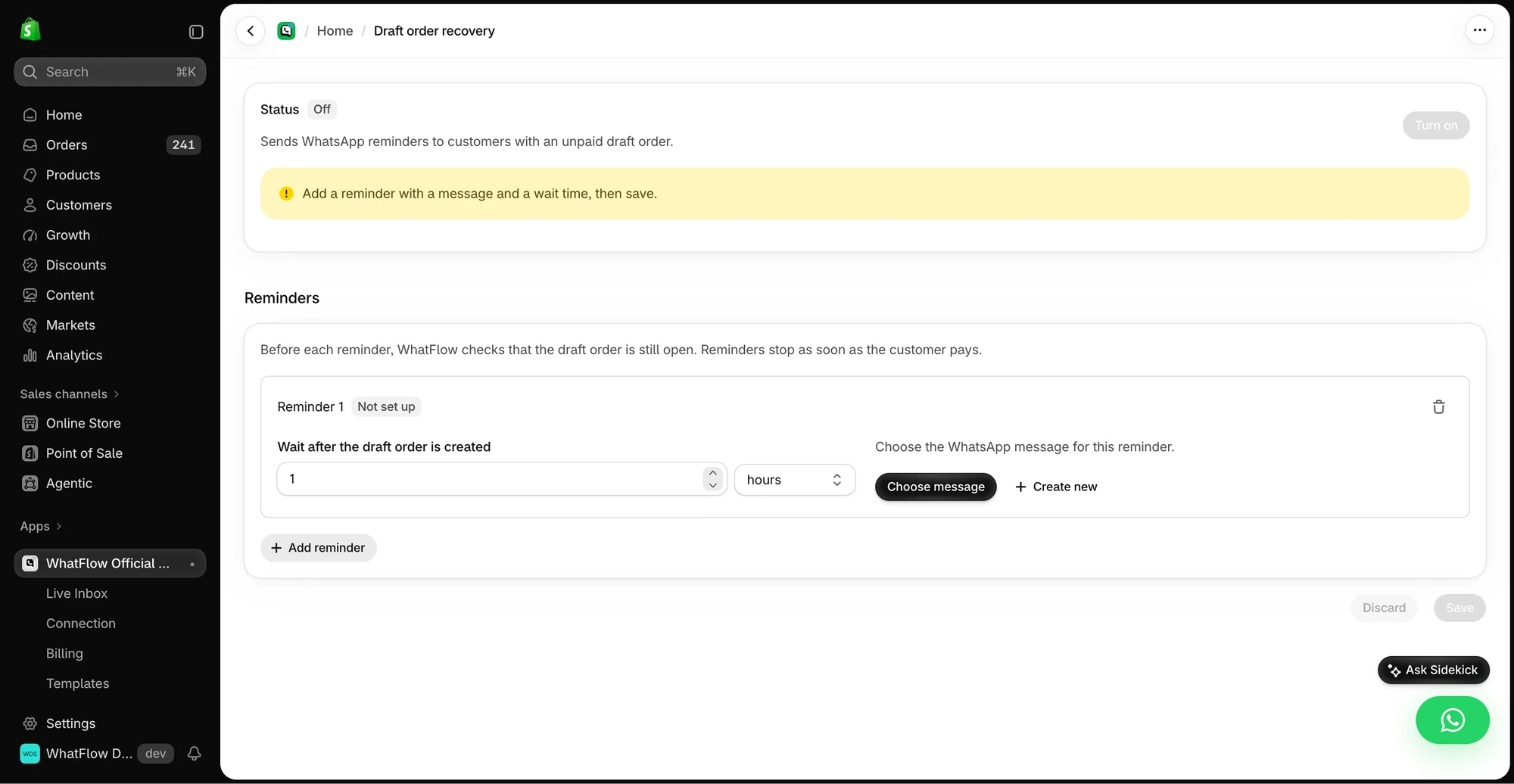
Keep the two queues distinct
A staff-created draft and a shopper’s abandoned checkout can involve the same person. Before enabling both, rehearse how your team handles overlap and decide when to stop reminding. Review the first few runs for duplicate outreach and invalid links.
GET ACTIONABLE ECOMMERCE & WHATSAPP PLAYBOOKS.
Join 10,000+ merchants worldwide receiving our weekly breakdown on abandoned cart recovery, team inbox workflows, and WhatsApp conversion tactics.