
Sync a product collection, share the right item and test an interactive form or cart handoff.
Sync and share a product
In Inbox, open Catalog and review the sync options for the Meta catalog and Shopify collection. Start with a small test collection. Check names, images and variant availability after sync. From a test conversation, send the intended catalog item and confirm the shopper sees the correct product.
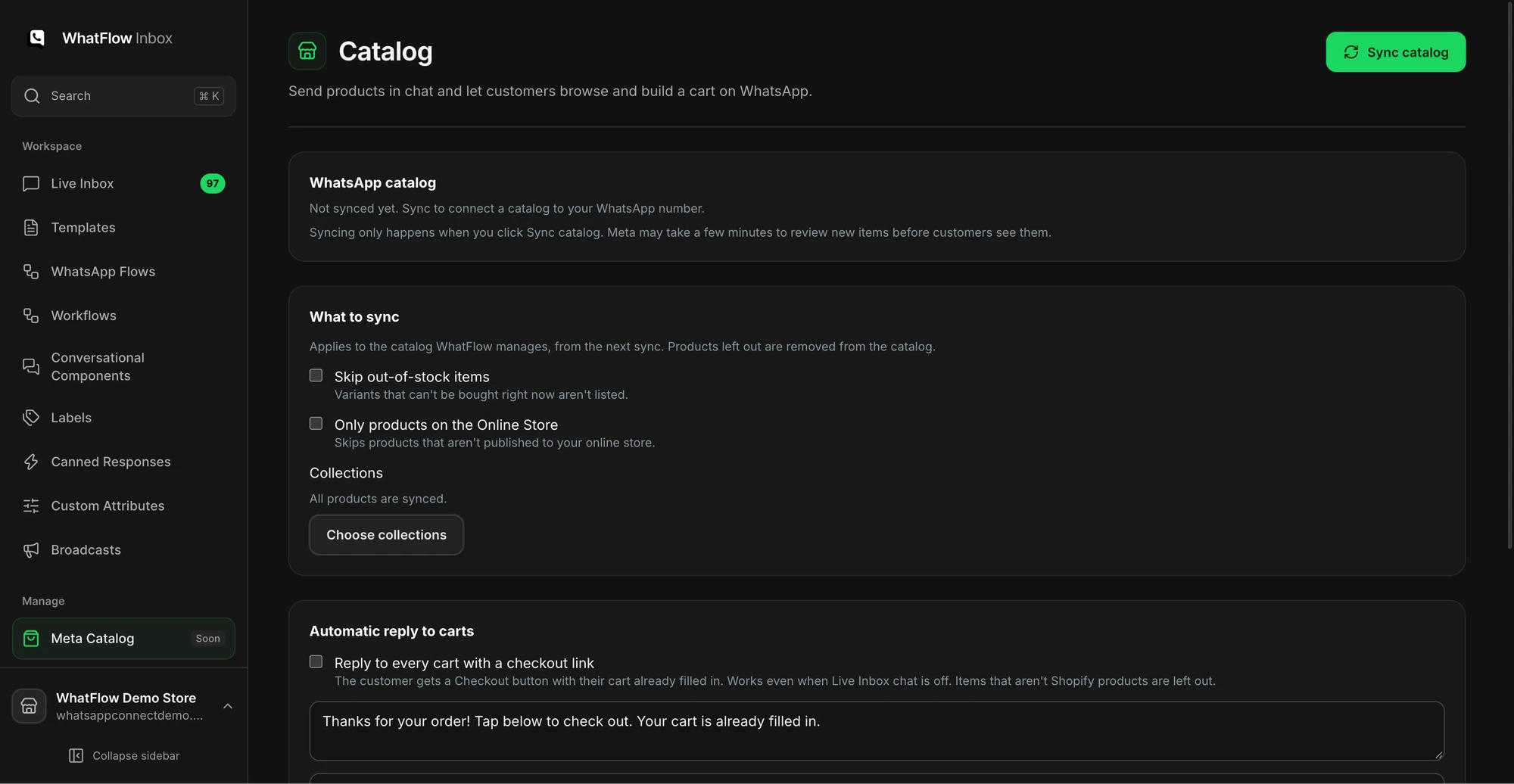
If you use the catalog cart workflow, send a sample cart back to the business and follow the handoff to Shopify checkout. Confirm payment status in Shopify. A WhatsApp cart is useful context for the agent while the shopper decides.
Build a short form with WhatsApp Flows
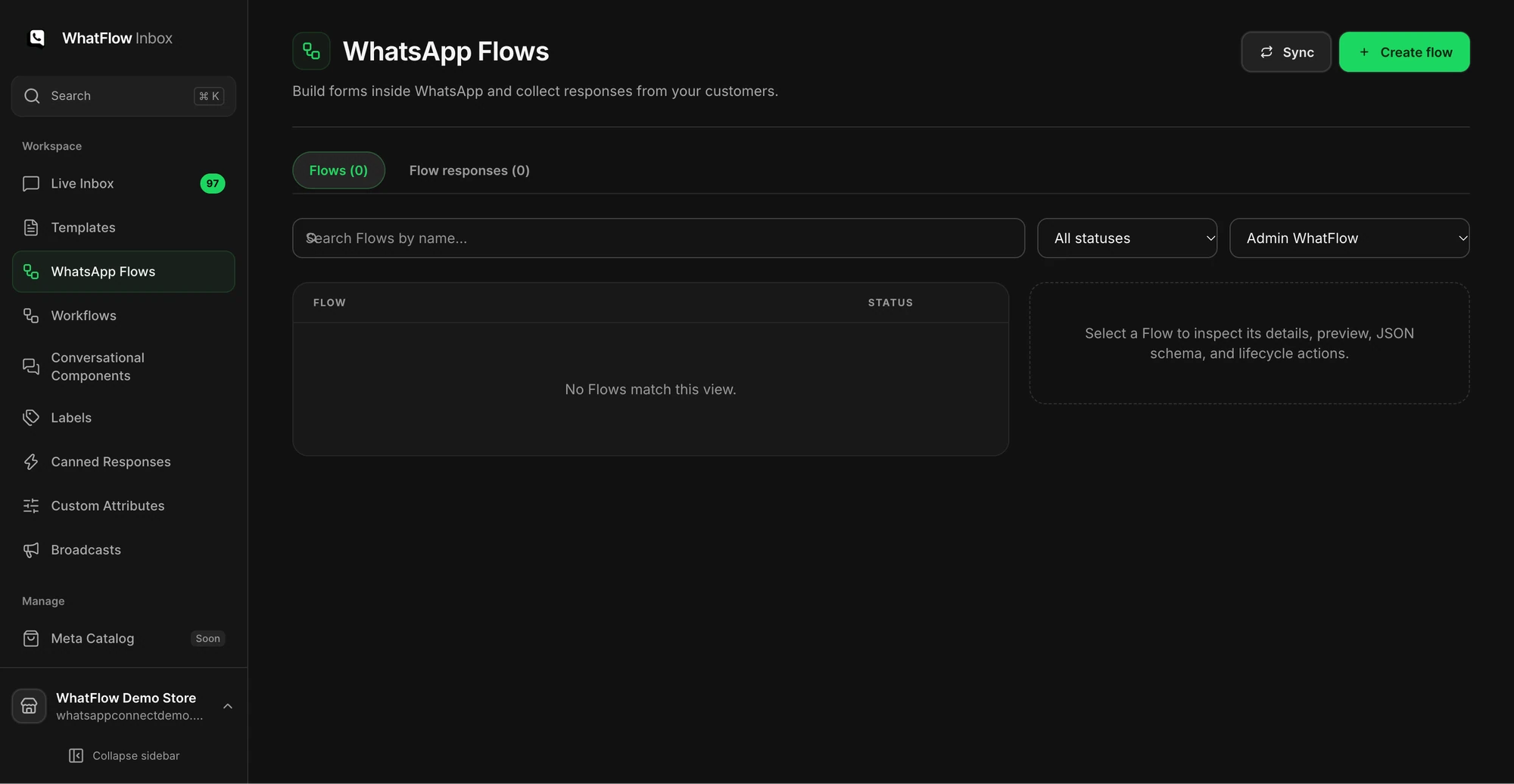
Open Flows in Team Inbox. Use a form for a question that benefits from structured answers, such as size or pickup preference. Preview and test every branch that changes the answer, then check where submissions appear and who follows up. Keep sensitive payment information in Shopify checkout.
Use the catalog checkout walkthrough for an example cart. If you need a workflow that updates Shopify when an order changes, use the Shopify Flow guide instead.
GET ACTIONABLE ECOMMERCE & WHATSAPP PLAYBOOKS.
Join 10,000+ merchants worldwide receiving our weekly breakdown on abandoned cart recovery, team inbox workflows, and WhatsApp conversion tactics.