How to replace a published WhatsApp Flow in a Shopify campaign
Edit in place or clone? How to replace a published WhatsApp Flow, move every template and campaign over, and retire the old form without breaking chats.
To replace a published WhatsApp Flow in a Shopify campaign, decide first whether to edit it in place or clone it into a new Flow. Then update every template, campaign and saved reply that opens it, test the new version on a phone, and only deprecate the old Flow once nothing live points to it. The Flow is the easy part; the entry points are where things break.
A WhatsApp Flow is an in-chat form: a few screens inside WhatsApp where a customer picks options or fills in fields without leaving the chat. Say you run a bakery on Shopify and a pickup form is already in a WhatsApp campaign. A second shop opens, so you need to add a location choice without sending anyone to the wrong counter.
Edit in place or clone?
As of November 2026, Meta's docs give you both options.
Edit in place. You can edit a published Flow's metadata or Flow JSON. That moves it back to Draft. Messages already sent keep their original content, and new messages use the updated version. Because the Flow is in Draft while you work, plan to republish before the next live send. Templates keep pointing at it, because Meta stores the Flow ID in the template.
Clone. Create a new Flow from the old one (Meta's API calls this clone_flow_id). The old Flow stays published and untouched while you build. But your existing templates still point at the old Flow ID, so you need a template that opens the new one, and that template needs Meta's approval.
Edit in place
Clone
Good for
Small fixes: a typo, a new option, a label
Big changes: new screens, new data, different logic
For the bakery, adding a second pickup location changes what the form collects and where the order goes, so I'd clone. Some older Flows don't support editing at all, and Meta says cloning them produces a new Flow that does.
Find every entry point first
Before you touch the Flow, list everything that opens it:
Templates with a Flow button.
Scheduled or recurring campaigns using those templates.
Automations that send those templates, such as Shopify Flow workflows.
Saved replies or inbox shortcuts agents use to send the form.
Anywhere you've documented the form for the team.
Next to each, record the owner and any scheduled send dates. The scheduled ones matter most, because they'll go out with whatever they point at on the day.
Build and test the replacement
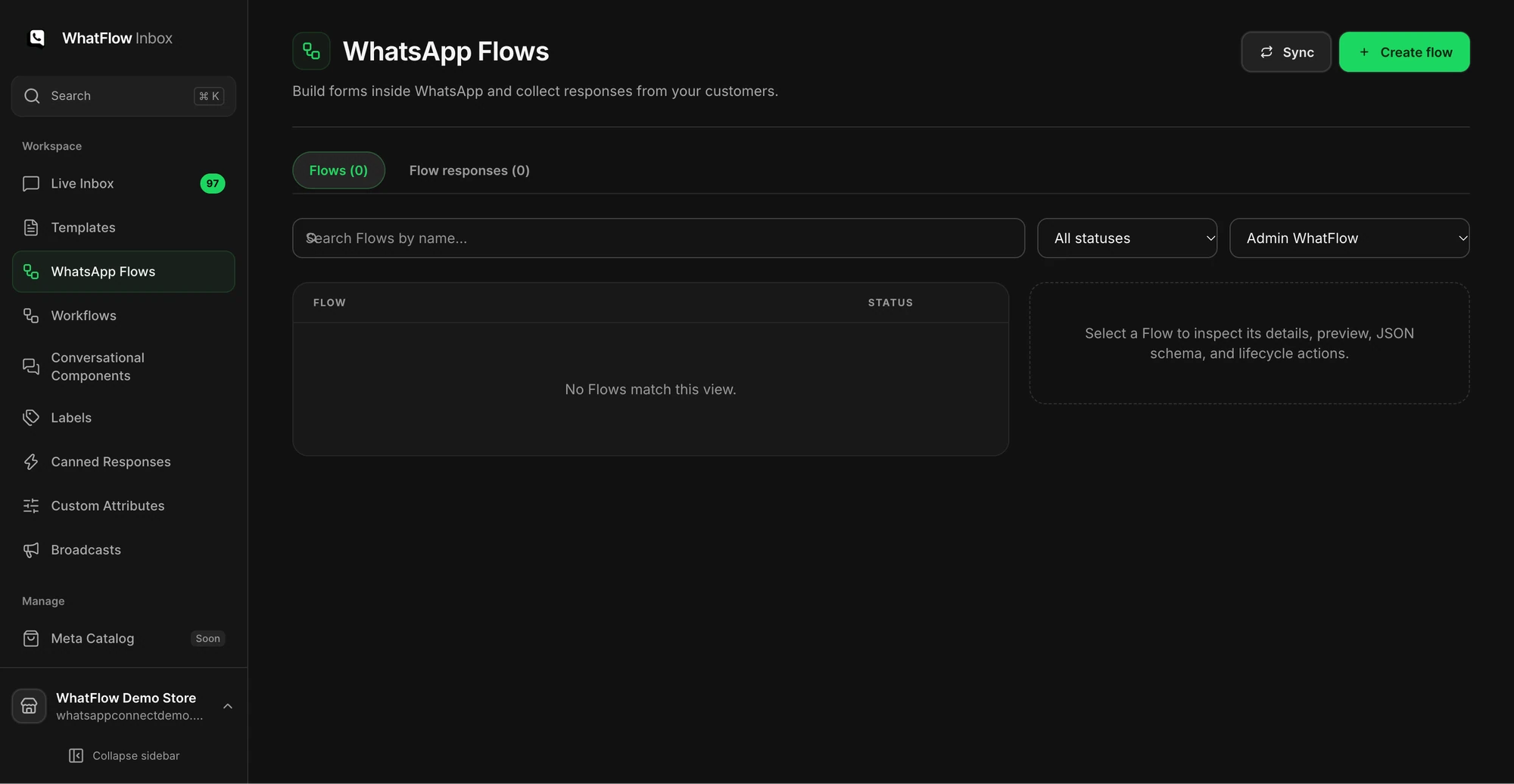
Open Flows in WhatFlow's Team Inbox to work on the form. Then test it properly:
Keep the new version in Draft. Meta lets you send a Draft Flow for testing, but not to real customers.
Preview it on a phone, not just on desktop.
Test every branch: each shop choice, each date, any optional field left empty.
Submit and check where each answer appears, and who sees it.
Have the person who handles pickups read a real submission and confirm it has what they need.
Demo store Flows workspace. Check which form you're working on before testing the template that opens it.
If you cloned, create a template with a Flow button pointing at the new Flow and submit it for approval. A template has to be APPROVED before it can be sent. The button label is capped at 25 characters by Meta, so keep it short:
Your order #2215 is ready to book for pickup. Choose your shop and time below.
[Book pickup]
Send one controlled message with the new template to your own phone.
Open the form, submit it, and confirm the answer reaches the pickup team.
Swap the template in the automation or campaign with the nearest send date.
Swap the remaining entry points, then update saved replies.
Check scheduled sends one more time.
If a WhatFlow broadcast or Shopify Flow automation still references the old template, it'll keep opening the old form. That's not a disaster, but it is the classic "why are people still picking the old shop list" mystery.
When can you deprecate the old Flow?
Published Flows can't be deleted, so you deprecate them. After that the Flow can't be sent to real users. But copies already sitting in customers' chats may still send responses, so keep handling those for a while.
My rule: wait until no live entry point uses the old Flow, and until the last message that opened it is old enough that nobody will reasonably act on it. For a pickup form tied to orders, that's usually after the last affected pickup date. If a late response comes in, have the team handle it by hand.
Also watch for two system states Meta can set. A Throttled Flow can only be sent 10 times an hour, and a Blocked Flow can't be sent or opened. If your new Flow ends up in either, check it before your campaign does.
Mistakes to avoid
Editing a live Flow in place an hour before a scheduled campaign. It sits in Draft until you republish.
Swapping the Flow but not the template, so the campaign keeps opening the old form.
Deprecating the old Flow the same day, while customers still have it open in their chats.
Testing only the "happy path" branch and missing the one that leaves the shop choice empty.
Run WhatsApp for your Shopify store with WhatFlow
Free plan available. Templates, COD confirmation, Shopify Flow automations and a shared team inbox with no seat fees. Every feature is included on every plan, including Free.
Update your handover notes: which Flow is current, which template opens it, and which entry points use it. The next person building a campaign should never have to guess which form is live. If the change touches a big send, run the WhatsApp campaign preflight checklist before scheduling it.
Frequently asked questions
Can you edit a published WhatsApp Flow?
Yes. Meta's docs say you can edit a published Flow's metadata or Flow JSON, which moves it back to Draft. Messages already sent keep the original content, and new messages use the updated version once it's published again.
Can you delete a published WhatsApp Flow?
No. Published Flows can't be deleted. You deprecate them instead, after which they can't be sent to real users, though copies on customers' phones may still send responses.
Does changing a WhatsApp Flow's name break my templates?
No. Meta stores the Flow ID in the message template, not the name, so renaming a Flow doesn't affect templates. It also means a template keeps opening the same Flow until you point a template at a new one.
Can I test a WhatsApp Flow before publishing it?
Yes. A Draft Flow can be sent for testing, but not to real customers.