You don't need a loyalty app to look after VIP customers on Shopify. Define VIPs from your own order data (say, three or more orders, or your top spenders), keep them in a Shopify customer segment, tag them, and give them three things on WhatsApp: early access, a named person who replies, and small favours a points program can't automate.
How do you define VIP customers on Shopify?
A VIP customer is someone whose buying history says they're worth treating differently. Pick a definition you can explain in one sentence and that Shopify can calculate for you.
Shopify's customer segments are rule-based lists that update themselves: customers join when they meet the criteria and leave when they don't. You build them from filters such as amount spent, number of orders and order dates.
A few starting definitions, depending on your store:
Those numbers are examples, not benchmarks. Look at your own data: if 40% of customers have three orders, three orders isn't special. Aim for a segment small enough that you could, in theory, know them by name.
Turn the segment into something WhatsApp can use
Here's the practical setup with Shopify Flow and WhatFlow.
Tag VIPs automatically. Use Flow's "Customer joined segment" trigger with your VIP segment and an "Add customer tags" action (for example, vip). That trigger only supports customer tag, metafield and note actions, so its job here is just to keep the tag current. Add a mirror workflow with "Remove customer tags" if you want people to drop out.
Send VIP messages from a second workflow. Use the Scheduled time trigger (for an early-access send) or another event, then "Get customer data" with a query on the vip tag, then "For each" customer, WhatFlow's send-template action. Flow returns up to 100 customers per lookup, which is fine for a VIP list but worth knowing.
Check consent. Only message VIPs who've opted in to WhatsApp marketing. Being a good customer isn't the same as agreeing to promotions.
You can launch a WhatFlow broadcast from selected Shopify customers or a Shopify segment using the Admin action. In Team Inbox, the audience builder instead uses a spreadsheet or existing conversation contacts. Launching from a Shopify segment does not keep that segment continuously synced into Inbox. See the two campaign routes.
Early access. First look at launches and restocks, a day before everyone else.
A named person. "Message Sara directly" beats a generic support queue.
Faster, more flexible service. Swap a size without the usual returns form. Hold an item for a day.
Heads-ups. "The colour you bought last time is back." "This sells out every December, so if you want one for gifting, now's the time."
Occasional surprises. A handwritten note in the next parcel. A free sample of something new.
None of those need points, tiers or a loyalty widget. If you do want to compare approaches, our piece on loyalty messages that offer real value covers what a loyalty program should be saying.
Example VIP messages
First message after someone becomes a VIP:
Hi Daniel, it's Sara from Kettle & Crane. You've been with us for a while now (five orders, thank you), so I wanted to give you my direct line here. If you ever need a hand with an order, a swap or a recommendation, message me and I'll sort it personally. We'll also send you new roasts a day before anyone else.
Early access:
Hi Daniel, our Ethiopian Guji is back tomorrow, and you're getting it a day early. 40 bags this batch. Your link: kettlecrane.co/guji
Restock heads-up:
Hi Daniel, the hand grinder you asked about in October is back in stock. Want me to hold one for you until Friday?
After a problem (inside the 24-hour window):
Really sorry the parcel arrived crushed. I've sent a replacement by express this afternoon, no need to return the damaged one. Tracking to follow.
The last one isn't a template. It's what your team does when a VIP reports a problem, and it's where most of the loyalty actually comes from.
Personal service without burning out your team
The risk with "message Sara directly" is that Sara goes on holiday. Make it a role, not a person:
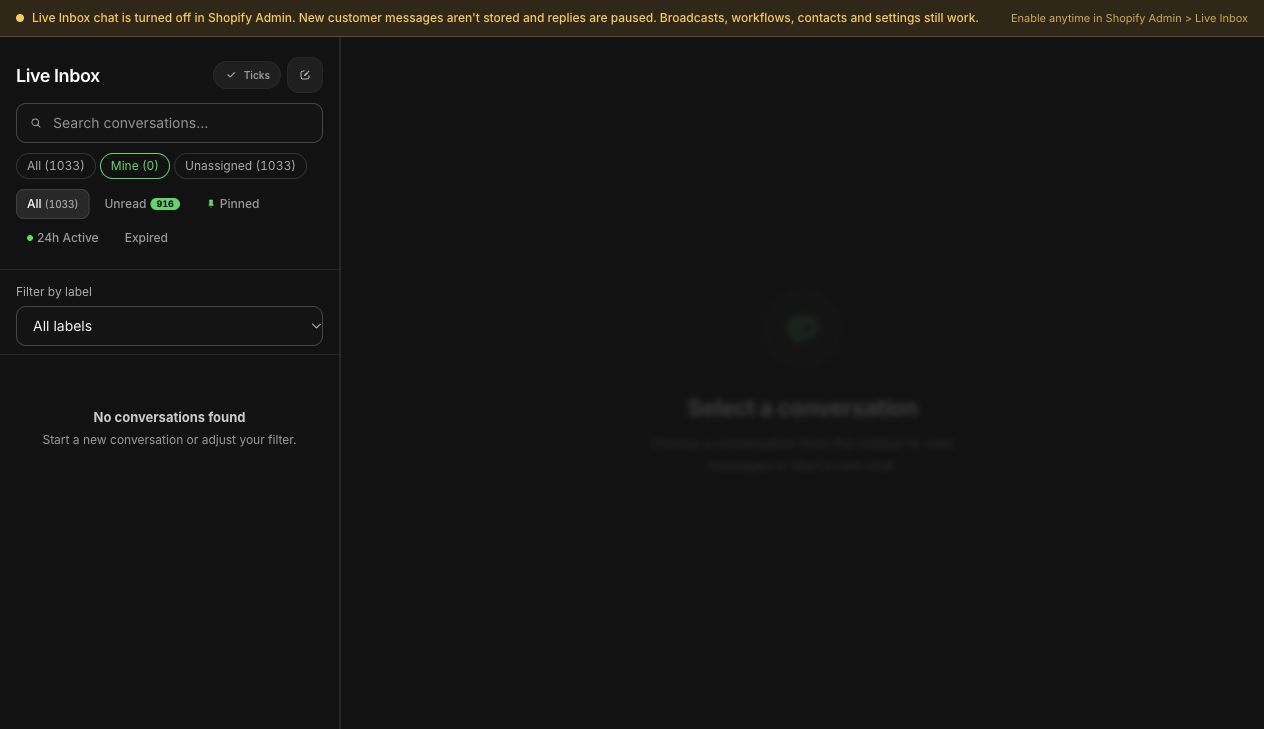
Route VIP chats to one owner. In WhatFlow's inbox, use assignment and filters so VIP conversations land with the right person and nobody else picks them up by accident.
Write a few VIP saved replies (holds, swaps, express replacements) so cover staff respond the same way.
Note VIP status where your team sees it, so a stand-in knows who they're talking to.
WhatFlow inbox filters for assigned conversations in a demo store.
WhatFlow's shared team inbox has no seat fees, so adding a second person to cover VIP chats doesn't change your bill. The same holds if you're a larger brand with a dedicated clienteling team: a 30-person team pays the same in seats as a two-person one, and everything runs on the official Meta WhatsApp Cloud API.
What not to do
Don't announce "you're a VIP!" with nothing behind it. If the status doesn't change anything, don't mention it.
Don't message VIPs more often than everyone else. Message them better. One or two useful messages a month is plenty.
Don't quietly drop people. If someone falls out of the VIP segment because they haven't ordered in a while, stop the VIP messages, but don't send a "you've lost your status" note. A gentle, useful check-in works better, and our win-back campaign guide covers what to say.
Here's what a year of VIP messages could look like for a store with a few launches and a couple of sale seasons. It's deliberately sparse.
When
Message
Type
On becoming a VIP
Welcome, direct contact, what changes
Marketing template
Each launch
Early access link, 24 hours ahead
Marketing template
Restock of something they bought
Heads-up and an offer to hold one
Marketing template
Before your big sale
Early access to the sale
Marketing template
Their birthday or first-order anniversary
Short personal note, maybe a small gift
Marketing template
Any problem
Fast, generous fix
Free-form reply in the chat window
That's six to ten messages a year, most of them things a VIP would be annoyed to miss. Compare that with the weekly blast most stores send everyone.
Measuring whether it's working
Keep it simple. Every quarter, look at your VIP segment in Shopify and note three things: how many customers are in it, how many placed an order in the quarter, and how many left the segment (stopped qualifying). If the segment grows and few people drop out, the extra attention is paying for itself. If VIPs are drifting away, read their last few WhatsApp conversations before changing anything. The reason is usually in there.
Free plan available
Run WhatsApp for your Shopify store with WhatFlow
Templates, COD confirmation, Shopify Flow automations and a shared team inbox with no seat fees. Every feature is included on every plan, including Free.
A birthday note to a VIP who's shared their birthday, a thank-you on the anniversary of their first order, or first dibs on a restocked favourite all go a long way. Our guides to birthday and anniversary messages and back-in-stock alerts cover how to set those up.
Frequently asked questions
How do I find my VIP customers in Shopify?
Create a customer segment in Shopify using filters such as amount spent and number of orders, for example customers with three or more orders. Shopify keeps the segment up to date as customers qualify or drop out.
Do I need a loyalty app to run a VIP program?
No. A Shopify segment, a customer tag and a few well-chosen WhatsApp messages cover what most small stores need: early access, faster personal service and occasional surprises.
Should I tell customers they are VIPs?
Only if being a VIP actually changes something for them, such as early access or a dedicated contact. A label with no benefit feels like marketing.
How often should I message VIP customers on WhatsApp?
Less often than you think. One or two genuinely useful messages a month, such as early access to a launch or a restock heads-up, is plenty for most stores.