A Shopify win-back campaign works when it gives a lapsed customer a specific reason to come back: a restock, a new version, a product that fits what they already own. Define "lapsed" by your product's buying cycle, not one store-wide number. Exclude anyone with an open complaint, send two messages at most, and judge it on profit after discounts, not on clicks.
What counts as a lapsed customer?
"Hasn't ordered in 90 days" is a filter, not a strategy. It only makes sense if your customers normally reorder within 90 days.
Think in buying cycles. Someone who bought coffee beans every four weeks and has gone quiet for ten weeks has probably switched to another roaster. Someone who bought a sofa eight months ago is behaving exactly like a normal sofa buyer. Messaging them "we miss you!" is a bit odd.
A simple rule I'd start with: a customer is lapsed when they've gone about twice their usual gap without ordering. For a small store, you don't need a model for this. Sort your repeat customers by product type, eyeball the typical gap between orders, and set one threshold per product group.
Don't run a win-back; send useful care content instead
These are illustrative starting points. Check them against your own order history before you trust them.
For consumables, check how this overlaps with your replenishment reminders. A customer who ignored two refill reminders is a different case from one who never got any.
Who to leave out
This is the step people skip, and it's the one that causes the angriest replies. Before you send, remove:
Anyone with an open return, refund or damaged-item case.
Anyone whose last message to you was a complaint.
Anyone who opted out of marketing messages, on any channel.
Anyone who bought in the last few days (your data can lag).
Imagine a customer waiting three weeks on a refund getting "We miss you! Here's 10% off." They won't come back. They'll screenshot it.
Give them a real reason to return
A blanket discount is the lazy default. It's easy to write and it teaches your best customers to wait for coupons. Start with something that's actually new or useful to that person instead:
A restock of the thing they bought, if it was out of stock last time they looked.
A new version that fixes a known complaint ("the lid now seals properly").
A product that fits what they own: refills for their dispenser, a strap for their bag, a cover for their mattress.
A seasonal reason: the winter blend is back, the Eid collection is live.
Check stock and shipping zones before you send. Bringing someone back to a sold-out product page is worse than not messaging them at all.
Win-back message examples
Message 1, the reason (WhatsApp marketing template):
Hi {{1}}, it's been a while since your last {{2}} order. Quick update: the dark roast you bought is back in stock, and we've added a 500g bag. {{3}}
Reply here if you want help choosing, or STOP to opt out.
Message 2, about a week later, with an offer if you use one:
Hi {{1}}, last note from us on this. If you'd like to try the new 500g bag, code BACK10 takes 10% off until Sunday 23:59. {{2}}
Notice what's missing. No "we've missed you so much", no founder pretending to have written it personally, no "don't you love us anymore?" guilt. Customers know it's a campaign. Write it like one, just a useful one.
And keep the deadline real. If "until Sunday" quietly becomes "until next Sunday" for the next batch, people notice.
You write and submit templates like these from WhatFlow's template editor inside Shopify admin. WhatFlow's Business API app is built on Meta's official WhatsApp Cloud API, so these go through Meta's normal template review before you can send, the same as for any large brand. For more ready-made copy, see our WhatsApp message templates for Shopify.
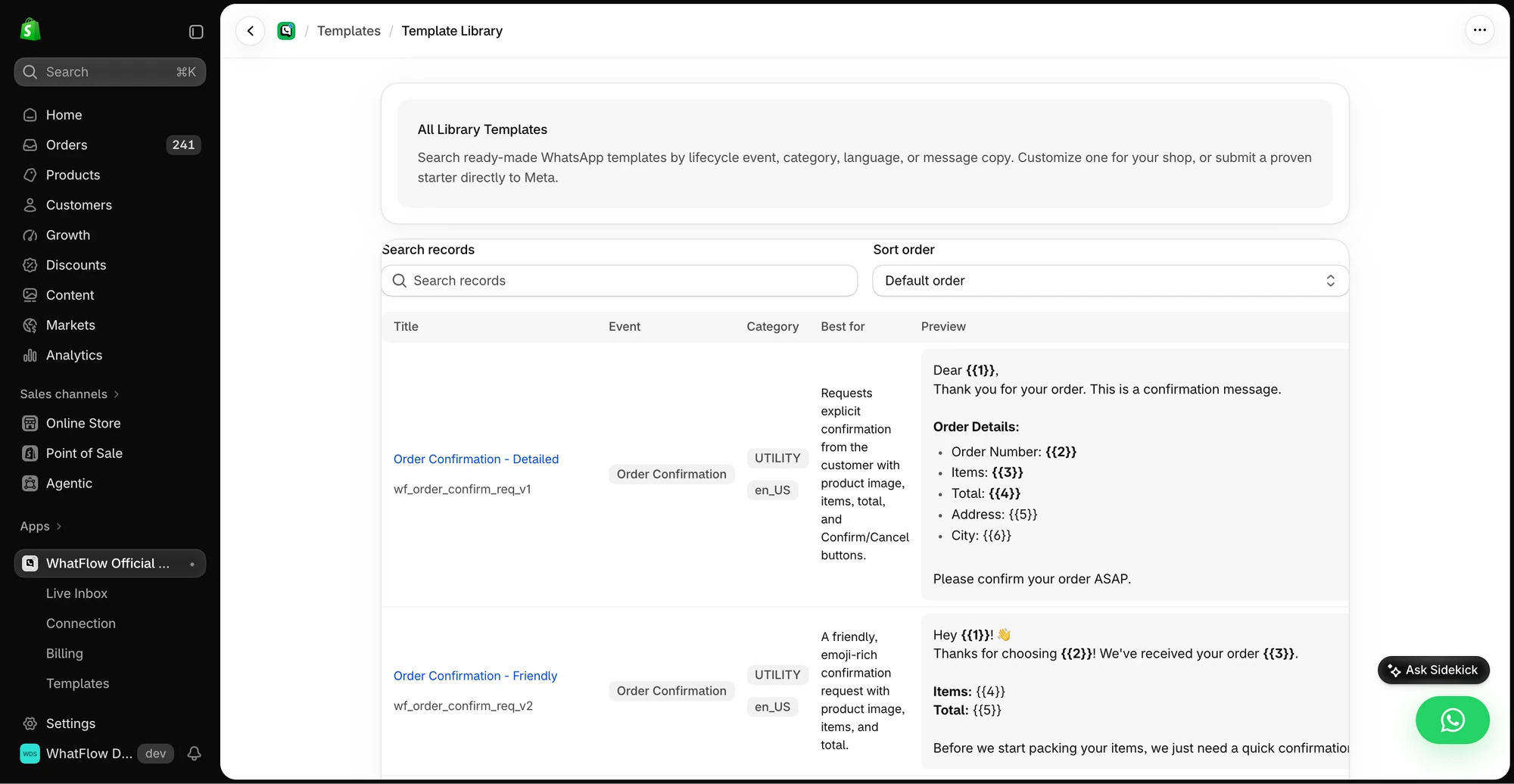
The library shows example messages and the corresponding Shopify event and WhatsApp template category.
Should you send win-back campaigns on WhatsApp?
For many stores outside the US and UK, yes. It's where customers actually read messages. But the rules matter more for win-back than for almost anything else, because you're contacting people who've gone quiet.
The customer needs to have opted in to marketing messages, and not opted out since. An old order-update chat doesn't count as marketing consent. See the WhatsApp Business messaging policy.
Outside the 24-hour customer service window, you need a Meta-approved template. Win-back messages are marketing templates.
Meta charges per delivered template message, with rates that vary by category and country. Check Meta's pricing page and do the sum before you message 5,000 people.
Lapsed customers have less reason to put up with a message they didn't expect. Blocks hurt your WhatsApp quality rating, which affects how many people you can message each day.
Coordinate with email and SMS too. If your email tool is running its own three-step win-back and WhatsApp runs two more, the customer gets five "come back" messages in two weeks. Our guide to coordinating email, SMS and WhatsApp covers how to split the jobs.
For a one-off retention send, start with the eligible repeat buyers you can actually identify in Shopify, or upload an opted-in spreadsheet to WhatFlow Team Inbox. Personalize an approved template and test the product link before scheduling. If someone replies with a question, pick up that conversation in the same inbox instead of sending another automatic reminder. See the broadcast setup and checks.
Plan for the replies
Win-back messages surface old problems. Someone will reply "I stopped because the last bag was stale." That's not an objection to handle, it's feedback, and it deserves a straight answer:
Thanks for telling me. That shouldn't have happened. Do you remember roughly when that order was? I'll check the batch, and if you'd like to try again I'll send a fresh bag at no charge.
(Only offer that if you've actually decided to.)
Decide in advance who handles these. In WhatFlow's shared team inbox, you can assign the conversation to whoever deals with product issues, and there are no per-seat fees for adding them. Don't let these replies sit in a general queue for three days. A customer who took the trouble to explain why they left is the most valuable reply the campaign will get.
When to stop
Two messages, then stop. A purchase ends the sequence immediately. So does an opt-out, or a complaint.
Don't build an escalating ladder: 10% off, then 15%, then 20% "final chance", then another "really final chance". It trains customers to ignore you until the number gets big enough.
Free plan available
Run WhatsApp for your Shopify store with WhatFlow
Templates, COD confirmation, Shopify Flow automations and a shared team inbox with no seat fees. Every feature is included on every plan, including Free.
Profit after discount and message cost, not revenue.
Opt-out and block rate compared with your normal campaigns.
Replies, especially the ones explaining why people left.
What happened 60 days later. Did the people who came back order again, or was it a one-off coupon grab?
Attribution also overstates things. Some of those customers would have come back anyway. If you have the volume, hold back a random 10% of the lapsed group, send them nothing, and compare. That's the only honest way to see what the campaign actually added. And if the replies keep pointing at the same product problem, fix that before you run the next one.
Frequently asked questions
How long should a customer be inactive before a win-back message?
Roughly two of their normal buying cycles. If customers usually reorder coffee every month, someone silent for two to three months is lapsed; a furniture buyer silent for six months is probably just a normal furniture buyer.
Should every win-back campaign include a discount?
No. Start with a reason to return: a new version, a restock, an answer to a past complaint or a product that fits what they bought. Hold a discount for the final message, if you use one at all.
How many win-back messages should I send?
Two on WhatsApp is plenty, spaced about a week apart. If someone ignores both, stop and leave them on your normal broadcast schedule or remove them from marketing sends entirely.
Can I send win-back messages on WhatsApp to old customers?
Only to customers who opted in to marketing messages and haven't opted out. Outside the 24-hour customer service window you need an approved marketing template.