
Multilingual customer messaging on Shopify works when four things line up in the same language: the message, the link it points to, the details inside it (prices, dates, sizes), and the person who answers the reply. Pick one clear rule for which language each customer gets, create a separate approved WhatsApp template for each language, and only promise support in languages your team can actually handle.
Translating "Hi, your order has shipped!" takes thirty seconds. The parts that go wrong are the ones nobody checks: the Arabic message that links to an English tracking page, the Portuguese template with a US date format, the French customer who replies with a question and gets nothing for two days.
Start with one rule for choosing the language
Decide where each customer's language comes from, and write it down. In order of reliability:
- The language she wrote to you in. If a customer messages in Urdu, reply in Urdu.
- The language she shopped in. Shopify lets you publish more than one language, and once you do, checkout and email notifications appear in the customer's language (Shopify localization docs).
- A language she picked, for example on a signup form.
- Your default language, when you don't know.
What not to use: her name or her shipping country. A customer in Dubai might prefer English, Arabic, Hindi, Urdu, Malayalam or Tagalog. Guessing gets it wrong often enough to be annoying.
Keep the same rule across your apps. If your email app uses checkout language and your WhatsApp flow uses country, the same customer gets two languages in one week.
Create a WhatsApp template for each language
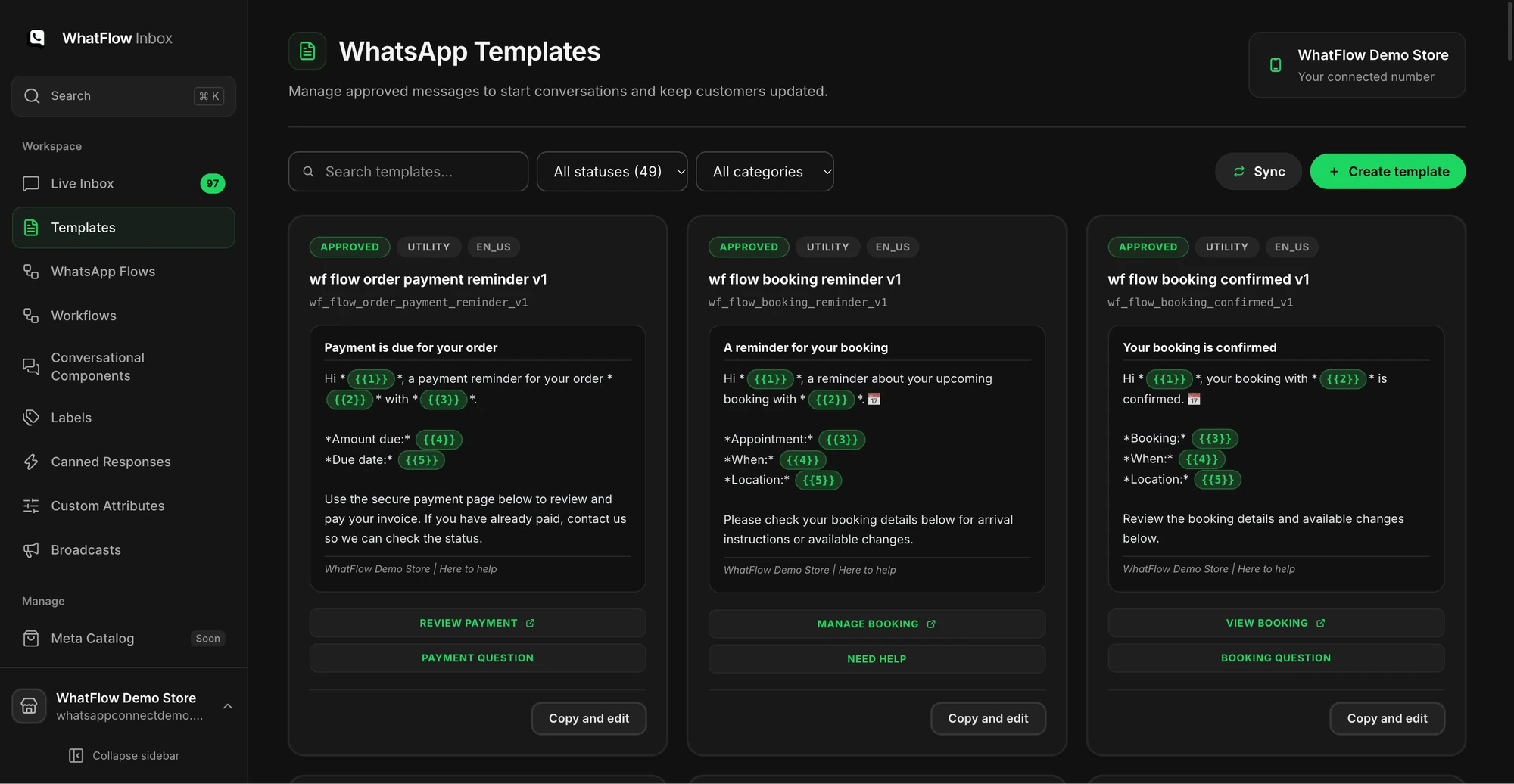
On the WhatsApp Business API, every business-initiated message outside the 24-hour customer service window has to be an approved template (WhatsApp Business messaging policy). Templates support many languages, each with its own code, like ar for Arabic, pt_BR for Brazilian Portuguese, hi for Hindi and ur for Urdu (Meta's supported languages list). Each language version is reviewed and approved separately.