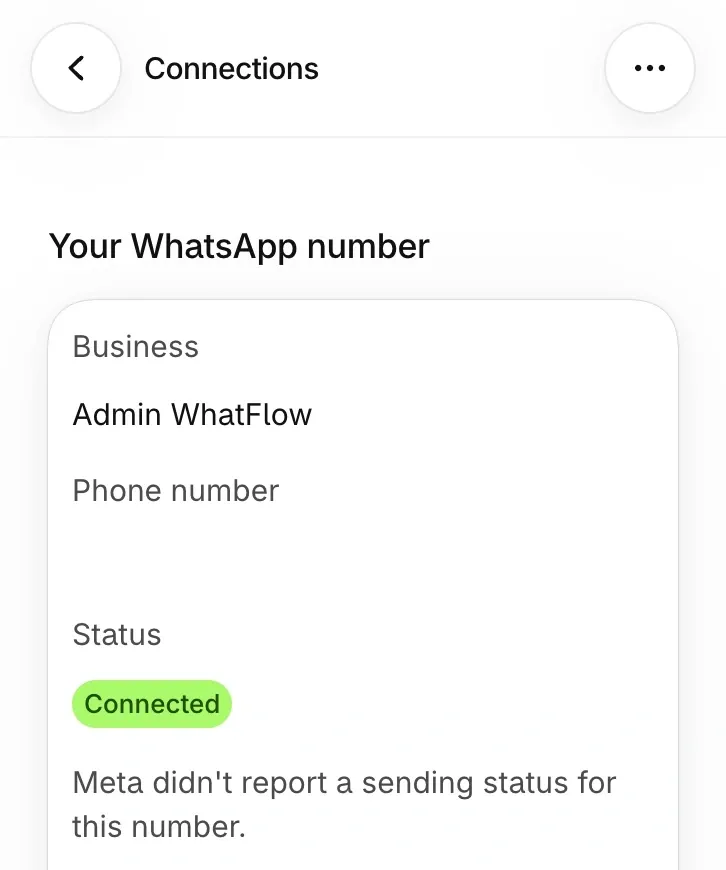

Meta has split the old WhatsApp Business Account (WABA) into two parts. The WhatsApp Account holds your identity: the phone number, display name and business profile. The Messaging Account holds the operational side: message templates, billing and the payment method. If you can't find an invoice or a template, you're probably looking in the right business but the wrong account.
For a Shopify store this matters most at two moments: when you connect a WhatsApp app, and when you add a second one. Get the map down on paper first and both go smoothly.
What changed in Meta's account model?
As of November 2026, Meta's developer docs describe the new structure like this. The WhatsApp Account is "your business presence on WhatsApp". The Messaging Account "manages your message templates, billing, and payment methods", and Meta's separate page on Messaging Accounts adds spend limits and analytics to that list.
Your old WABA didn't disappear. Meta says existing WABA IDs carry over and now identify Messaging Accounts, and phone numbers move into WhatsApp Accounts automatically. The rollout began on September 23, 2026 and was due to reach every business by mid-October 2026. You don't need to re-onboard. Until your business is migrated, WhatsApp Manager may still show the old WABA view, which is why two people on the same team can describe the same setup differently.
Meta has more phases coming: a new Graph API version in the first half of 2027 and a mandatory transition in the first half of 2028. Those are mostly your developer's or app provider's problem, not yours.
Which account holds what?
You're looking for | Where it lives | What it means for your store |
|---|---|---|
The phone number customers see | WhatsApp Account |