When a shopper says their free gift is missing from Shopify checkout, the usual cause is simple: with Shopify's native Buy X Get Y discount, the gift is never added to the cart automatically. Ask which items and variants are in the cart and whether the gift line is there at all. That one answer tells you whether to send a link, check a clashing discount or flag a stock problem.
Most of these chats happen at the worst moment, with a card half-typed into checkout. A fast, correct reply saves the order.
Why isn't the free gift showing up?
Shopify's Buy X Get Y documentation is blunt about it: the “get” item is never added automatically. The automatic discounts page says the same thing from the other side: customers have to add every eligible item, promotional items included. If your banner says “Free mini cleanser with any two serums” and nothing tells the shopper to add the cleanser, you'll get messages.
Third-party gift apps can behave differently, and some add the gift for you. Check how your specific offer is set up before you answer.
Count only “customer buys” items at product prices
Gift at full price, minimum met
Another discount can't combine and is winning
Test with and without the other code
Gift shows sold out
Gift variant inventory is zero
Swap gift or pause the offer
Worked yesterday, not today
Discount end date passed
Dates run on the store's time zone
Wrong scent or size gifted
Variant isn't in the “get” list
Check eligible variants
Gift missing after an upsell
Offer added on the post-purchase page
Buy X Get Y doesn't apply there
A few of those need a word more. Shopify counts the minimum on product prices only, never shipping or tax, and items already reduced by another combinable discount don't count toward it. When two discounts can't combine, Shopify's combination rules apply the best discount for the customer's cart, which might not be the gift. And if the gift's inventory hits zero, Shopify shows it as sold out and the discount can't be used at all.
A worked example: the serum offer
Say you sell skincare. The offer: buy two serums from the Serums collection, get the $14 mini cleanser free. Automatic discount, no code. You also run a WELCOME25 code for 25% off a first order that isn't set to combine with the gift.
At 9pm a shopper writes: “I've got two serums in my cart, where's my free gift?”
Cart: two serums at $32 each, $64. No cleanser line. Fix: send the cleanser link.
Ten minutes later: “Now it says the cleanser costs $14.” She's typed WELCOME25. The two discounts can't combine, so Shopify applies whichever saves her more. 25% of $78 is $19.50; the free cleanser is worth $14. The code wins, and she pays $58.50 instead of $64 with the gift.
She's actually getting the better deal, she just can't see it. One clear reply with the two numbers saves the order, and you've learned the banner should say the gift doesn't stack with welcome codes.
What should you ask first on WhatsApp?
Keep the first reply to one question. The customer is mid-checkout.
Happy to sort that out. Which two products are in your cart, and can you see the mini cleanser listed there at all?
You don't need their address or a screenshot of payment details. If you need a screenshot, ask for the cart totals only.
Saved replies for each cause
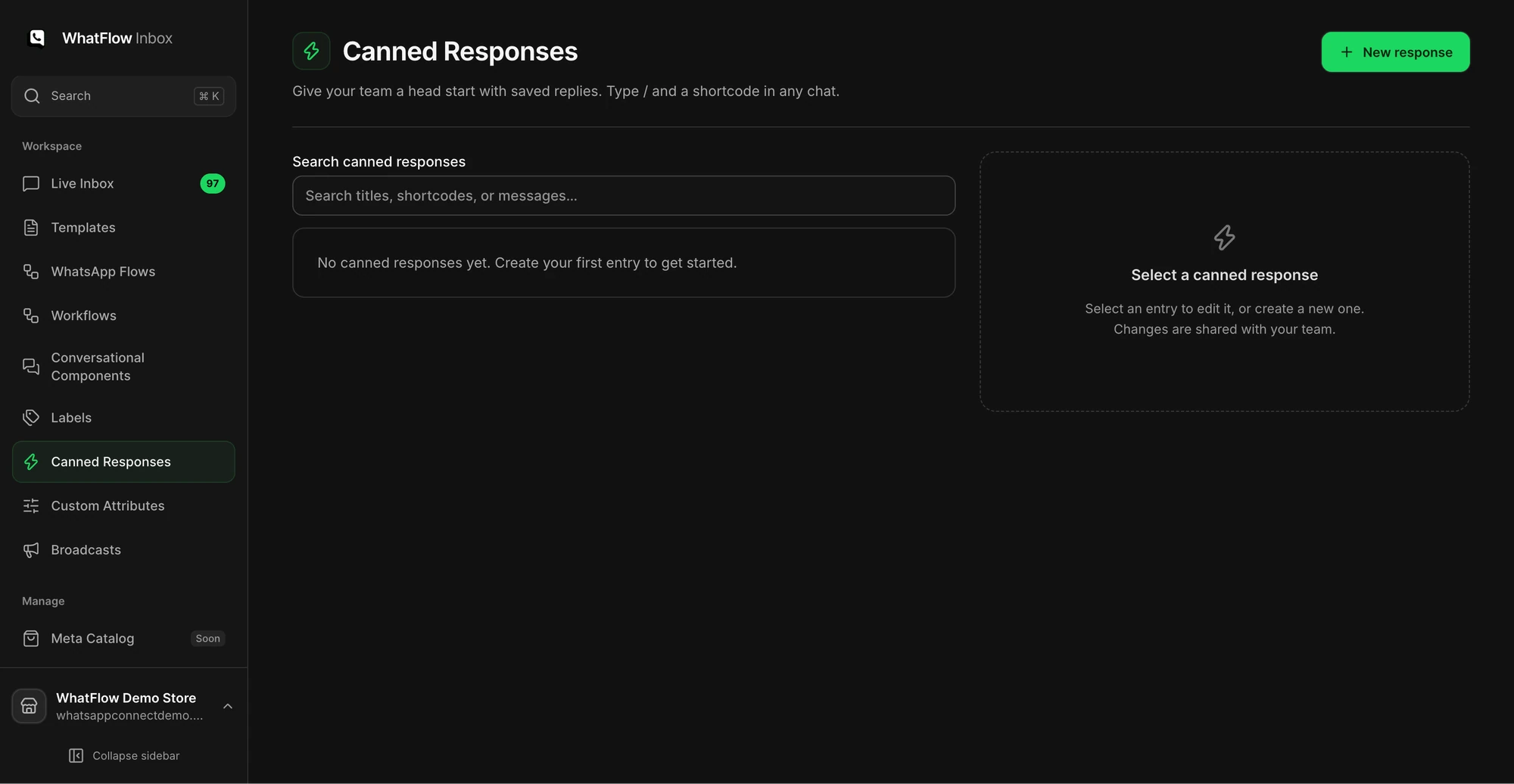
Save these as canned responses in the WhatFlow team inbox so anyone on shift sends the same, tested answer. Send each only after confirming the rule for that shopper's cart.
When the gift isn't in the cart:
Your cart qualifies. Add the mini cleanser from this link and its price drops to zero once both serums are in: [link]. Shopify doesn't add the gift for you, sorry for the extra step.
When another code is clashing:
I can see what happened. Your WELCOME25 code and the free gift can't be used together, so checkout applies whichever saves you more. Right now that's the code: $19.50 off, against $14 for the cleanser. Keep the code and you pay $58.50. If you'd rather have the cleanser free, remove the code and you'll pay $64.
When the gift has sold out:
The free cleanser ran out this afternoon and the offer's paused. I'm sorry. Your serums are still in stock at the normal price if you'd like to go ahead.
When the order's already placed without it:
Thanks for flagging it. Let me check order #[number] against the offer and I'll come back to you today with what we can do.
Keep separate replies for a gift missing from the cart and a gift showing at full price.
That last one deliberately doesn't promise anything. Whether you ship the gift separately, add it to the next order or offer something else is a store policy, and the agent shouldn't invent it at 9pm. If you use a team, assign these cases to whoever can approve exceptions.
Test the offer before the campaign, not after
Before you announce a gift offer on WhatsApp, run this on a phone in each market you're messaging:
Add only the “buy” items. Confirm the banner or cart tells shoppers to add the gift.
Add the gift. Confirm it drops to zero.
Remove one “buy” item. Confirm the gift goes back to full price.
Apply your most common code. See which discount wins.
Check gift stock against your expected orders.
Open the exact link from your WhatsApp template, not one you typed.
Buy X Get Y applies in every market where the products are available, per Shopify's Markets discounts page, and fixed values convert at checkout, so test the market you're actually sending to. If the campaign uses a code, the copy-code button guide covers testing that part. If it depends on a cart drawer gift picker, run the cart drawer link test too.
Run WhatsApp for your Shopify store with WhatFlow
Free plan available. Templates, COD confirmation, Shopify Flow automations and a shared team inbox with no seat fees. Every feature is included on every plan, including Free.
Fix the wording when the same question keeps coming back
Label gift issues in the inbox and review them by offer once a week. If several shoppers assumed the gift would appear on its own, add “Add your free gift to the cart” to the product page, the cart and the campaign template. The WhatFlow support queue guide shows how to set up labels your teammates will use the same way. WhatFlow includes labels, canned responses and assignment on every plan, the Free plan included, so this costs you nothing but the twenty minutes to set it up.
Frequently asked questions
Does Shopify add the free gift to the cart automatically?
Not with Shopify's native Buy X Get Y discount. Shopify's help centre says the free or discounted “get” item is never added to the cart automatically, so the shopper has to add it themselves. Some third-party gift apps do add it, so check how your app works.
Why is my free gift showing at full price in Shopify?
Usually the cart doesn't meet the minimum, another discount that can't combine is winning, the discount has expired, or the gift variant isn't one of the eligible “get” items. Recreate the cart and test it with and without the other code.
What happens to a Buy X Get Y offer when the gift sells out?
Shopify says that when the free item's inventory reaches zero, the product shows as sold out and the discount can't be used. Pause the promotion or swap the gift before shoppers start asking.
Should I promise to ship a missing gift after the order is placed?
Only after checking the order against the promotion terms. If the cart genuinely qualified, many stores add the gift manually or send it with the next order, but make that a policy decision, not an agent's improvisation.
Handle a Partial Shopify Bundle Return Over WhatsApp
A customer wants to return one item from a set. Check the bundle type, the discounted order lines and your policy before you quote a refund on WhatsApp.