
Organise assignments, private notes, saved replies, customer details and follow-ups in Team Inbox.
Give every open conversation an owner
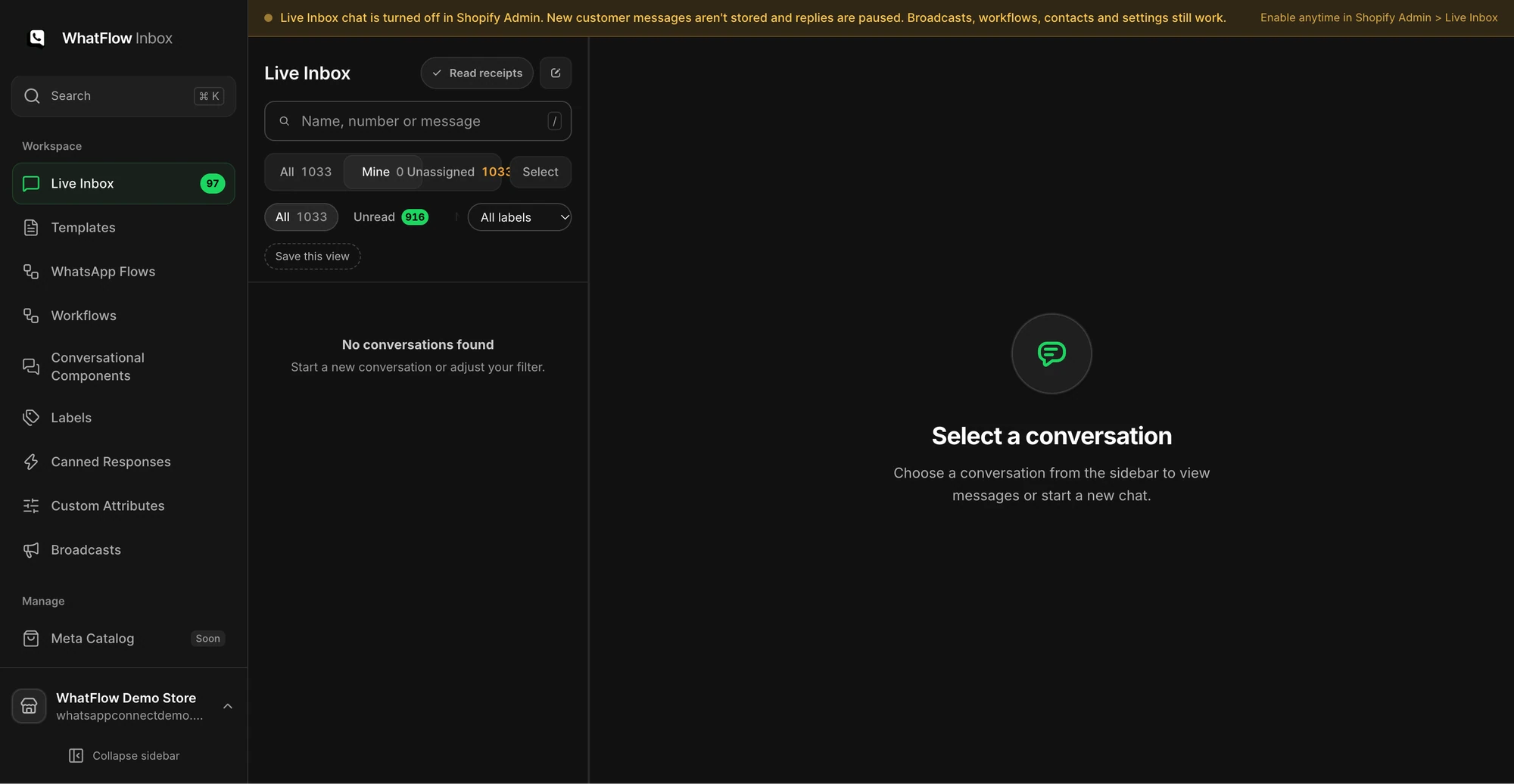
Open WhatFlow’s Inbox from Shopify. Use the assignment filters to find chats that are yours or unassigned. Claim a test conversation and ask a second agent to check whether it appears in their queue. Leave a private note with the order reference, the action you took and who should follow up. Confirm the note stays internal.
Make the customer’s order easy to find
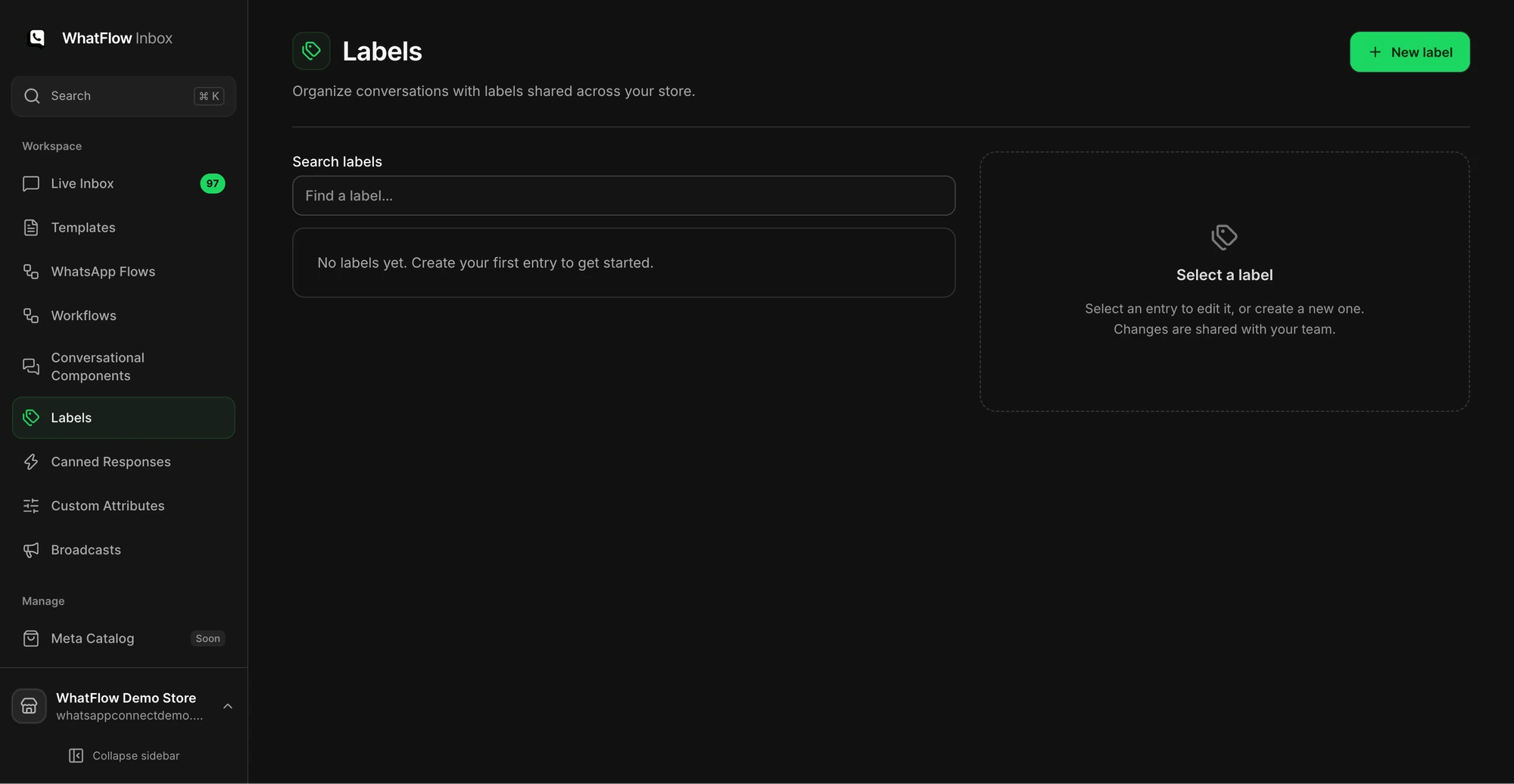
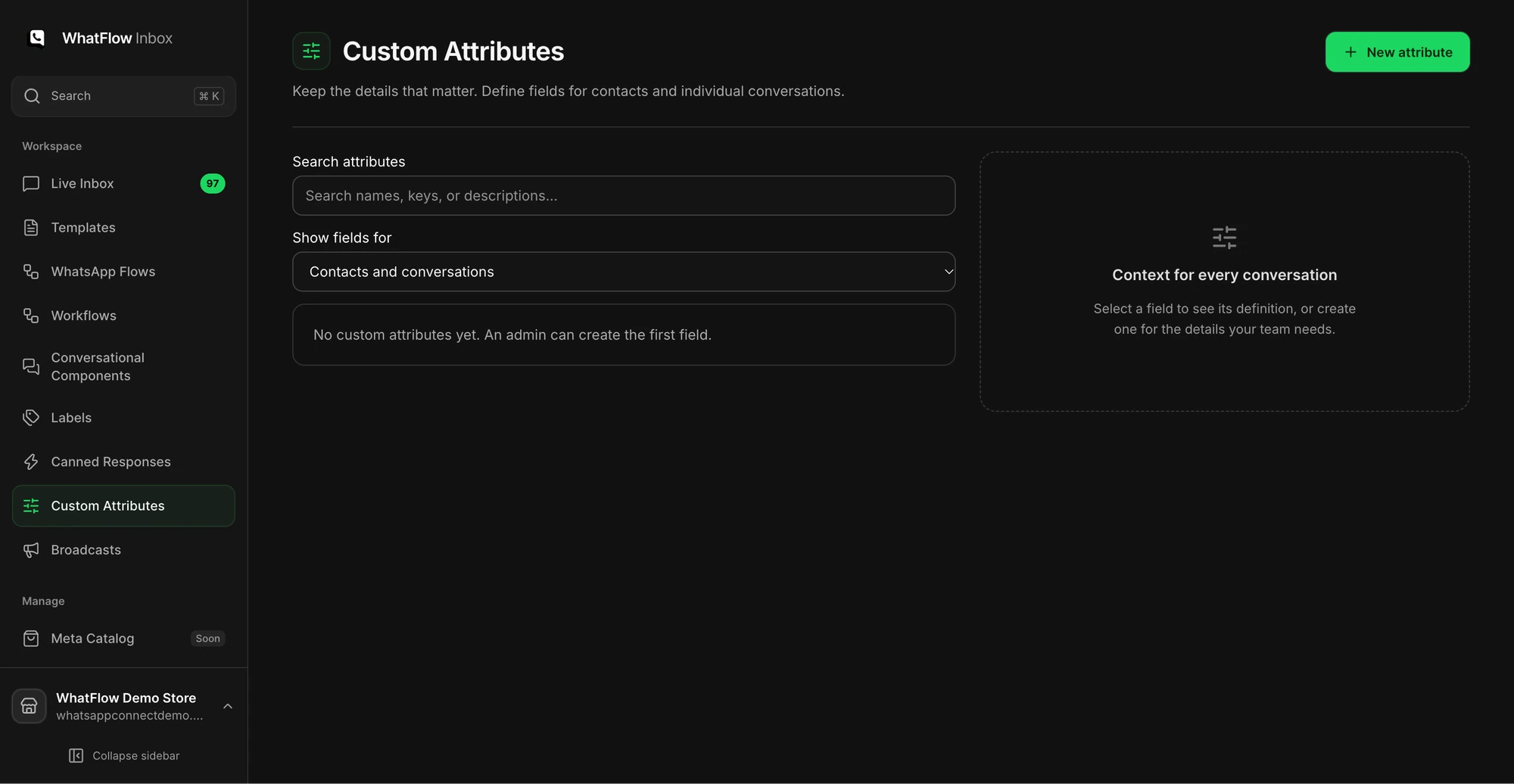
Open the conversation’s Shopify order context and check the order belongs to the right customer before discussing it. Use labels to group work such as address changes or returns. If you need a piece of information a label cannot represent, create a custom attribute at the contact or conversation level that matches the job.
Create a saved reply for a question you get every day
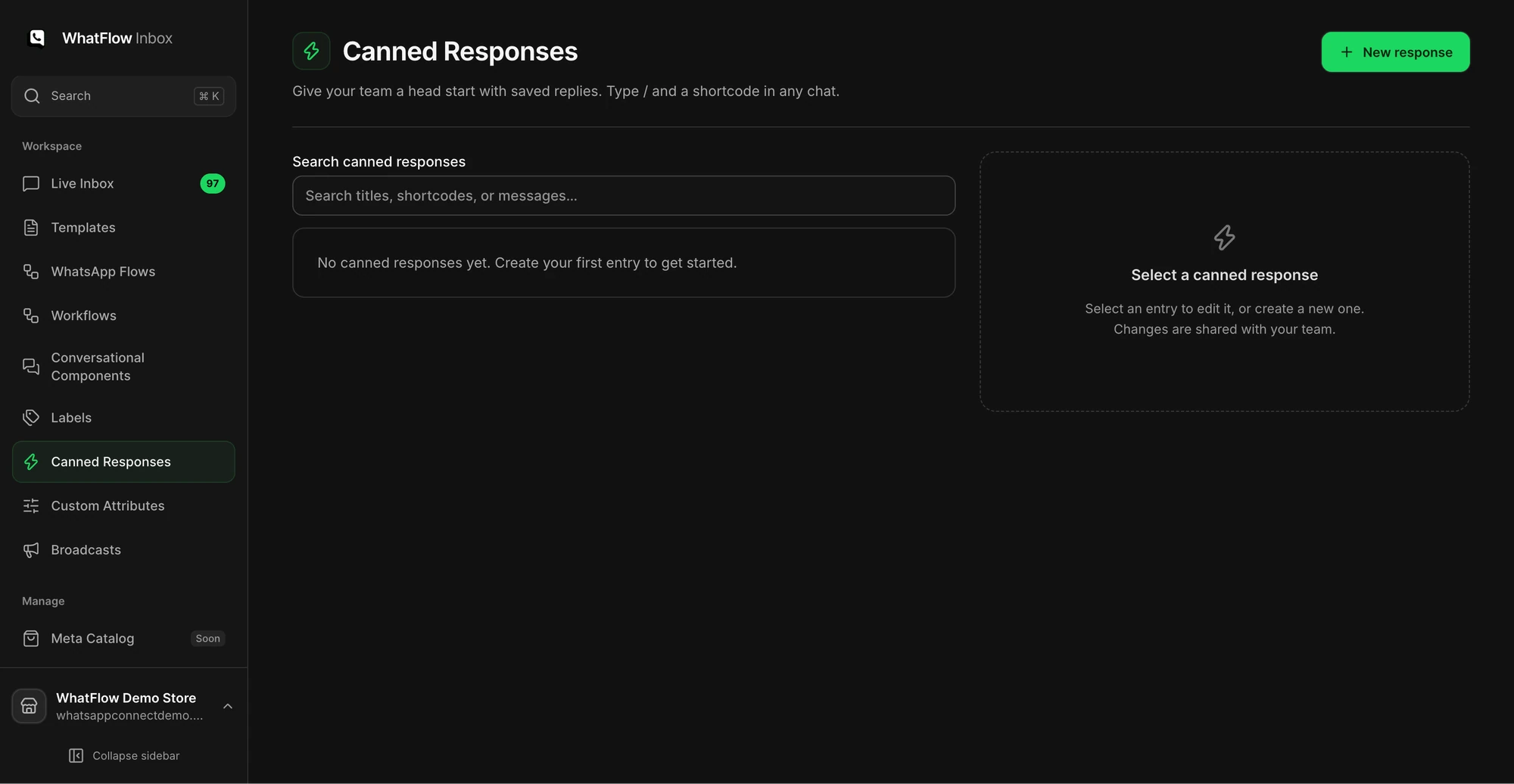
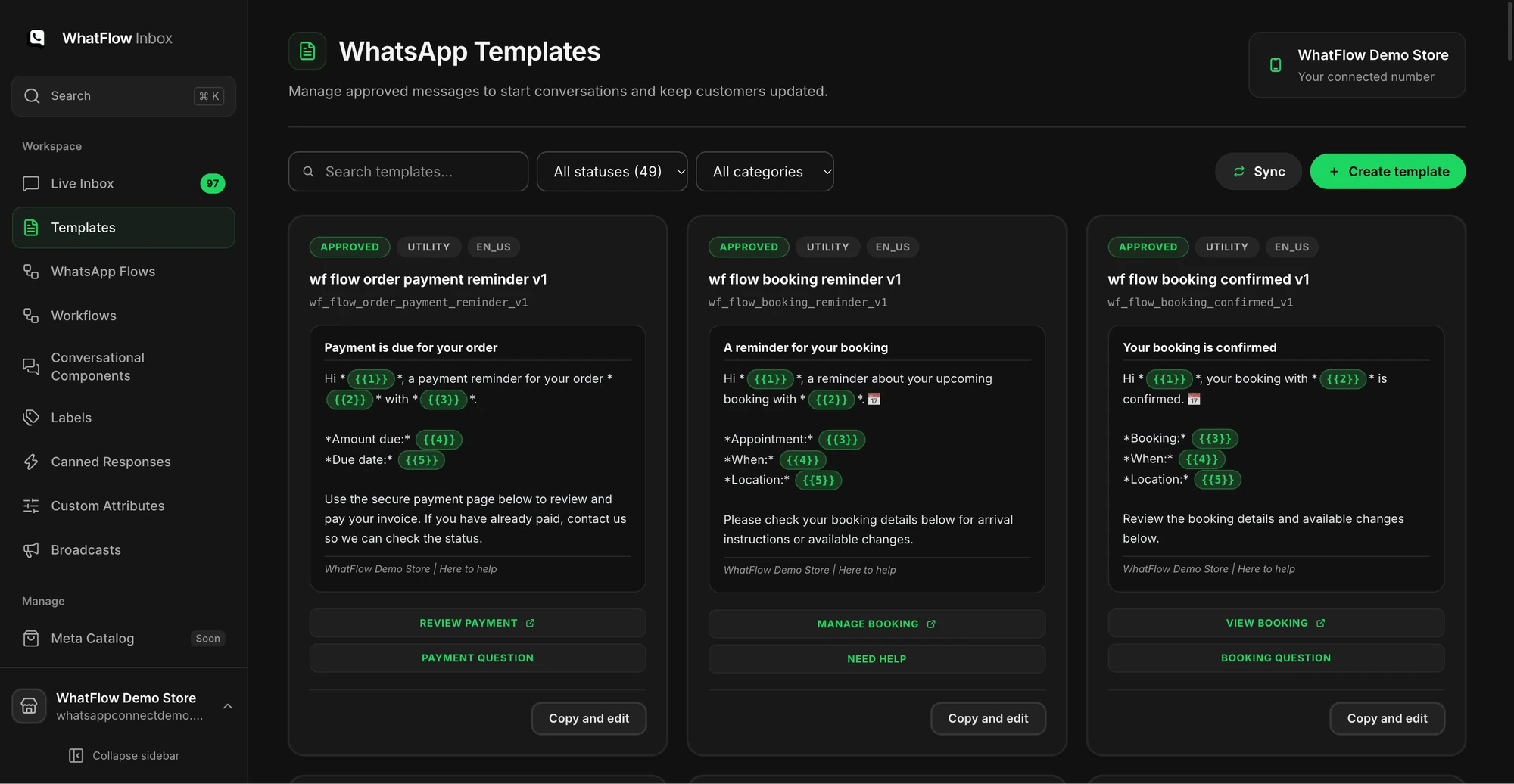
Open Canned Responses and save one short answer. Leave out details that change for each order. In a test thread, insert the reply and personalise it before sending. If the customer service window has expired, choose an approved WhatsApp template from the template picker instead.