
Understand what FlowSense can flag and decide how to review an order before dispatch.
Review the settings before enabling FlowSense
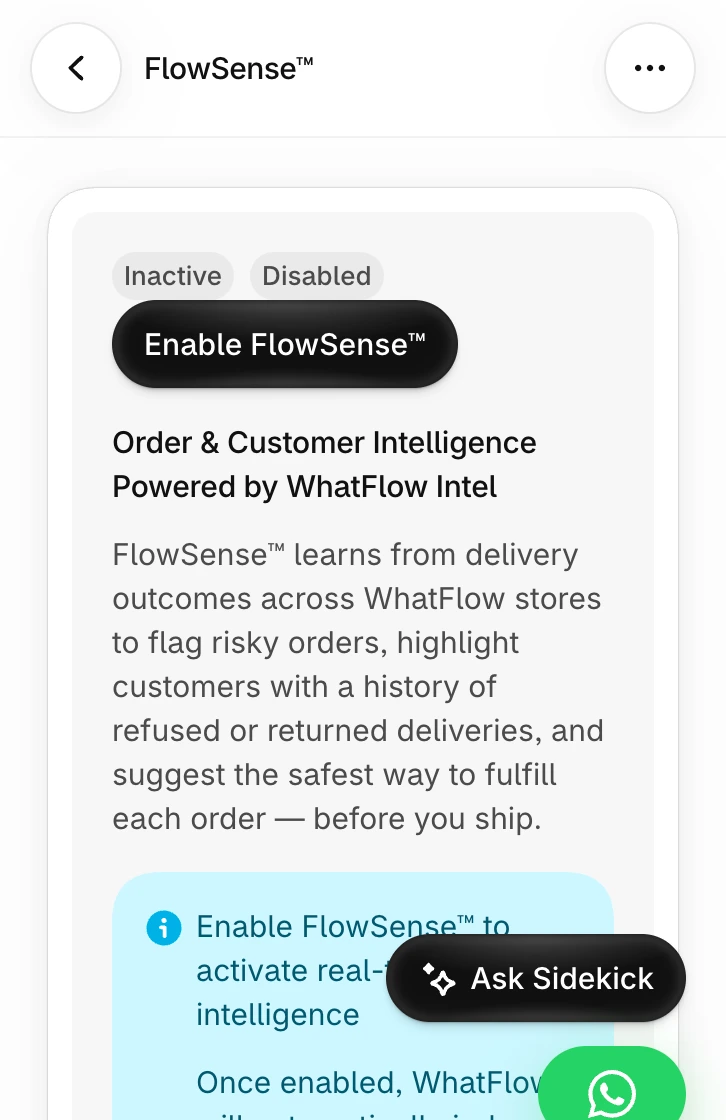
Open FlowSense in the WhatFlow Business API app. Review the description of how it uses order and delivery outcomes and the consent shown in the setup screen. Enable it only if it fits your store’s review policy. A teammate should know where to review the feature and how to turn it off.
Give your team a decision they can explain
Use a flagged order to prompt an address check, a WhatsApp confirmation or another review step your store supports. A suspicious pattern is a reason to investigate. It does not establish that the customer is fraudulent. An unanswered message can also mean the customer was busy.
If the order needs prepayment or a deposit under your store policy, explain that in the payment instructions and record the decision in Shopify. When a buyer has two pending orders, verify which one they are discussing before changing either one.
Check what the merchant sees
Review the example order insights on the FlowSense screen, then rehearse the response with a test order. Check the order record before and after an agent acts. Compare confirmed orders and returned deliveries using your own store history.
For the dispatch decision and the message buttons, use the COD and OTP guide. For a channel choice in Pakistan, see WhatsApp vs robocalls.
GET ACTIONABLE ECOMMERCE & WHATSAPP PLAYBOOKS.
Join 10,000+ merchants worldwide receiving our weekly breakdown on abandoned cart recovery, team inbox workflows, and WhatsApp conversion tactics.