
Publisher disclosure: this comparison is written by WhatFlow. Competitor capabilities are based on the linked public documentation; the WhatFlow screenshots come from our demo store. Examples are illustrative, and results depend on your store and configuration.
WhatFlow and SK WhatsApp Chat Button at a glance
| Consideration | WhatFlow | SK WhatsApp Chat Button |
|---|---|---|
| Best fit | WhatsApp order automation and a shared inbox inside Shopify. | SK by Squadkin gives merchants control over button placement, page targeting, business hours, multiple agent choices and popups that open on conditions such as scroll depth. The listing also describes click and popup analytics. |
| Published pricing | Free app plan with 100 sends included. Starter $4.99/month with 2,000 sends. Overage and applicable Meta charges are separate. | SK lists a free widget tier with two AI conversations. Starter is $29/month plus usage and lists Meta account connection, templates and automated order status sending; the usage table lists $0.15 per additional AI conversation after the 330 included and buffer conversations. |
| Decision | If the reason you’re installing WhatsApp is to put order updates and replies into one Shopify process, I’d start with WhatFlow. The theme button is free, and the same app includes the official connection, shared inbox and native Shopify Flow blocks. | SK is a good specialist when popup timing and storefront engagement are the project. Pick WhatFlow when your team needs to work the messages that result from Shopify orders, without an AI conversation allowance driving the plan choice. |
If the reason you’re installing WhatsApp is to put order updates and replies into one Shopify process, I’d start with WhatFlow. The theme button is free, and the same app includes the official connection, shared inbox and native Shopify Flow blocks.
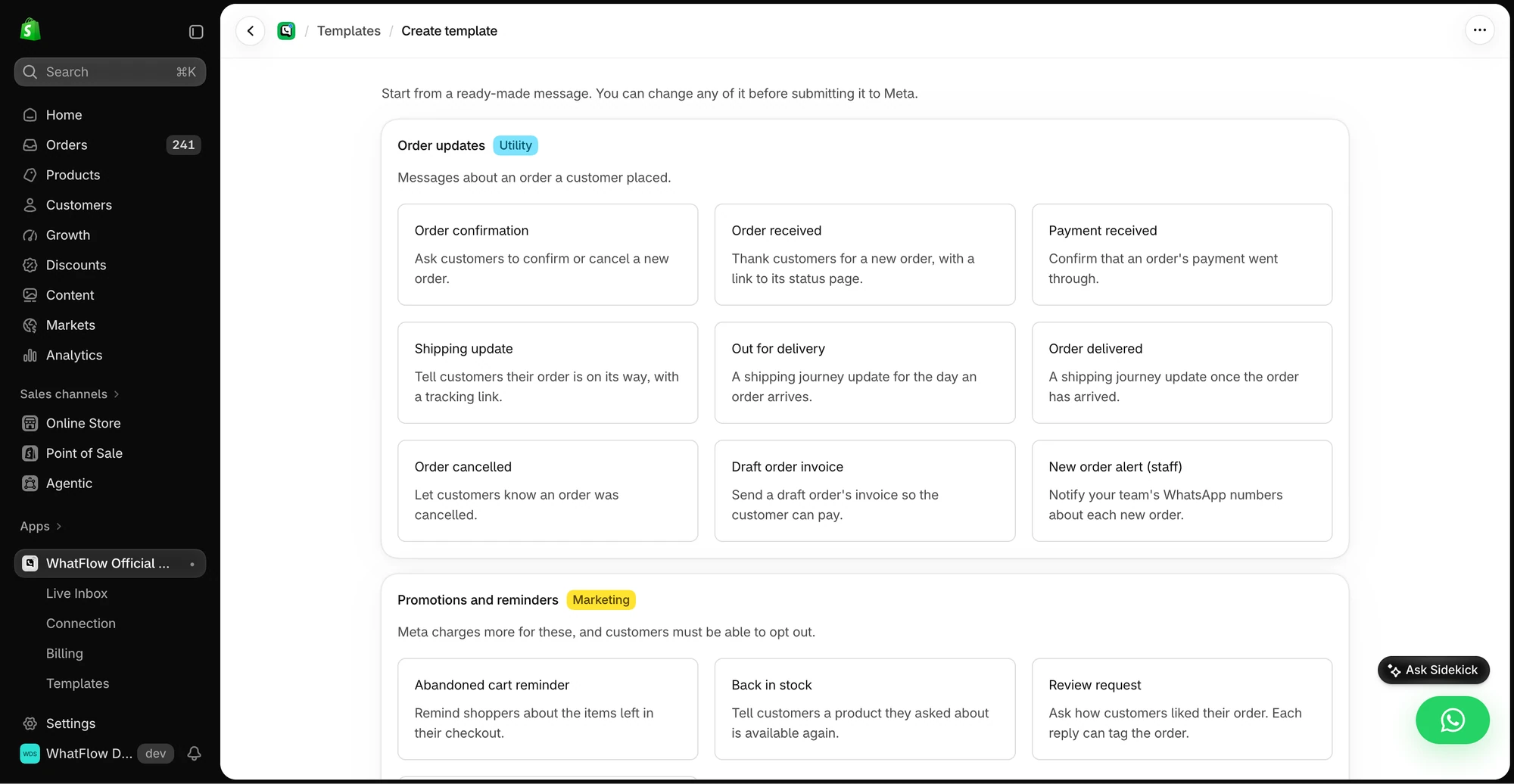
What does SK WhatsApp Chat Button do well?
SK by Squadkin gives merchants control over button placement, page targeting, business hours, multiple agent choices and popups that open on conditions such as scroll depth. The listing also describes click and popup analytics. See the Shopify listing.
What does the setup cost?
SK lists a free widget tier with two AI conversations. Starter is $29/month plus usage and lists Meta account connection, templates and automated order status sending; the usage table lists $0.15 per additional AI conversation after the 330 included and buffer conversations.
If your team doesn’t need an AI agent, price the order updates separately from the AI conversation allowance. WhatFlow charges for sends beyond the plan allowance, so your workload is easier to budget from the number of eligible orders. Check current WhatFlow pricing for allowances and overage rates.
How would I test it in a Shopify store?
A customer scrolling halfway down a sofa listing might benefit from a visible sizing prompt. That’s a widget decision. The reply to a delivery notification three days later is a support decision. Give the two tests separate pass criteria.
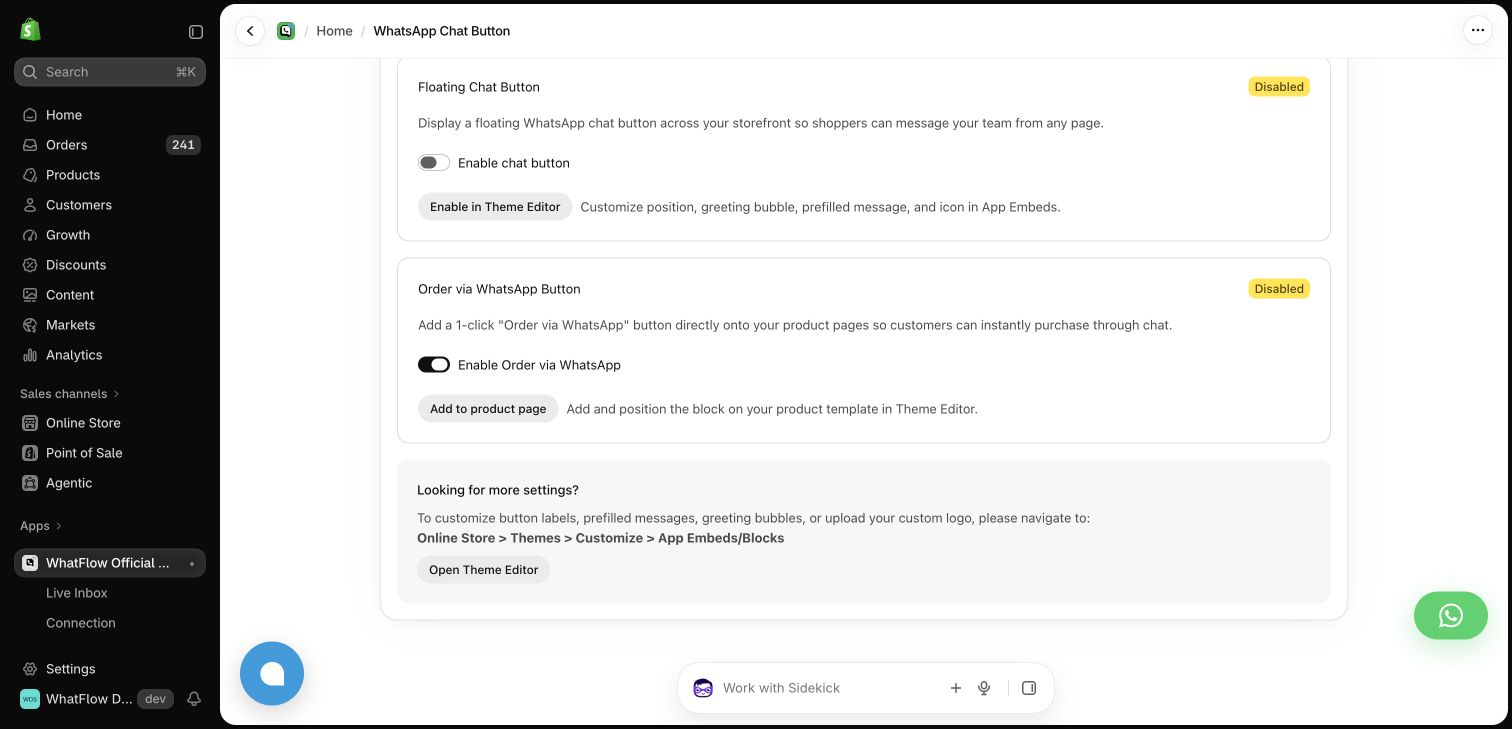
Test the button on a mobile product page and run one order message separately. Confirm which features are in the widget plan versus the messaging plan.
When testing WhatFlow and SK WhatsApp Chat Button, ask: Who owns the conversation when it moves from sales to support? In WhatFlow, the storefront button can lead into a shared inbox with Shopify order context and catalog sharing. Try the product recommendation workflow after testing the click itself.
Which one would I choose?
SK is a good specialist when popup timing and storefront engagement are the project. Pick WhatFlow when your team needs to work the messages that result from Shopify orders, without an AI conversation allowance driving the plan choice.
For WhatFlow in this comparison, I mean the official Cloud API app. I’d pilot it on Free with the shared inbox and the Shopify Flow actions you expect to use. Once the customer journey works, size the messaging plan from the sends you actually expect.
Questions worth asking
How much does SK WhatsApp Chat Button cost on Shopify?
SK lists a free widget tier with two AI conversations. Starter is $29/month plus usage and lists Meta account connection, templates and automated order status sending; the usage table lists $0.15 per additional AI conversation after the 330 included and buffer conversations.
When should I choose SK WhatsApp Chat Button over WhatFlow?
SK is a good specialist when popup timing and storefront engagement are the project. Pick WhatFlow when your team needs to work the messages that result from Shopify orders, without an AI conversation allowance driving the plan choice.
What should I test before switching from SK WhatsApp Chat Button?
Test the button on a mobile product page and run one order message separately. Confirm which features are in the widget plan versus the messaging plan.
Sources and methodology
We checked these primary sources on November 8, 2026. Vendor pages describe advertised capabilities, rather than independent performance tests. Confirm current pricing, plan limits and availability with each provider.
- SK WhatsApp Chat Button on the Shopify App Store
Listing, feature descriptions and USD pricing checked November 8, 2026.
- WhatFlow WhatsApp Business API on Shopify
Official API, listed capabilities and Shopify app pricing.
- WhatFlow plans and messaging charges
App allowance and overage pricing; Meta charges are separate.