
Publisher disclosure: this comparison is written by WhatFlow. Competitor capabilities are based on the linked public documentation; the WhatFlow screenshots come from our demo store. Examples are illustrative, and results depend on your store and configuration.
WhatFlow and Moose WhatsApp Chat Button at a glance
| Consideration | WhatFlow | Moose WhatsApp Chat Button |
|---|---|---|
| Best fit | WhatsApp order automation and a shared inbox inside Shopify. | Moose’s Shopify listing goes beyond the widget in its name. It describes a WhatsApp inbox, a Meta Business Manager connection, abandoned-cart reminders and button click tracking through Google Analytics and Meta Pixel. |
| Published pricing | Free app plan with 100 sends included. Starter $4.99/month with 2,000 sends. Overage and applicable Meta charges are separate. | Shopify lists Moose as free. That is a real price advantage for the app itself. Check what Meta charges apply to your connected number and whether the advertised features cover the workflow you need. |
| Decision | I’d pay attention to the work after the first reminder. WhatFlow gives your Shopify team a shared inbox and native Flow triggers and actions on the free plan, with paid allowances available as sending grows. | Moose is worth trying if a free customizable widget, checkout reminders and click tracking are the whole brief. WhatFlow is my pick when order follow-up needs to be repeatable across staff. |
I’d pay attention to the work after the first reminder. WhatFlow gives your Shopify team a shared inbox and native Flow triggers and actions on the free plan, with paid allowances available as sending grows.
What does Moose WhatsApp Chat Button do well?
Moose’s Shopify listing goes beyond the widget in its name. It describes a WhatsApp inbox, a Meta Business Manager connection, abandoned-cart reminders and button click tracking through Google Analytics and Meta Pixel. See the Shopify listing.
What does the setup cost?
Shopify lists Moose as free. That is a real price advantage for the app itself. Check what Meta charges apply to your connected number and whether the advertised features cover the workflow you need.
Moose’s $0 listing is the right baseline. If the WhatFlow workflow needs 300 sends in a cycle, its Free plan app charge would be $2 in overages, before Meta fees and tax. I’d judge that small difference against the time saved by a repeatable order workflow. Check current WhatFlow pricing for allowances and overage rates.
How would I test it in a Shopify store?
Say someone opens WhatsApp from a product page and asks if a replacement filter fits their machine. A widget gets you the conversation. If the same customer later replies to a COD confirmation, test whether that reply can route to fulfillment and update the right order without someone copying it by hand.
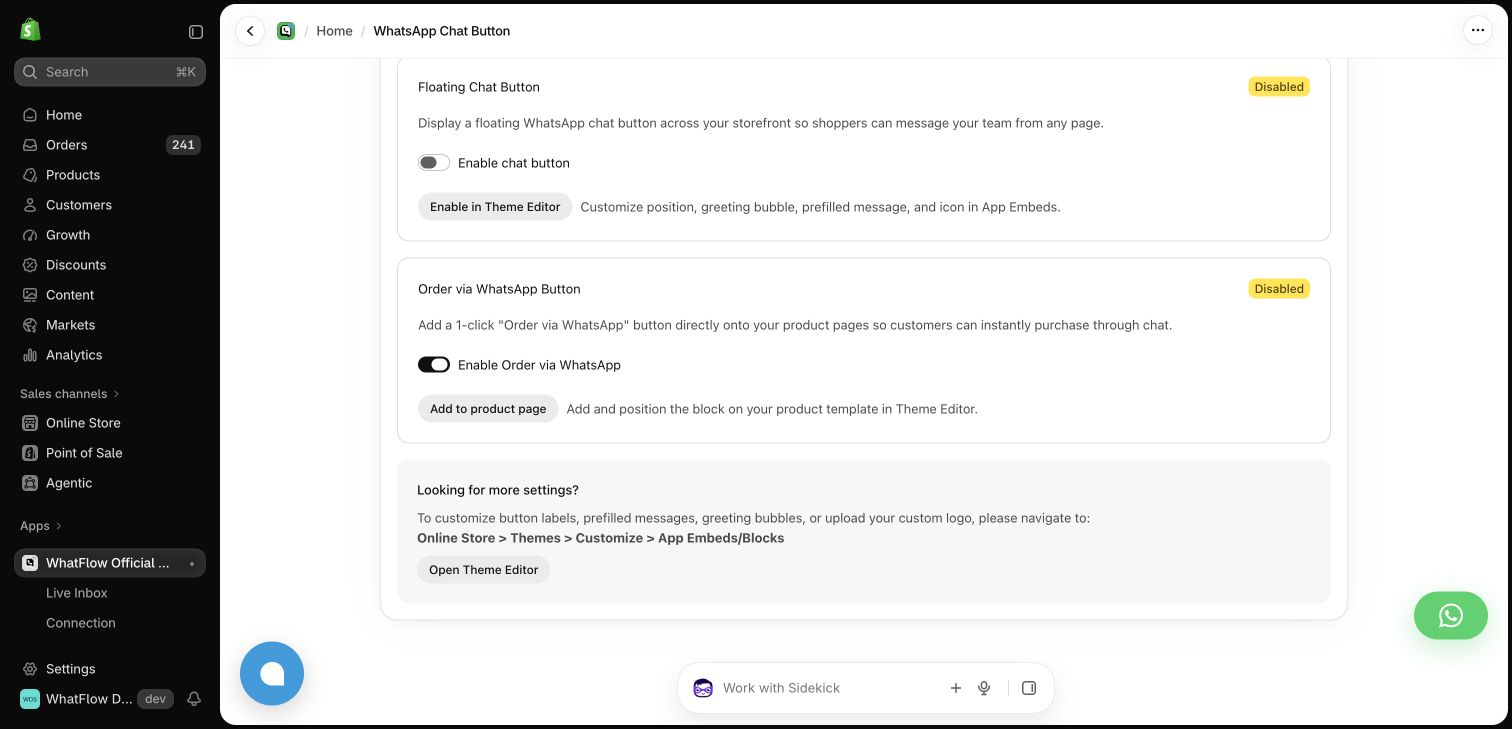
In a demo order, test the customer reply, the Shopify order change and the inbox owner. Check the message bill separately from the app subscription.
When testing WhatFlow and Moose WhatsApp Chat Button, ask: Where does the shopper go after tapping the button? In WhatFlow, the storefront button can lead into a shared inbox with Shopify order context and catalog sharing. Try the product recommendation workflow after testing the click itself.
Which one would I choose?
Moose is worth trying if a free customizable widget, checkout reminders and click tracking are the whole brief. WhatFlow is my pick when order follow-up needs to be repeatable across staff.
For WhatFlow in this comparison, I mean the official Cloud API app. I’d pilot it on Free with the shared inbox and the Shopify Flow actions you expect to use. Once the customer journey works, size the messaging plan from the sends you actually expect.
Questions worth asking
How much does Moose WhatsApp Chat Button cost on Shopify?
Shopify lists Moose as free. That is a real price advantage for the app itself. Check what Meta charges apply to your connected number and whether the advertised features cover the workflow you need.
When should I choose Moose WhatsApp Chat Button over WhatFlow?
Moose is worth trying if a free customizable widget, checkout reminders and click tracking are the whole brief. WhatFlow is my pick when order follow-up needs to be repeatable across staff.
What should I test before switching from Moose WhatsApp Chat Button?
In a demo order, test the customer reply, the Shopify order change and the inbox owner. Check the message bill separately from the app subscription.
Sources and methodology
We checked these primary sources on November 8, 2026. Vendor pages describe advertised capabilities, rather than independent performance tests. Confirm current pricing, plan limits and availability with each provider.
- Moose WhatsApp Chat Button on the Shopify App Store
Listing, feature descriptions and USD pricing checked November 8, 2026.
- WhatFlow WhatsApp Business API on Shopify
Official API, listed capabilities and Shopify app pricing.
- WhatFlow plans and messaging charges
App allowance and overage pricing; Meta charges are separate.