
Publisher disclosure: this comparison is written by WhatFlow. Competitor capabilities are based on the linked public documentation; the WhatFlow screenshots come from our demo store. Examples are illustrative, and results depend on your store and configuration.
WhatFlow and KwikEngage at a glance
| Consideration | WhatFlow | KwikEngage |
|---|---|---|
| Best fit | WhatsApp order automation and a shared inbox inside Shopify. | GoKwik’s KwikEngage lists official WhatsApp API access, a unified inbox, a no-code bot builder, advanced targeting and retargeting across additional channels. It aims at teams running several parts of acquisition and support together. |
| Published pricing | Free app plan with 100 sends included. Starter $4.99/month with 2,000 sends. Overage and applicable Meta charges are separate. | The Shopify listing shows Growth – India at $40/month and Pro – UK, EU, RoW at $270/month, each with a 14-day trial and additional channel usage charges. These are region-specific packages, not two interchangeable quotes. |
| Decision | If your first priority is reliable ownership of WhatsApp replies and Shopify order automation, I’d start with WhatFlow. You can test the official API, the team inbox and native Flow blocks on Free, then budget for messages instead of a larger regional package. | KwikEngage is worth a pilot for a team buying omnichannel retargeting, bot tools and a larger marketing setup. WhatFlow is my choice for a store whose day-to-day work starts in Shopify and ends on WhatsApp. |
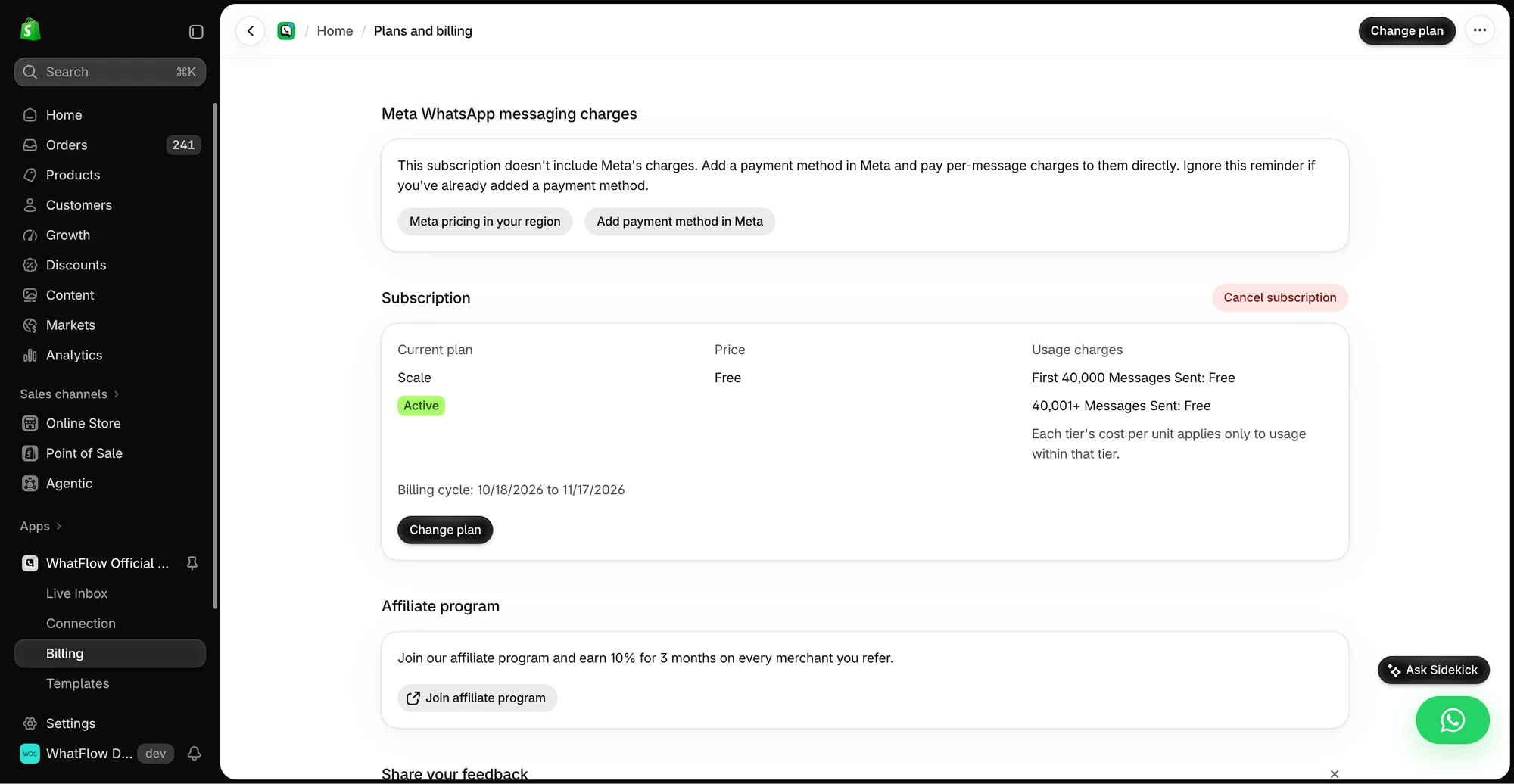
If your first priority is reliable ownership of WhatsApp replies and Shopify order automation, I’d start with WhatFlow. You can test the official API, the team inbox and native Flow blocks on Free, then budget for messages instead of a larger regional package.
When testing WhatFlow and KwikEngage, ask: Can you explain which recipients failed and retry only the ones worth retrying? In WhatFlow, test a Shopify customer or segment send, then try scheduling a separate Inbox broadcast from a spreadsheet or existing conversations. The campaign walkthrough shows the test send, reply handoff and recipient report.
What does KwikEngage do well?
GoKwik’s KwikEngage lists official WhatsApp API access, a unified inbox, a no-code bot builder, advanced targeting and retargeting across additional channels. It aims at teams running several parts of acquisition and support together. See the Shopify listing.
What does the setup cost?
The Shopify listing shows Growth – India at $40/month and Pro – UK, EU, RoW at $270/month, each with a 14-day trial and additional channel usage charges. These are region-specific packages, not two interchangeable quotes.
For an India store, use the $40 Growth quote in the worksheet. A UK store should use the regional Pro quote instead. In either case, compare the bundle against a WhatFlow app plan plus applicable Meta delivery fees, and count only the extra channels your staff will actually use. Check current WhatFlow pricing for allowances and overage rates.
How would I test it in a Shopify store?
A COD brand might want to tag a confirmed order, pause an uncertain one and hand an address question to support. Prove that workflow before paying for wider retargeting. If your team will also use email, SMS and an AI helpdesk every day, price that wider scope on its own merits.
Request the plan for your billing region, list the channels you will actually use and estimate each channel’s charges for a normal month.
Which one would I choose?
KwikEngage is worth a pilot for a team buying omnichannel retargeting, bot tools and a larger marketing setup. WhatFlow is my choice for a store whose day-to-day work starts in Shopify and ends on WhatsApp.
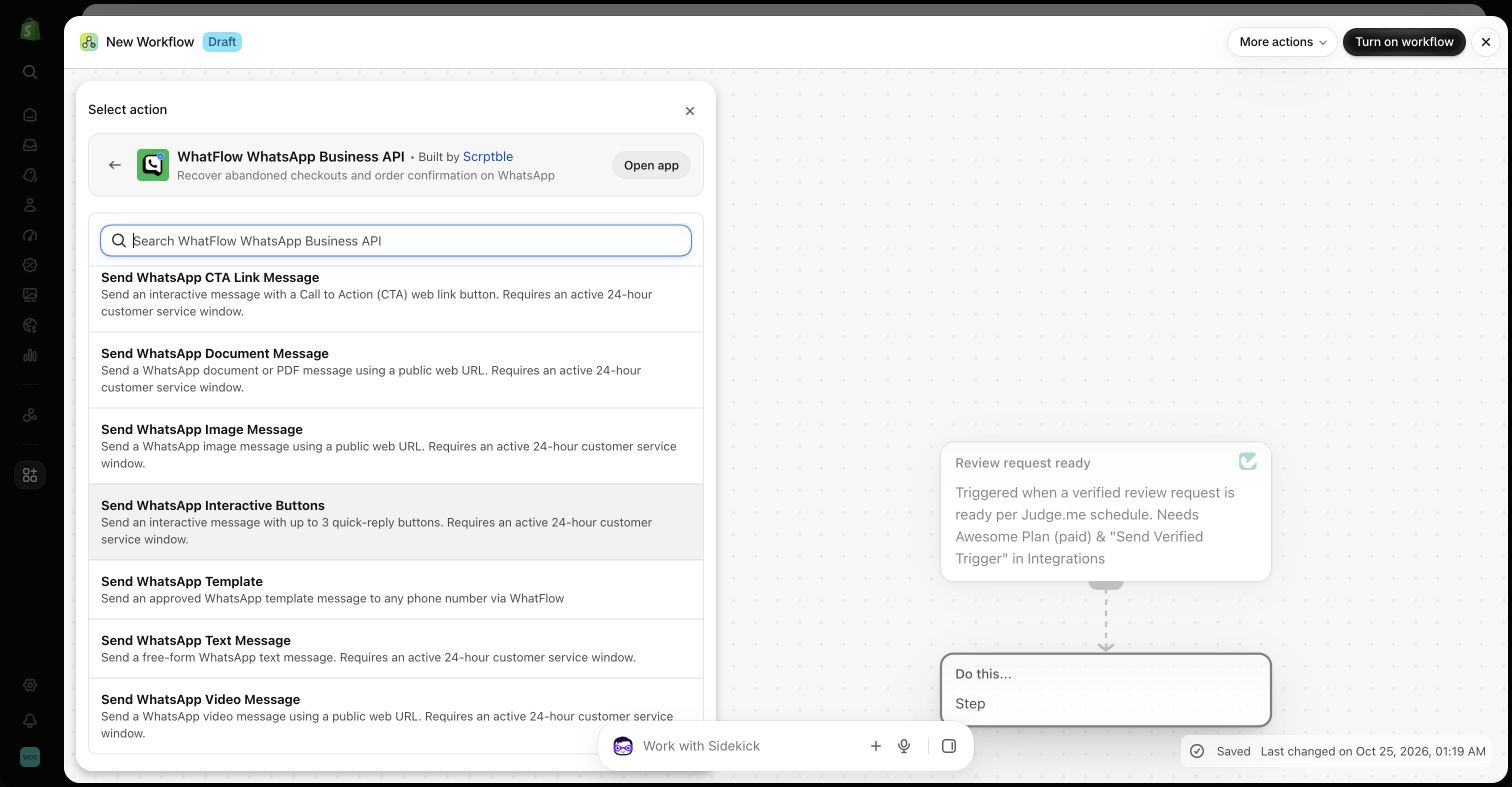
For WhatFlow in this comparison, I mean the official Cloud API app. I’d pilot it on Free with the shared inbox and the Shopify Flow actions you expect to use. Once the customer journey works, size the messaging plan from the sends you actually expect.
Questions worth asking
How much does KwikEngage cost on Shopify?
The Shopify listing shows Growth – India at $40/month and Pro – UK, EU, RoW at $270/month, each with a 14-day trial and additional channel usage charges. These are region-specific packages, not two interchangeable quotes.
When should I choose KwikEngage over WhatFlow?
KwikEngage is worth a pilot for a team buying omnichannel retargeting, bot tools and a larger marketing setup. WhatFlow is my choice for a store whose day-to-day work starts in Shopify and ends on WhatsApp.
What should I test before switching from KwikEngage?
Request the plan for your billing region, list the channels you will actually use and estimate each channel’s charges for a normal month.
Sources and methodology
We checked these primary sources on November 8, 2026. Vendor pages describe advertised capabilities, rather than independent performance tests. Confirm current pricing, plan limits and availability with each provider.
- KwikEngage on the Shopify App Store
Listing, feature descriptions and USD pricing checked November 8, 2026.
- WhatFlow WhatsApp Business API on Shopify
Official API, listed capabilities and Shopify app pricing.
- WhatFlow plans and messaging charges
App allowance and overage pricing; Meta charges are separate.