
Choose the correct workspace for Inbox automations, event webhooks or an external AI assistant.
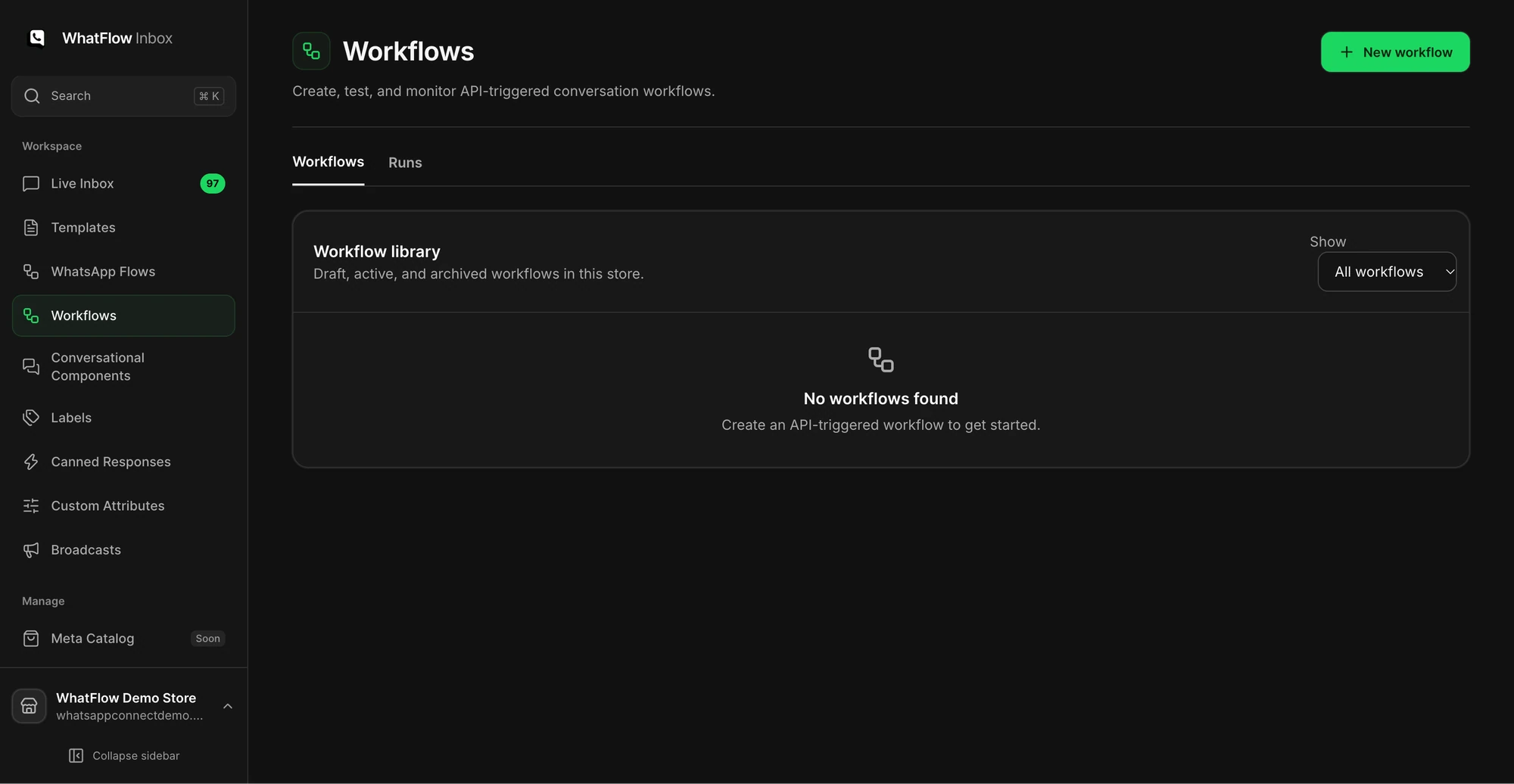
Build and check an Inbox workflow
Open Workflows in Team Inbox and pick the trigger you need. Start with one branch and one action, then inspect the run history to see where it succeeds or fails. An API-triggered workflow is useful when another system initiates a step. Test with a demo contact before sending to a customer.
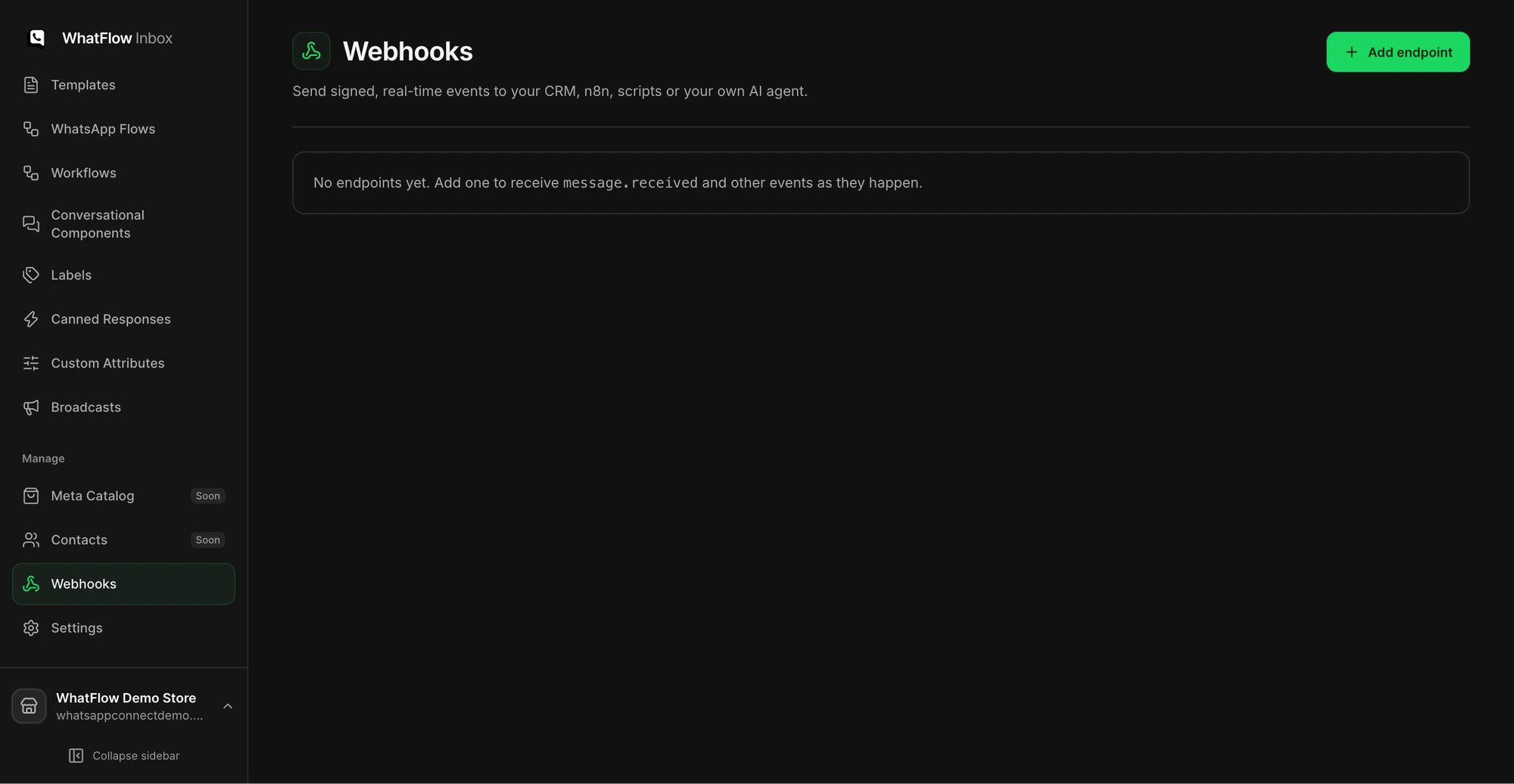
Send Inbox events to another system
Open Webhooks and configure an endpoint for the supported events you need. Verify signatures at the receiving service and treat repeated deliveries as possible. Use a test event and confirm the receiver records it once. See signed Inbox webhooks for the implementation walkthrough.
Connect an AI client with the right access
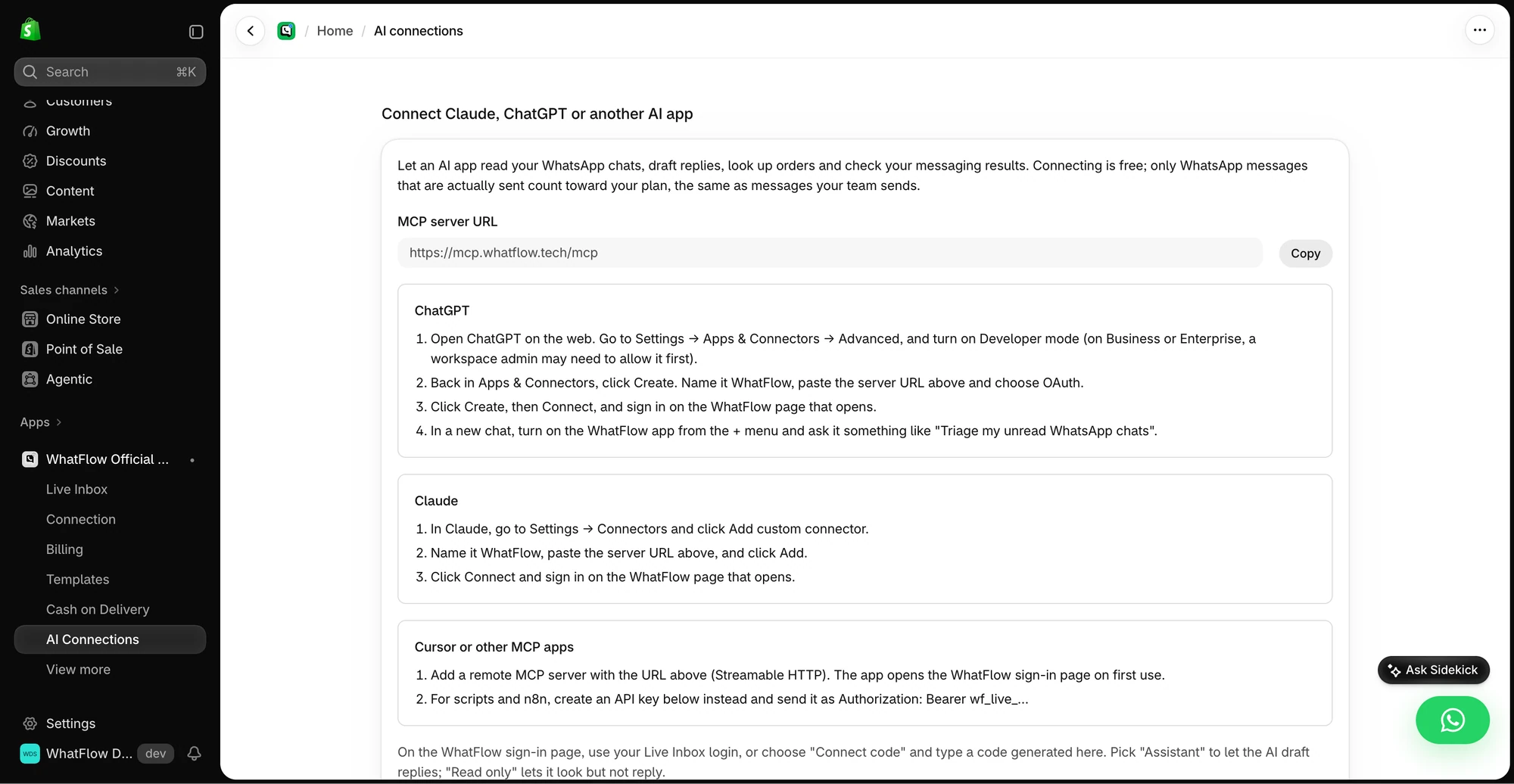
Open AI Connections in the Shopify app. Choose a supported client and follow the setup instructions for that client. Begin with the smallest access level that lets you do the job. Try looking up an order or drafting a response and review the result before granting any capability that changes a conversation.