
To switch Shopify review apps safely, export everything from the old app, import a small sample first, and check each review lands on the right product with the right date, photos, replies and source label. Then update every link to the old review form and only uninstall the old app once the new one is live and checked. A matching row count proves almost nothing.
Reviews are some of the most valuable content on your store, and migrations are where they quietly get damaged. Not deleted, usually. Just attached to the wrong variant, stripped of photos, or relabelled. Here's how I'd do it.
What can go wrong in a review migration
- Wrong product. Product handles or IDs changed, so 40 reviews of the black hoodie now sit on the grey one.
- Lost variant context. "Runs small in size M" means nothing once the review is attached to the parent product with no size info.
- Broken photos. Photo URLs pointed to the old app's storage, which disappears when you uninstall.
- Detached replies. Your thoughtful reply to a 2-star review vanishes or lands under a different review.
- Changed labels. Reviews that were "verified buyer" in the old app aren't in the new one, or worse, imported reviews get a badge they didn't earn.
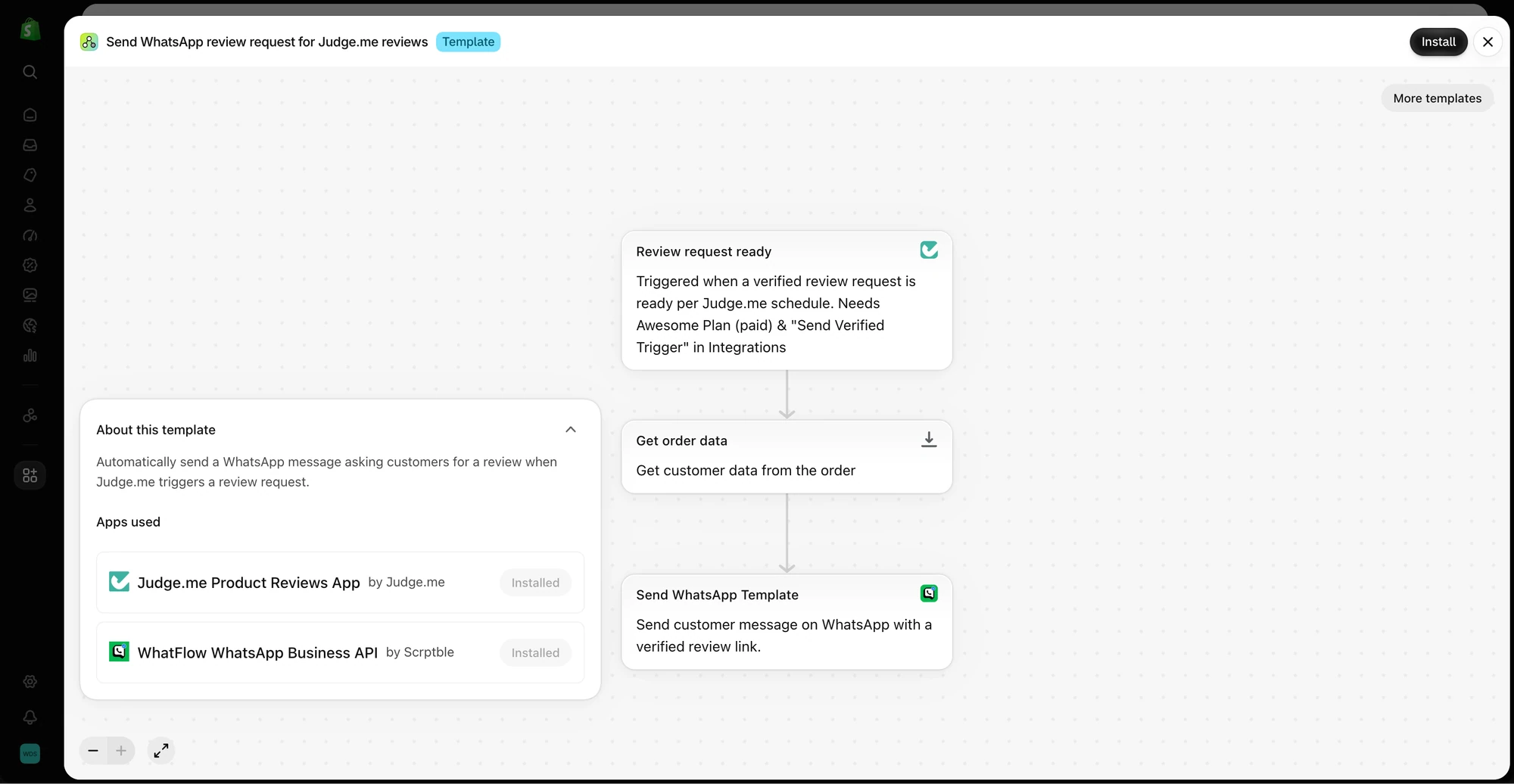
- Dead links. The review-request WhatsApp template still points to the old form, so new reviews go nowhere.
Every one of these can happen with a perfect row count.
Step 1: Inventory and export everything
List what you have: product reviews, store reviews, photo and video reviews, Q&A, your replies. Then export through the old app's normal export tool and save the file somewhere safe with the date in the name.
Open the file. Check which columns exist: product handle or ID, variant, rating, title, body, date, reviewer name, email, verified status, photo URLs, reply. Anything not in the export won't survive the move, so you'll know now rather than after.
The export likely contains customer emails. Keep it out of shared drives and delete working copies once you're done.
Step 2: Match products deliberately
Decide how the new app will match each review to a product. Handles are common, but they change when you rename products. Before importing:
- Check for products you've deleted or merged.
- Check variant-level reviews. Will the new app keep the variant, or attach them all to the parent?