A WhatsApp display name gets approved when it clearly is your business: the brand name customers already know from your website, packaging and Meta business portfolio, written the way you write it everywhere else. On the WhatsApp Business API, Meta reviews that name automatically when your number moves to a higher messaging limit. Until it's approved, customers see your number, not your name, in their chat list.
That last part surprises a lot of merchants, so I'll start there.
What is a WhatsApp display name?
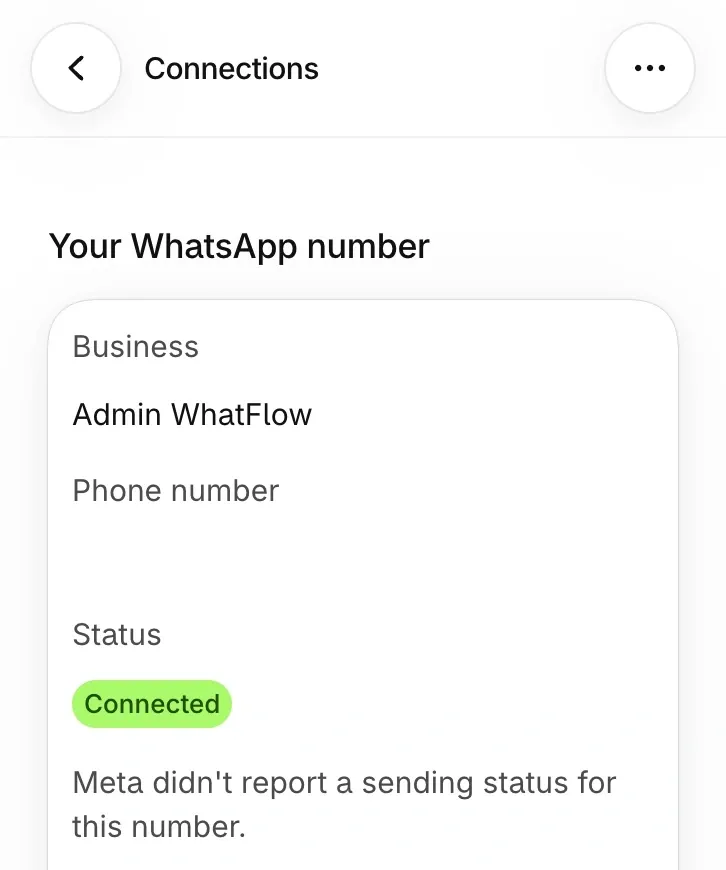
The display name is the business name attached to your WhatsApp number on the WhatsApp Business Platform. You enter it when you connect the number (Meta requires one at registration), and it shows on your WhatsApp profile from day one.
Where it shows more prominently, in chat threads and the chat list, depends on approval. Per Meta's display names documentation, as of November 2026:
- The name appears in the number's WhatsApp profile once the number is registered.
- It can appear in chat threads and the chat list only after it's approved through display name verification.
- If a customer has saved your number in their contacts, WhatsApp shows the name they saved instead.
When does Meta review your display name?
Display name verification isn't a button you press. Meta runs it automatically when your number reaches a higher messaging limit. New business portfolios start at a limit of 250 unique customers per rolling 24 hours for business-initiated messages, and Meta's scaling paths move you to 2,000: verifying your business, partner verification, or sending enough high-quality template messages. If you're unsure where you stand, Meta business verification for WhatsApp explains the paths.
When the review finishes, Meta sends a notification in Meta Business Suite. The outcome is either approved or declined.
What are Meta's display name rules?
Meta keeps its formatting guidelines in a Help Center article, Display name guidelines for the WhatsApp Business Platform. Read it before you submit. I'm linking it rather than paraphrasing it, because it changes and I'd rather you see the current wording.
Two rules sit in Meta's policy and developer docs, and they're the ones that matter most:
- The says you must not impersonate another business or mislead customers about the nature of your business, and you can't misrepresent your affiliation with a business or entity.