
Choose a permitted Shopify or Inbox audience, test the send and read the campaign results before retrying failures.
Choose where to send from
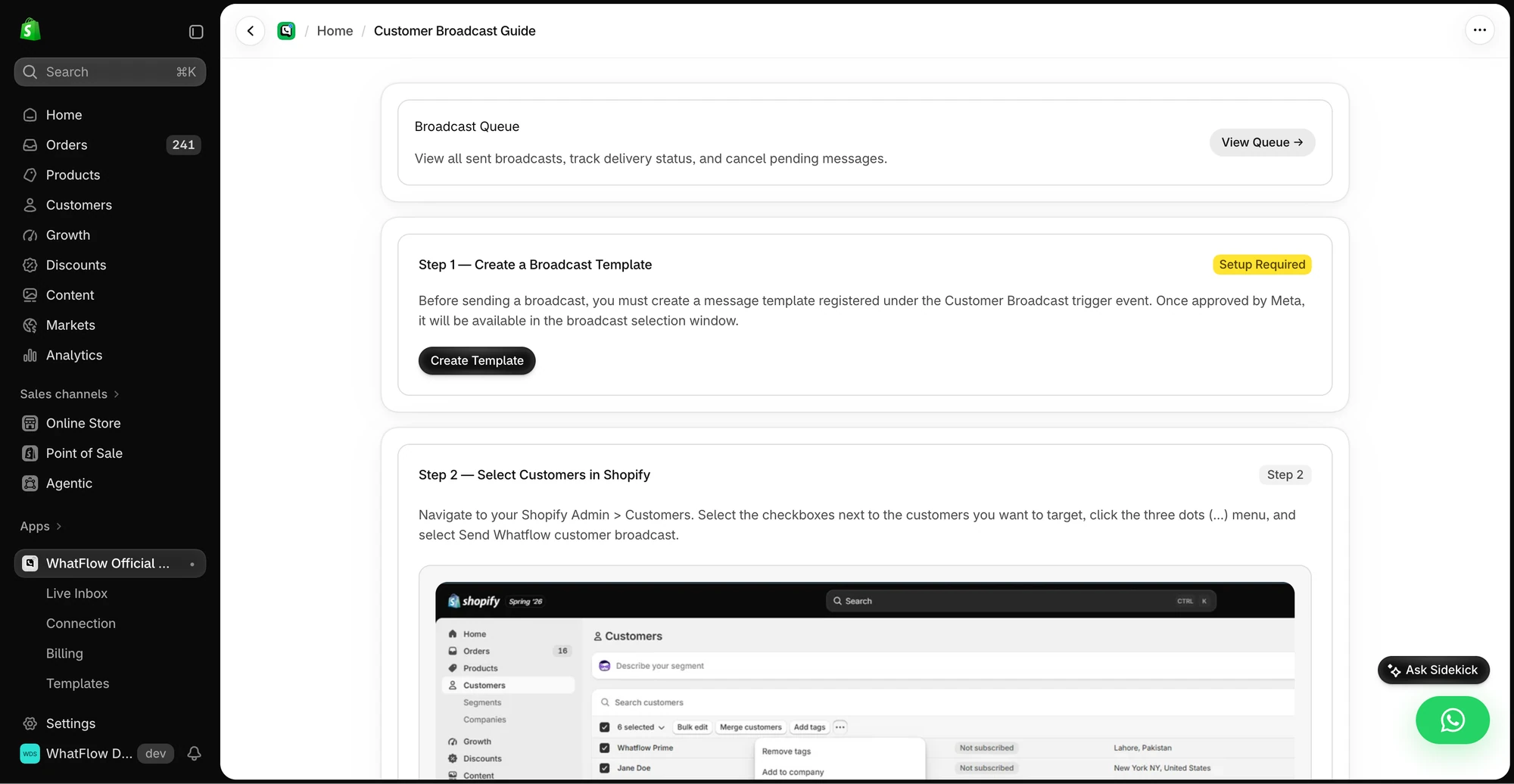
For a broadcast starting with Shopify customers, open the Customer Broadcast guide and select the recipients through the Shopify workflow it shows. In Team Inbox, the Broadcasts workspace is a separate route for building and monitoring campaigns. Use the audience source your workflow supports. Check that everyone in the batch has permission for the message.
Preview the template and the recipient fields
Pick an approved template and map the data it expects. If the audience comes from a spreadsheet, check the phone format, required variables and duplicates. Test-send to a number you control and open any buttons or links. Assign a teammate to handle replies before you schedule the batch.
Read the result before retrying
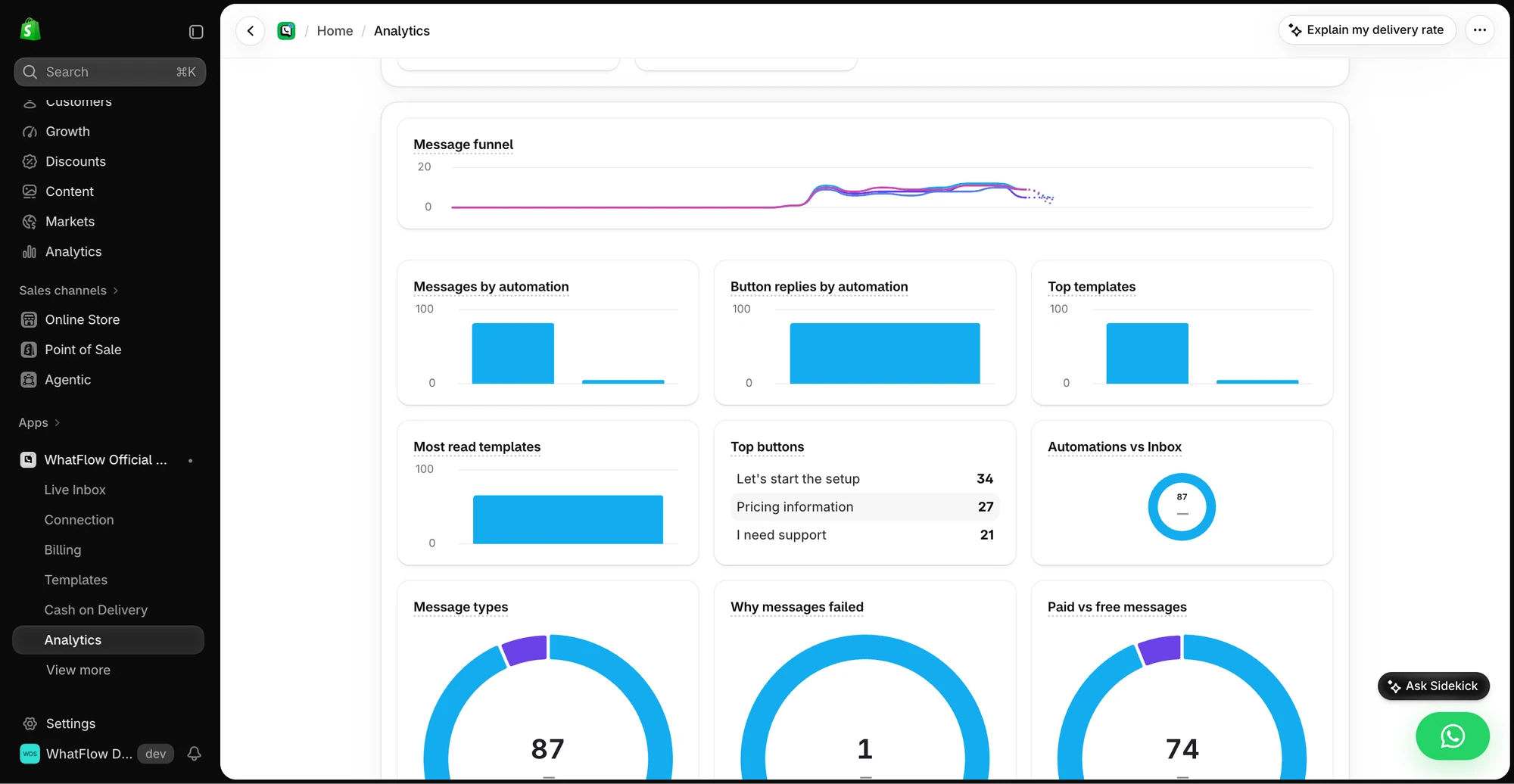
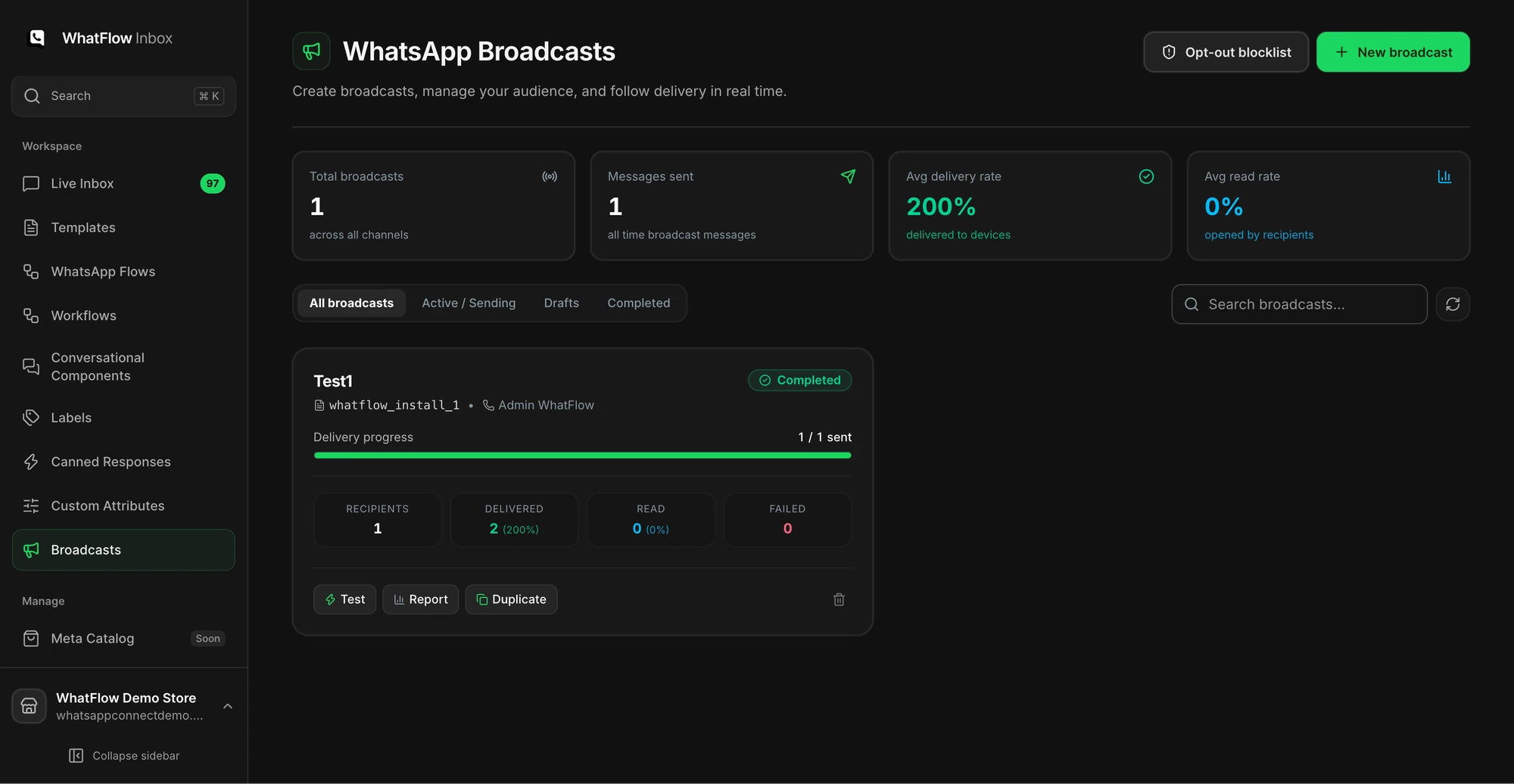
Compare sent, delivered, failed and reply counts. Inspect the actual failure codes before retrying. Keep successful recipients out of a retry batch. Treat completed Shopify orders as a separate outcome and decide up front how you will attribute them.